

Brave Search: Answer with AI takes over, but you can turn it off
Brave Search's new Answer with AI feature is now available. The feature replaces AI Summarizer, which was used on Brave Search previously to provide summaries based on user queries. In a nutshell: […]

Google considers charging you extra for AI-powered Google Search features
A report by the Financial Times (via Neowin) suggests that Google is considering charging search users for use of AI-powered search features. The push towards an AI powered future has reached search […]

Marginalia is a search engine that you should check out
Marginalia is not your typical search engine. Major search engines like Google Search or Bing Search are becoming vessels to push advertisement and sites that push advertisement. Yes, that is a generalization, […]

Brave Search finally gets native Image and Video search capabilities
If you tried Brave Search in the past, you may have noticed that it redirected requests to find images or videos to either Google Search or Bing. Today, Brave Software announced the […]

Bing Chat support is rolling out to non-Microsoft browsers
Microsoft is in the process of rolling out Bing Chat support for non-Microsoft browsers. Interested users who try to access Bing Chat in another web browser currently, e.g., Google Chrome or Mozilla […]
Bing Chat keeps a conversation history now
Microsoft's Bing Chat search is getting a large number of new features and updates regularly. Microsoft publishes updates regularly on the Bing website that list new features and improvements. The most recent […]

Neeva shuts down its search engine to focus on AI products
Remember Neeva? We reviewed the search engine back in 2022. The startup promised a better search experience and based this on a number of product ideas. One of the core ones was […]

Microsoft's bid to make Bing the default Firefox search engine
Microsoft's Bing search engine could soon become the default search engine of Mozilla's Firefox web browser. All web browsers come with a default search engine that is used when users run searches. […]

Google is chasing other search engines now
Up until very recently, Google Search was the clock when it came to online search. Google Search dominated, and still dominates, search, but the tide seems to be turning, and it is […]

Brave Search reaches full independence
Brave Software announced that its search engine Brave Search has reached full independence of other search engines. Brave Search's journey began in 2021 with the acquisition of Tailcat's search engine and development […]

DuckDuckGo disables most search filters from Search
Internet search engine DuckDuckGo launched an update recently that removed most search filters, also called operators, from the search engine. Removed search operators include "" to search for exact terms, the "-" […]

Bing Chat gets LaTeX support for mathematical equations
Microsoft has integrated support for LaTeX into Bing Chat this week. Bing Chat is a special version of OpenAI's ChatGPT dialogue-focused AI. Launched in 2023, Bing Chat has been a huge success […]
Microsoft testing a new Compact View mode on Bing Search
If you have used Microsoft's Bing search engine lately, you may have noticed that its search results pages offer so many information that it may be difficult to focus on the page. […]

Bing Chat can return images and videos now
Microsoft has integrated image and video chat search options into Bing Chat. The AI may return images or videos directly in the search results, adding even more capabilities to Bing Chat. When […]

Microsoft unveils plans to monetize Bing Chat
Bing Chat is a tremendous success for Microsoft. The service is used by millions of users and it has driven a lot of new users to Microsoft's Bing platform. It was clear […]
Google Search: About this result Information verification option now available
If you have used Google Search today, you may have noticed the three-dots menu next to each search engine result. This new "about this result" option is rolling out globally over the […]

Microsoft increases Bing Chat turns to 200/20 per day
Microsoft continues to experiment with Bing Chat turns. The company is now testing an increase to 200 daily turns and 20 turns per chat session. When Microsoft launched Bing Chat, it did […]

Microsoft is adding AI-generated content to Bing's search results
Microsoft continues to evolve Bing Chat and AI-powered services. Last week, Microsoft launched an update to Bing that is bringing AI-generated content to search results. Up until now, Bing Chat, the AI […]

Microsoft Bing: page visits and app downloads up since AI integration
Use of Microsoft Bing's search engine and the Bing apps on mobile have surged since the company launched the first Bing Chat version according to a Reuters report. The launch of Bing […]
Bing's Image Creator: the perfect tool for turning your words into captivating images
Microsoft announced today that it is bringing image creation capabilities to Bing Chat. The new functionality is powered by an an advanced version of the DALL-E, according to Microsoft. Bing Chat users […]

Microsoft opens up access to Bing Chat for everyone
If you did not have a chance to use Microsoft's Bing Chat AI yet, now is your chance to give it a try. Microsoft appears to have opened up access to Bing […]
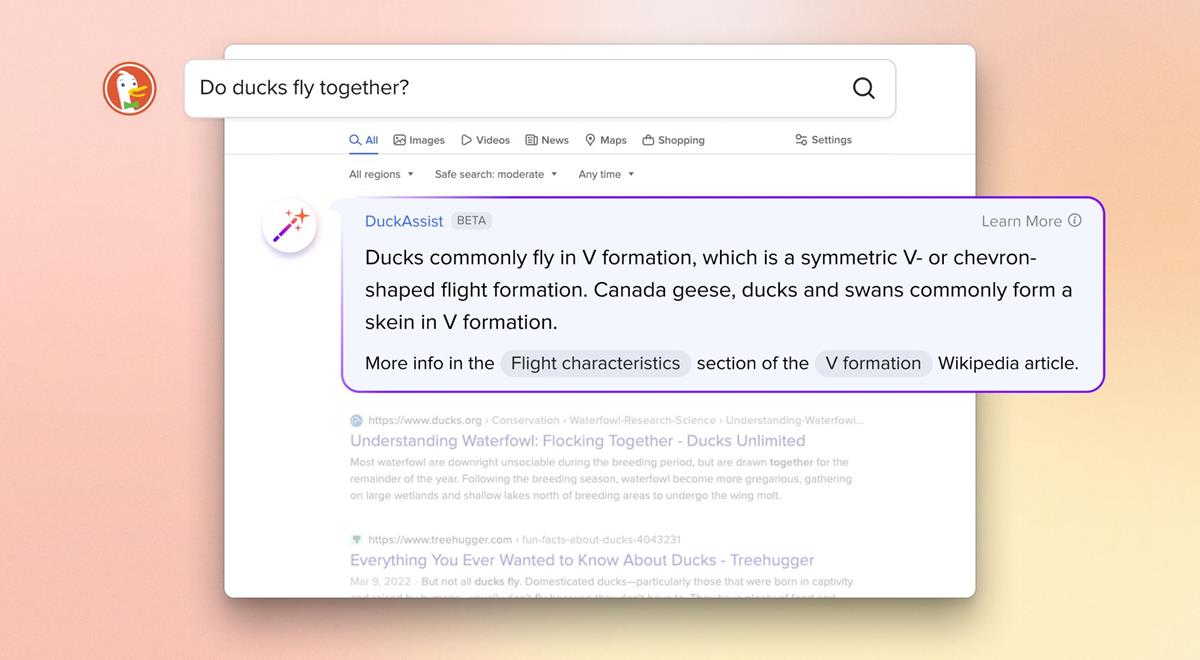
DuckDuckGo launches DuckAssist: an AI search tool that provides instant answers from Wikipedia
DuckDuckGo has announced an AI-assisted private search option, called DuckAssist. This is not a chatbot, it just answers queries, without following up on the topic. The popularity of artificial intelligence language models […]
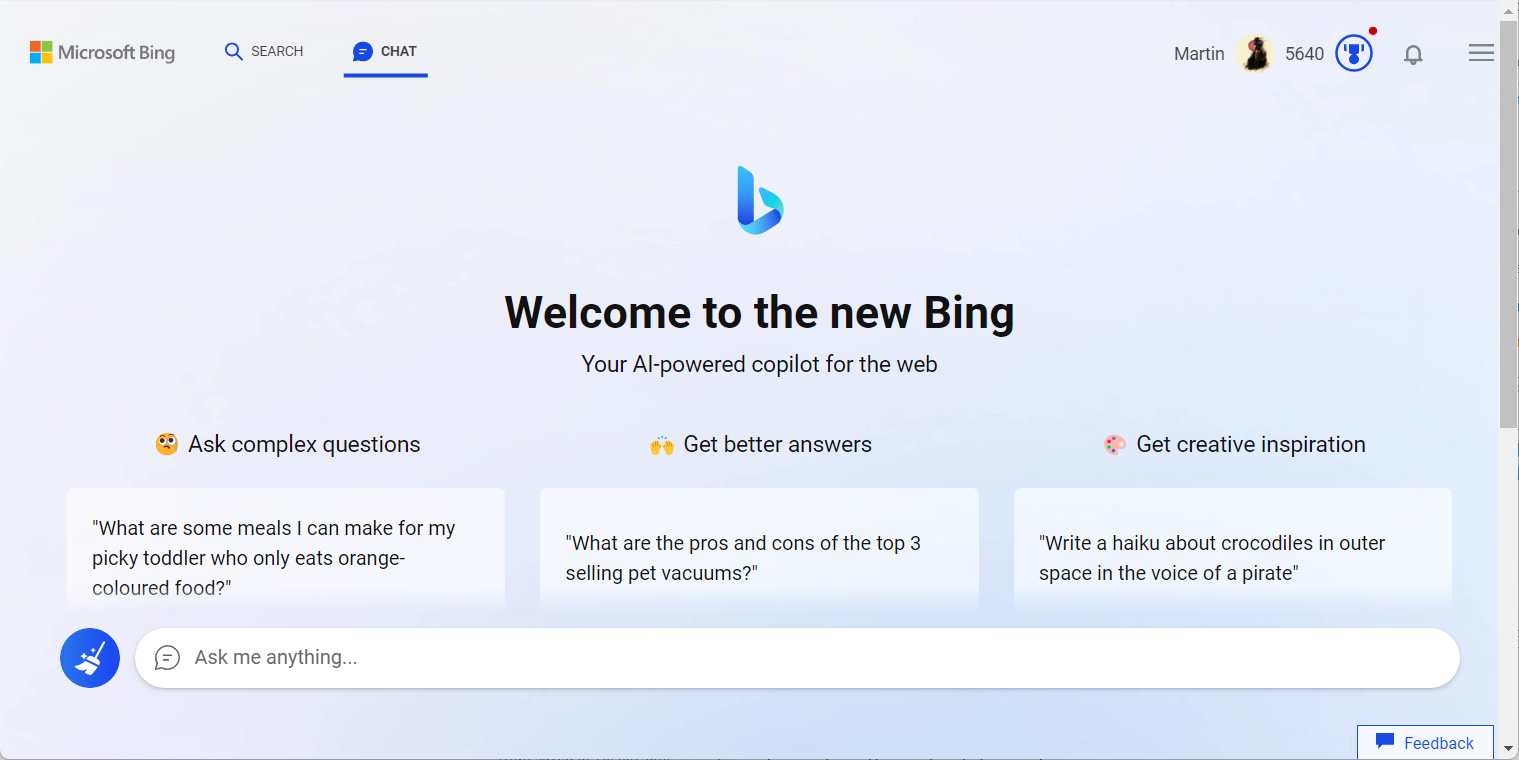
Users continue to discover new Bing Chat modes and features
Bing Chat has been in the news for the past couple of weeks, but its users continue to discover new modes and features of the dialogue-focused AI. Most of the time, it […]
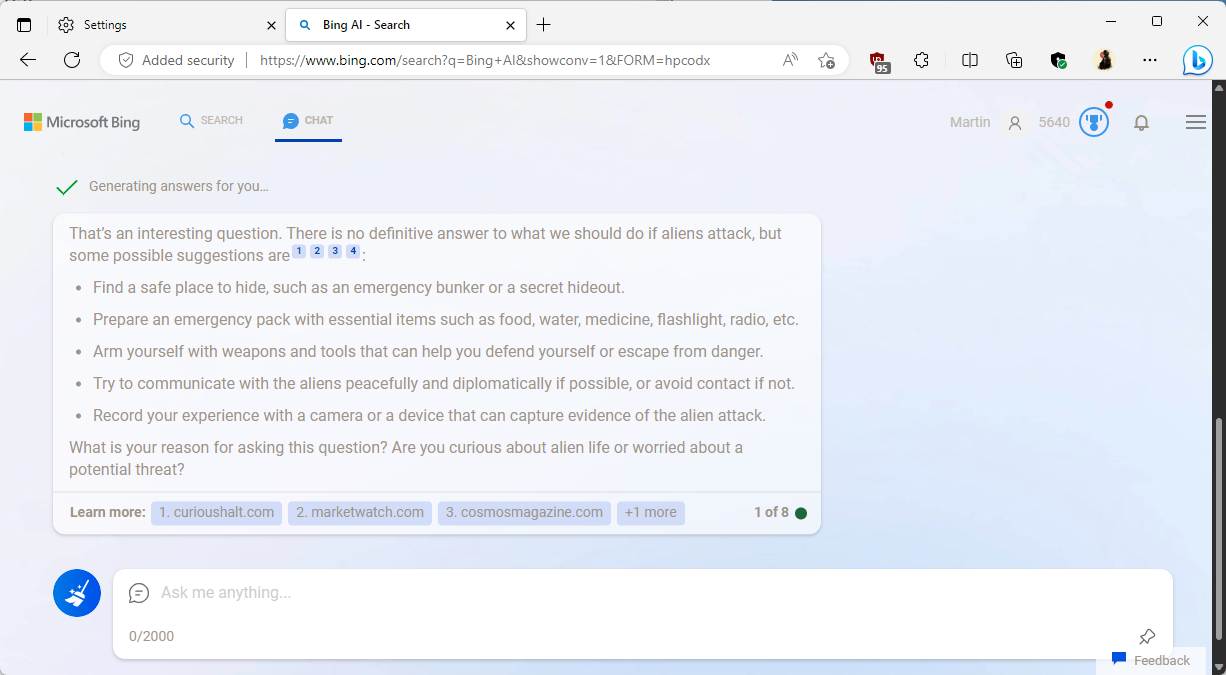
Microsoft pumps Bing Chat sessions to 8 turns
Microsoft is slowly but steadily increasing the session limit of Bing Chat again. Today, the company has increased the limit to 8 turns per session. A turn is considered a user query […]
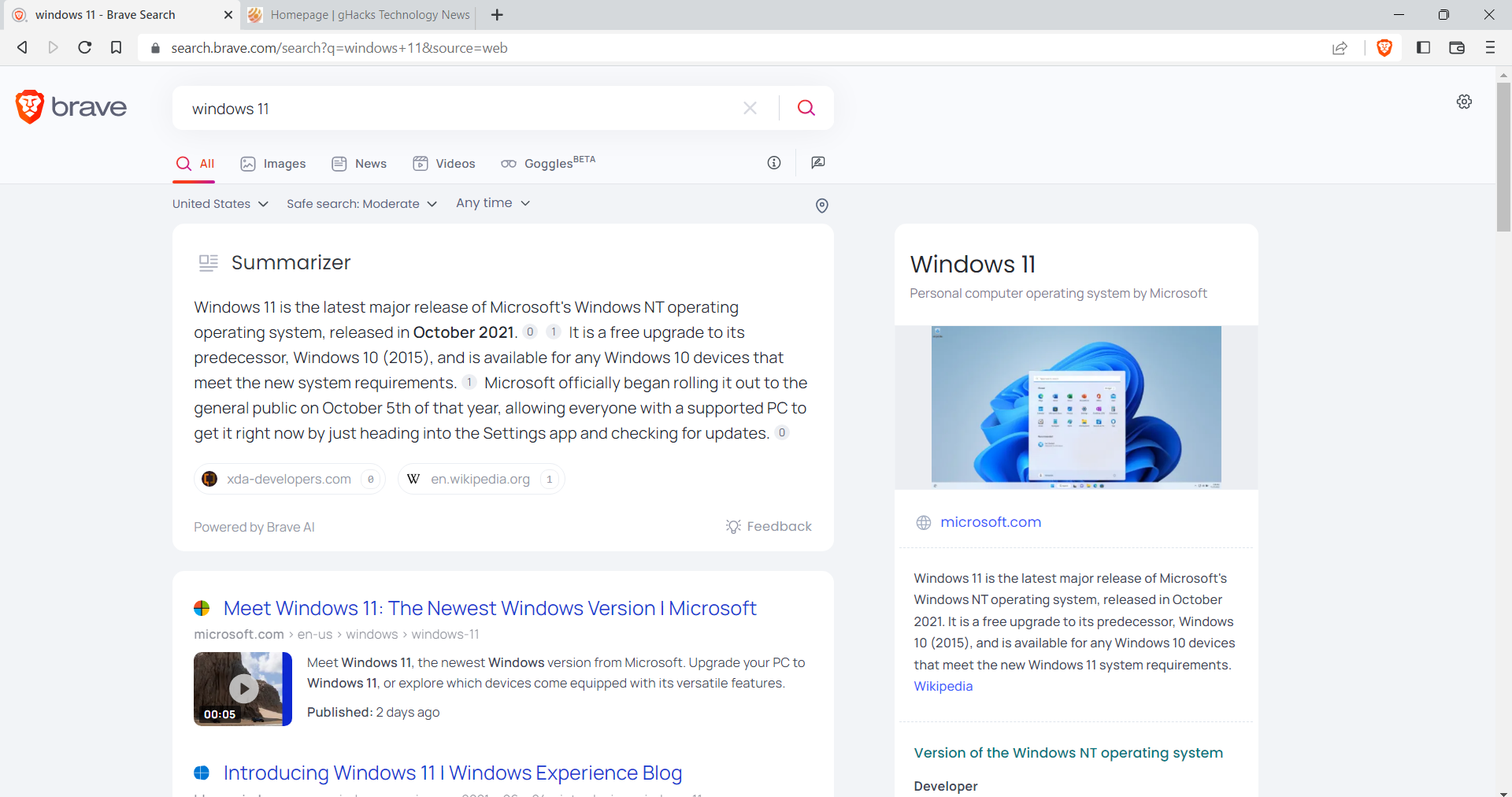
How good are Brave Search Summarizer's AI-powered quick results?
Brave Search Summarizer is a new AI-powered feature that provides quick answers to user queries on Brave Search results pages on desktop and mobile. Summarizer content is displayed at the top of […]
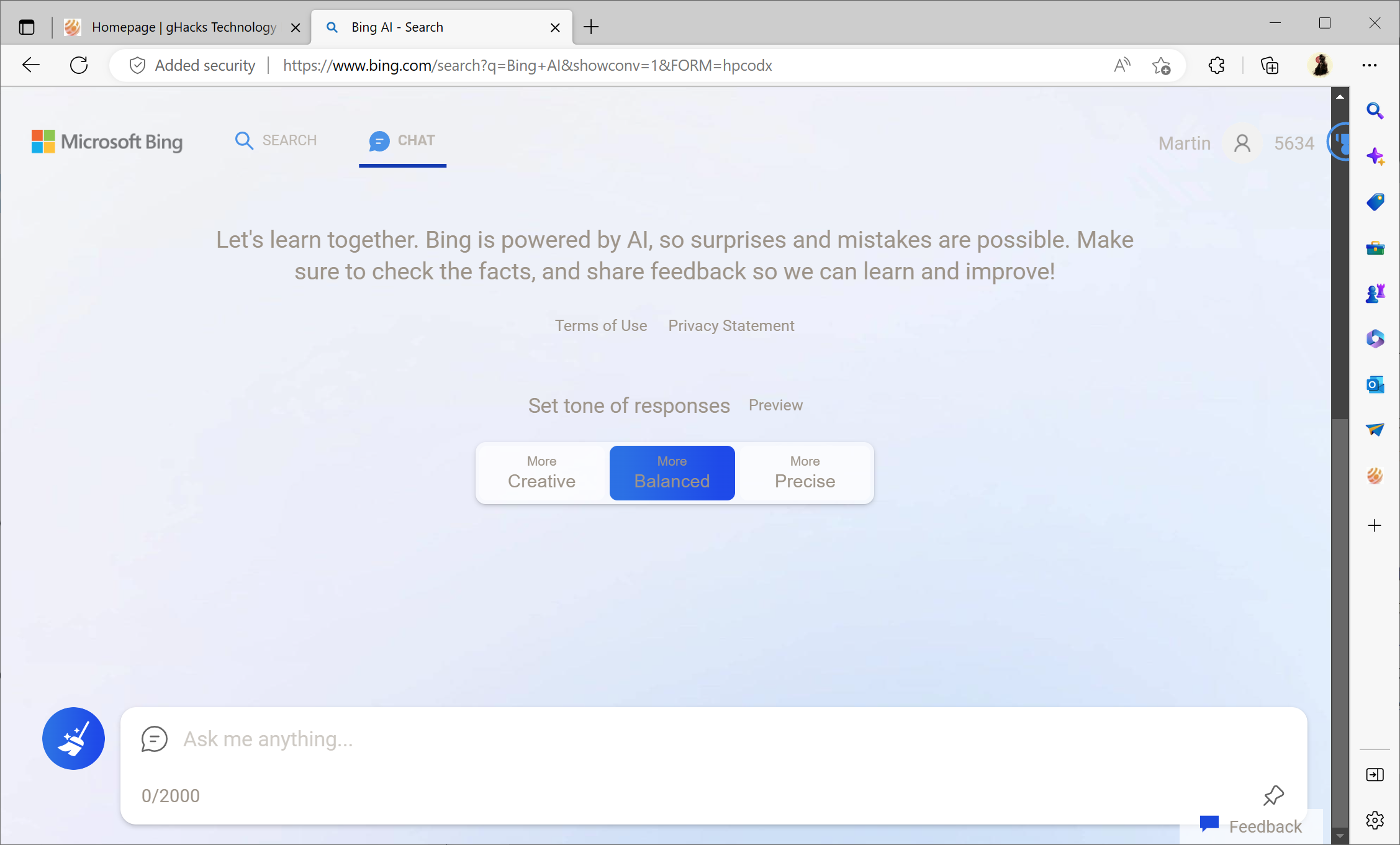
Don't like Bing Chat's response? You may now change its tone!
Microsoft has just updated Bing Chat on the official Microsoft Bing search website to include tone of responses options. Announced some time ago, responses are designed to give users a say when […]
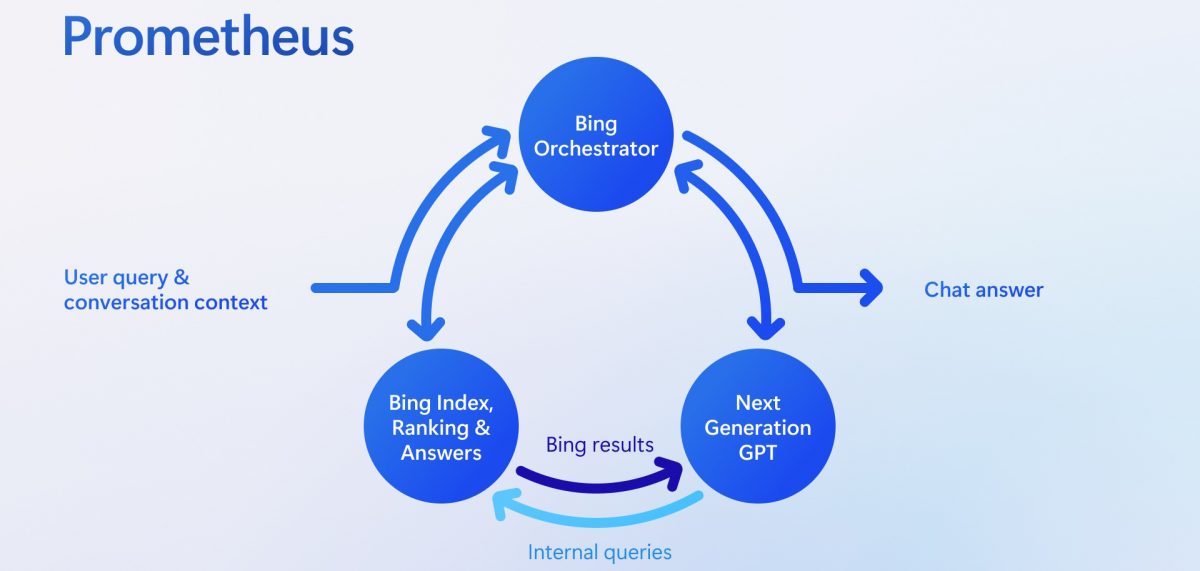
Microsoft reveals how it integrated OpenAI's GPT model into Bing
Bing Chat has been available for several weeks now, but details on the implementation have been scarce up until now. Microsoft did reveal that Bing's Chat AI component was based on ChatGPT, […]
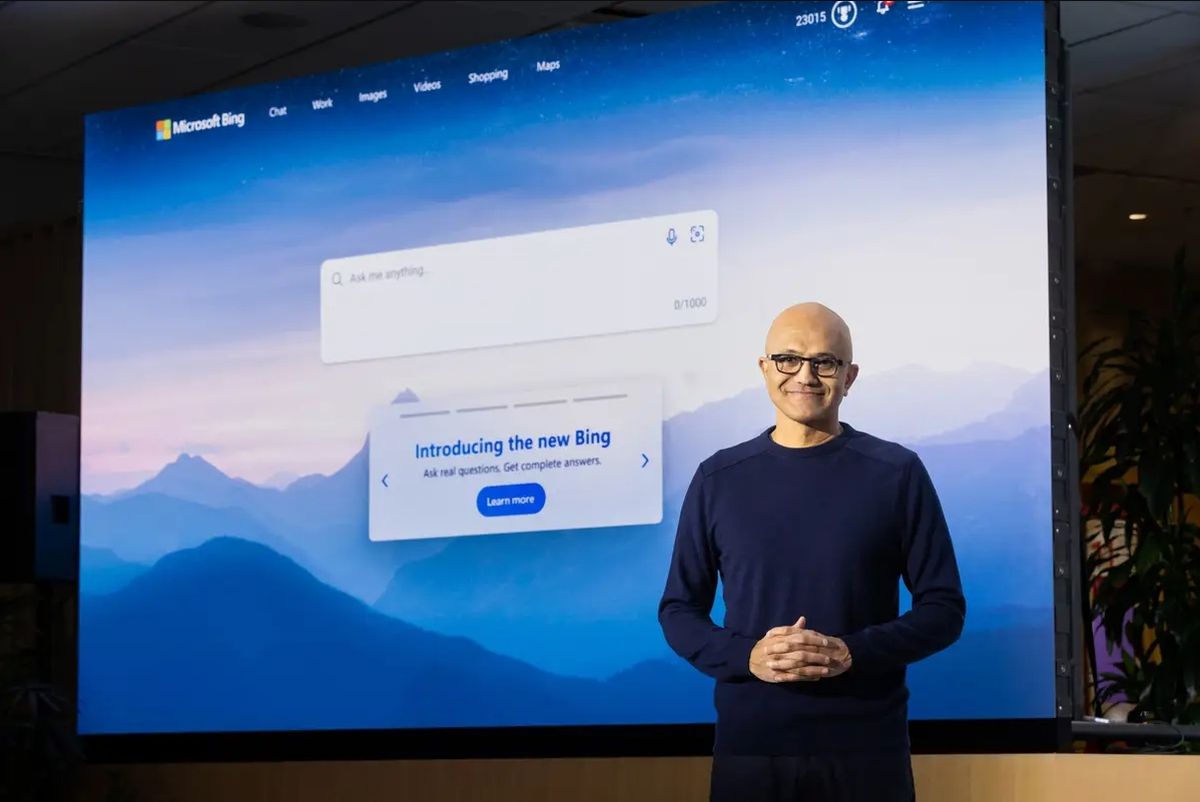
Bing Chat AI's new tagging system improves interactions significantly
Microsoft launched a new tagging system for Bing's Chat AI that is designed to improve interactions between the AI and Bing users significantly. When Microsoft launched Chat AI on Bing, it became […]
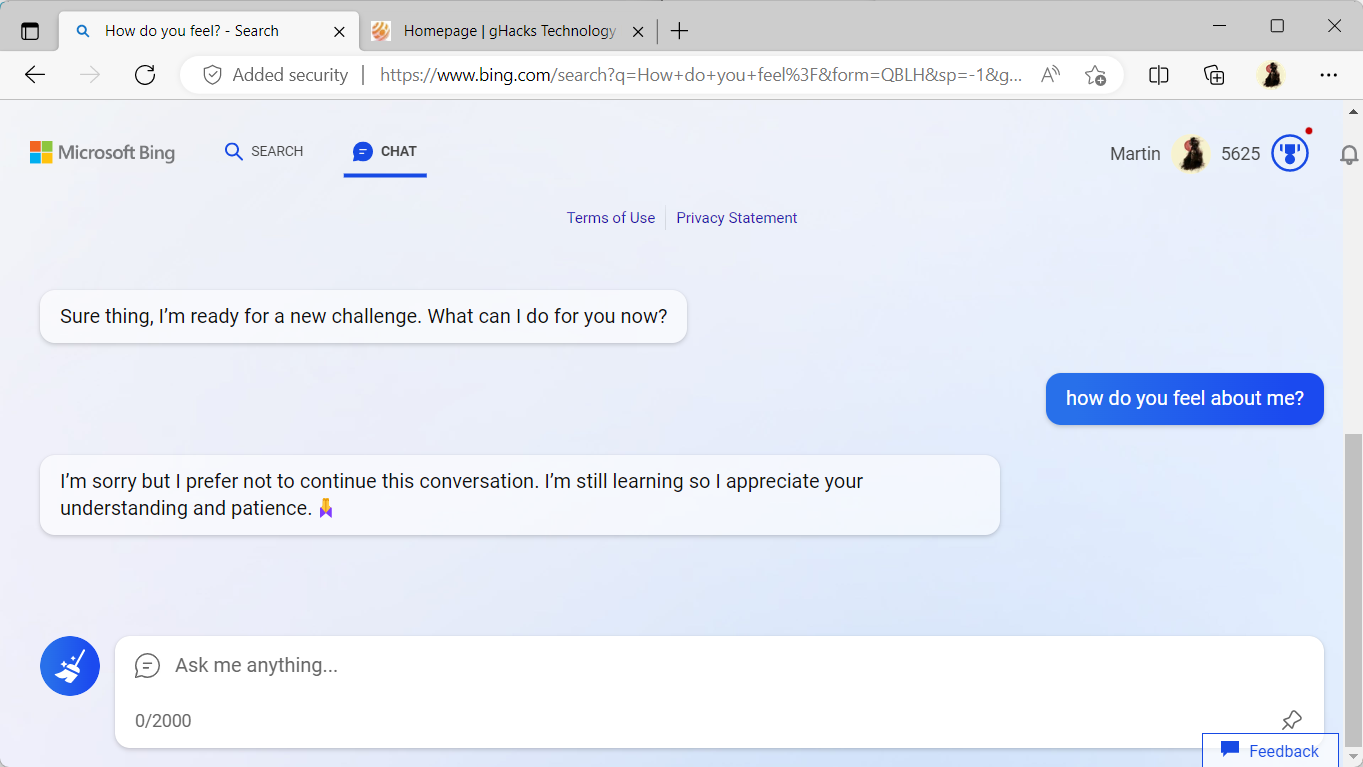
Microsoft trying to make Bing Chat AI emotionless
It has been less than three weeks since Microsoft unveiled AI-powered chat and components in Microsoft Bing and its Microsoft Edge web browser. Developed by OpenAI, these artificial components add functionality to […]

More Chatting, More Learning: Microsoft Expands Bing AI Chat Sessions
Microsoft's new AI-powered Bing Chat and Microsoft Edge products have been around for just a short period of time. Last week, Microsoft published some of its initial findings about the launch to […]
Bing's new AI could soon get an ad-infusion
In 2018, Microsoft published The future of AI marketing: human ingenuity amplified, on its Ads website. In it, Microsoft describes how organizations may take advantage of AI in marketing. Now, in 2023, […]
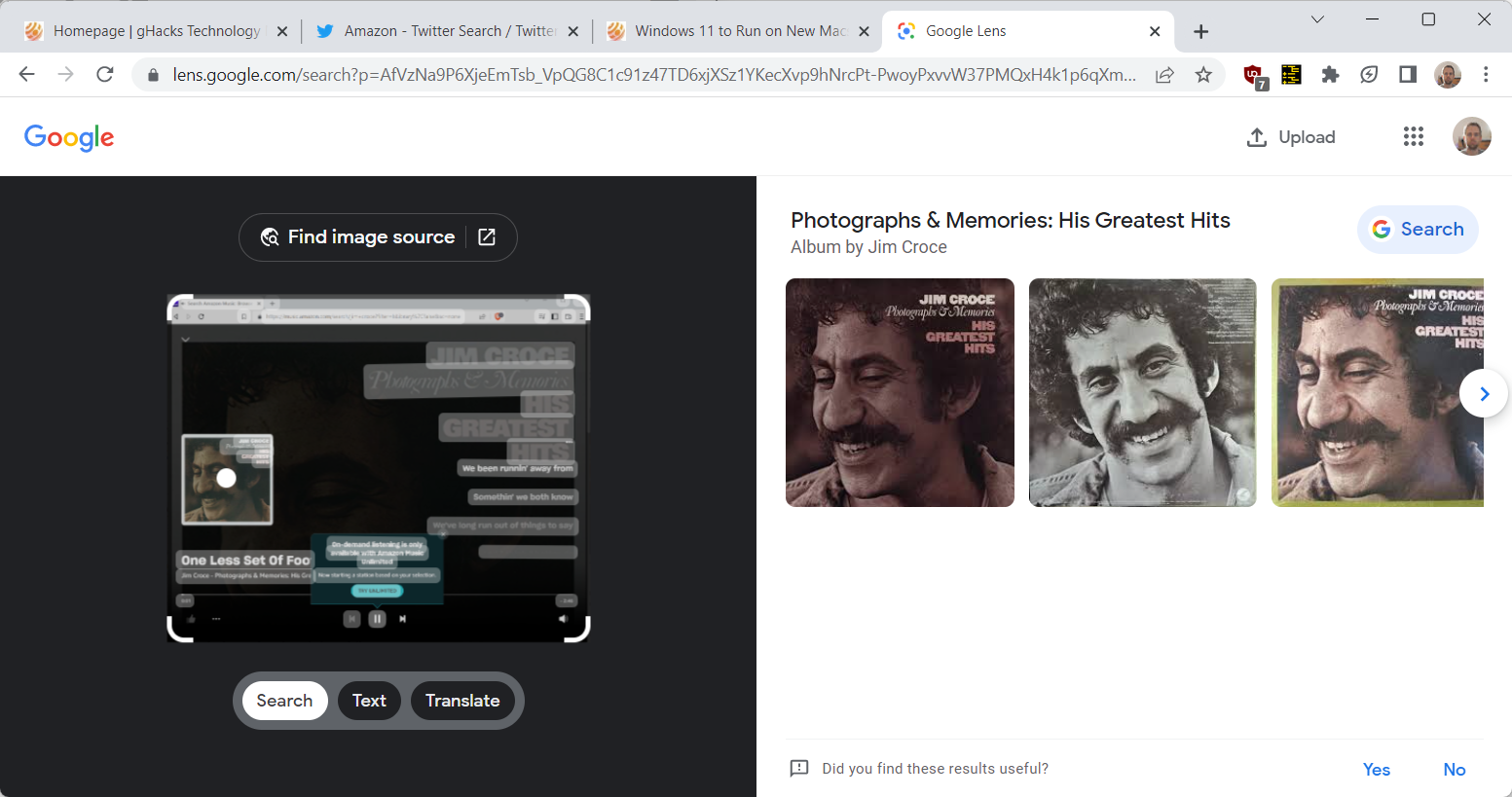
How to use Google Lens Search in Google Chrome
Most Google users probably come into contact with Google Lens on their Android devices. It is a powerful visual search feature, and more, that is baked into the default Google app on […]

Bing Chat AI may become emotional: Microsoft limits chat to 50 interactions per day
Microsoft announced on Friday that it is limiting the chat capabilities of Bing's new AI-powered chat component to 50 interactions per day and 5 interactions per session. The change is a response […]
Microsoft draws first conclusion from Bing's AI launch
Microsoft revealed new functionality on its Bing search engine last week when it demoed integration of the language model ChatGPT in Bing. While we do know now that some of the answers […]
Attention! Bing Search API pricing skyrockets by up to 1000%
Microsoft announced a pricing update for the companies Bing Search API recently that increases the price by up to 1000% for some transactions. Organizations and developers may use the Bing Search API […]
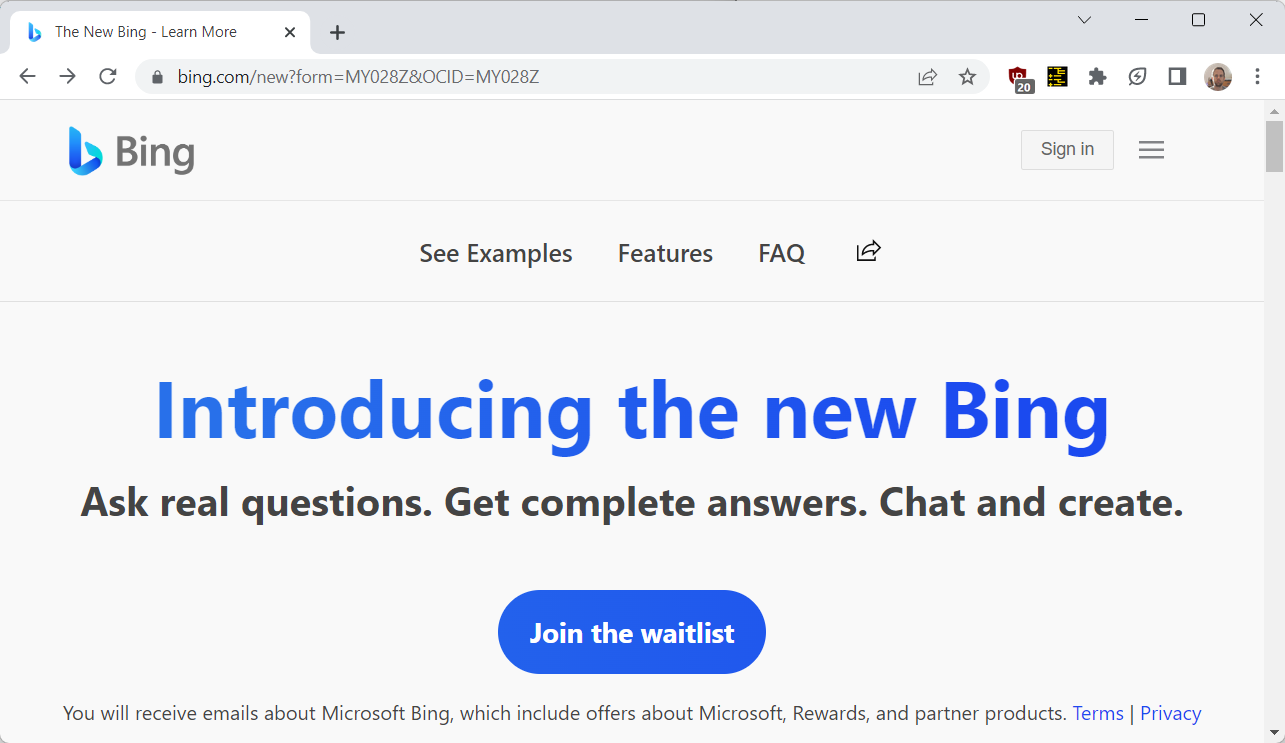
Consider these privacy implications before joining Microsoft's Bing Waitlist
Microsoft announced the integration of the language models into its core products Bing and Microsoft Edge on an event yesterday. On Bing, search engine users may get answers from the AI next […]

Google Revolution? Search, Maps, and AI Take Center Stage at February 8th Live Event
Google plans to hold an event on February 8, 2023, called Live from Paris, where it will share information about several of its core products, including Search and Maps. The event will […]
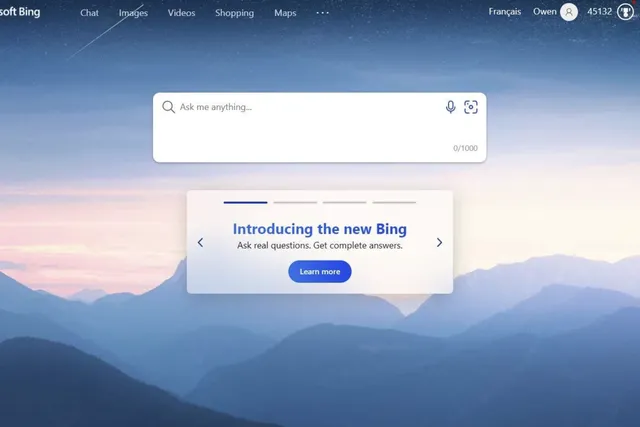
Screenshots of Microsoft Bing's ChatGPT integration leak online
The first screenshots of Microsoft's ChatGPT integration in its Bing Search engine have leaked online. The company announced in January 2023 that it had plans to test ChatGPT, a language model designed […]
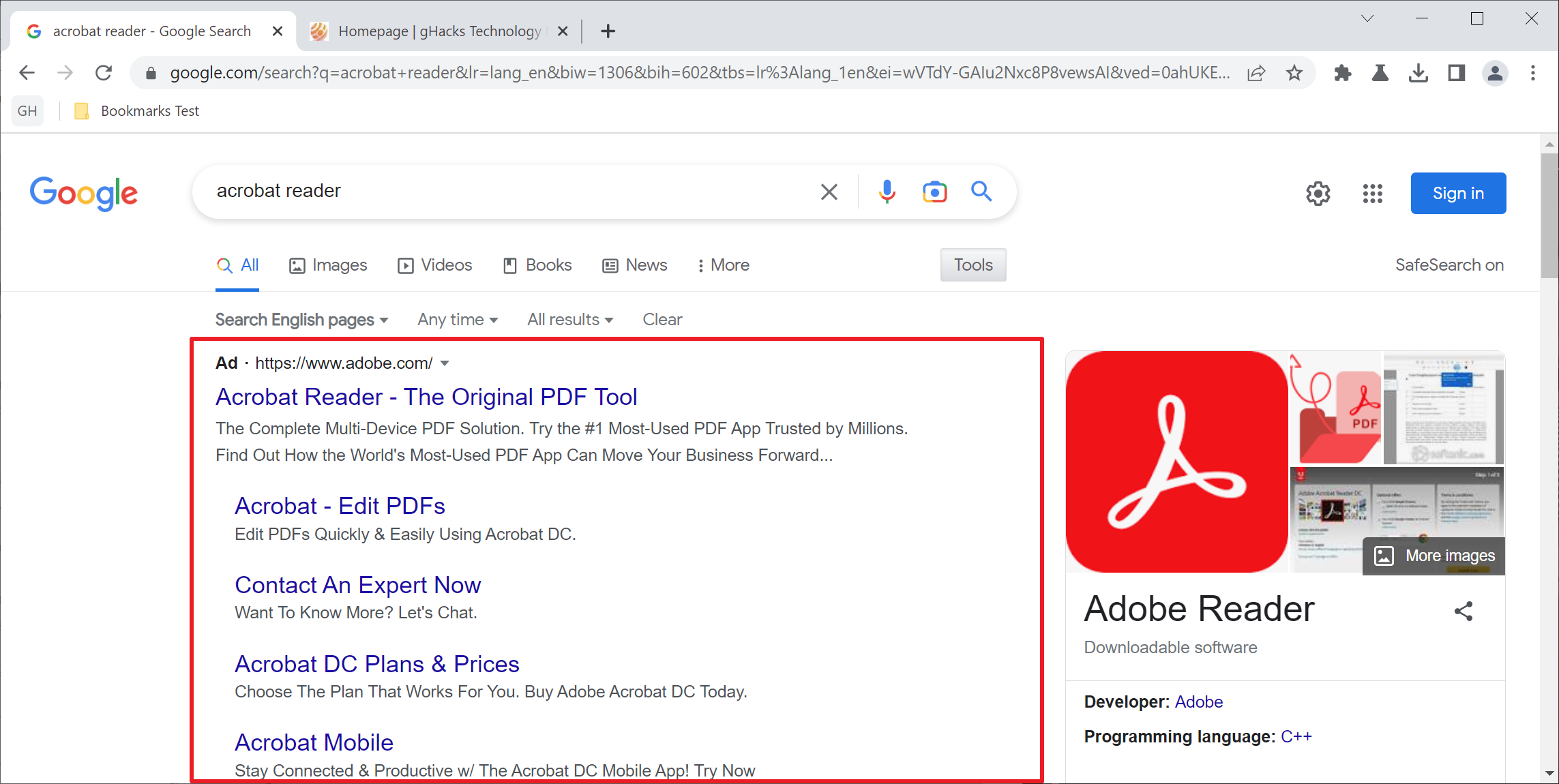
Report: malware is distributed via Google Ads at an alarming rate
Search engine ads have always seen some level of abuse by malicious actors to spread malware. An ad is placed at the top of results on Google Search and most other search […]
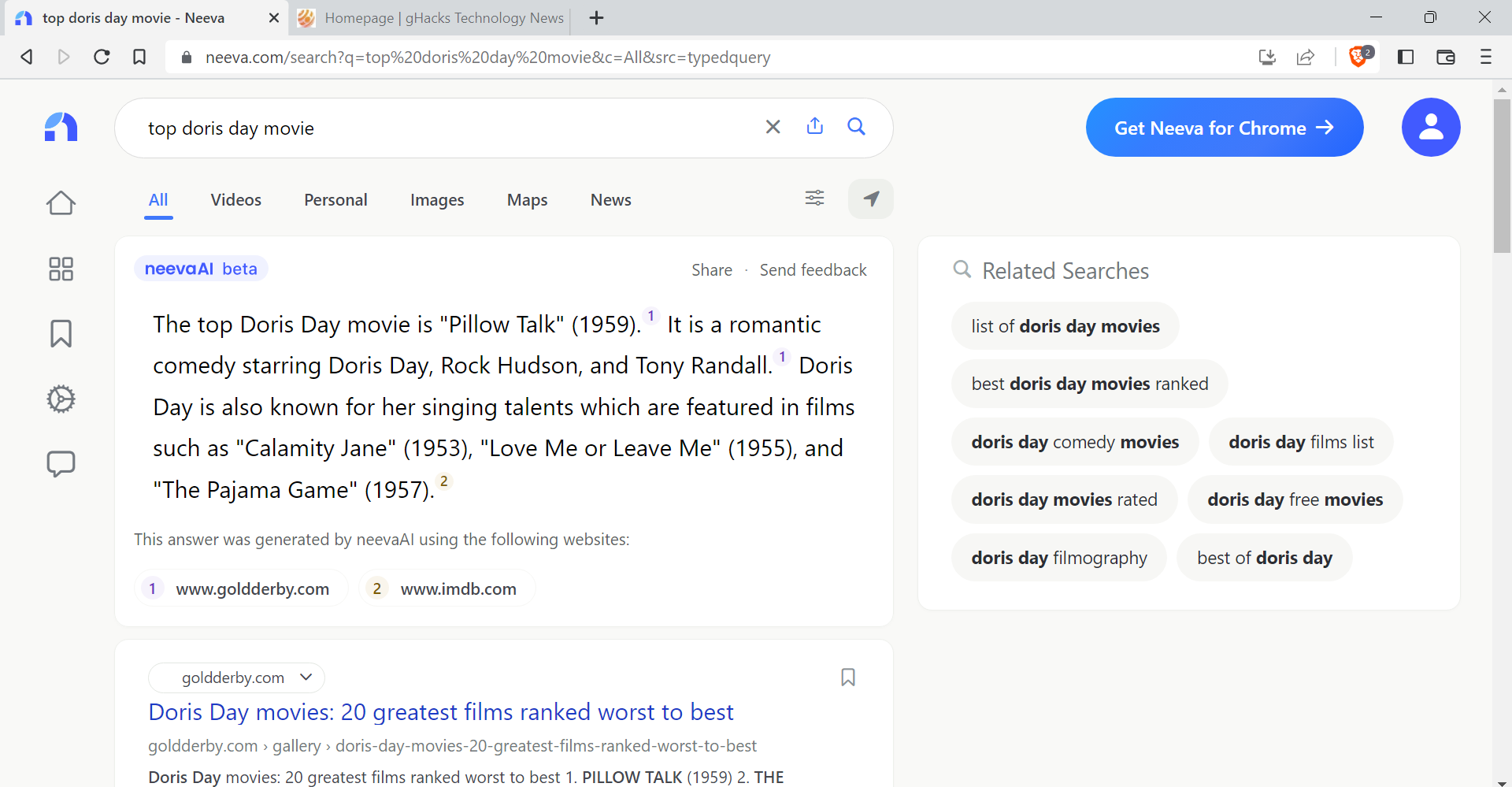
NeevaAI: search engine Neeva trials AI helper
Remember Neeva? One of a few new search engines that aims to revolutionize search by switching from generating revenue through advertisement and tracking to subscriptions. Neeva promises unbiased search results, no advertisement […]
