
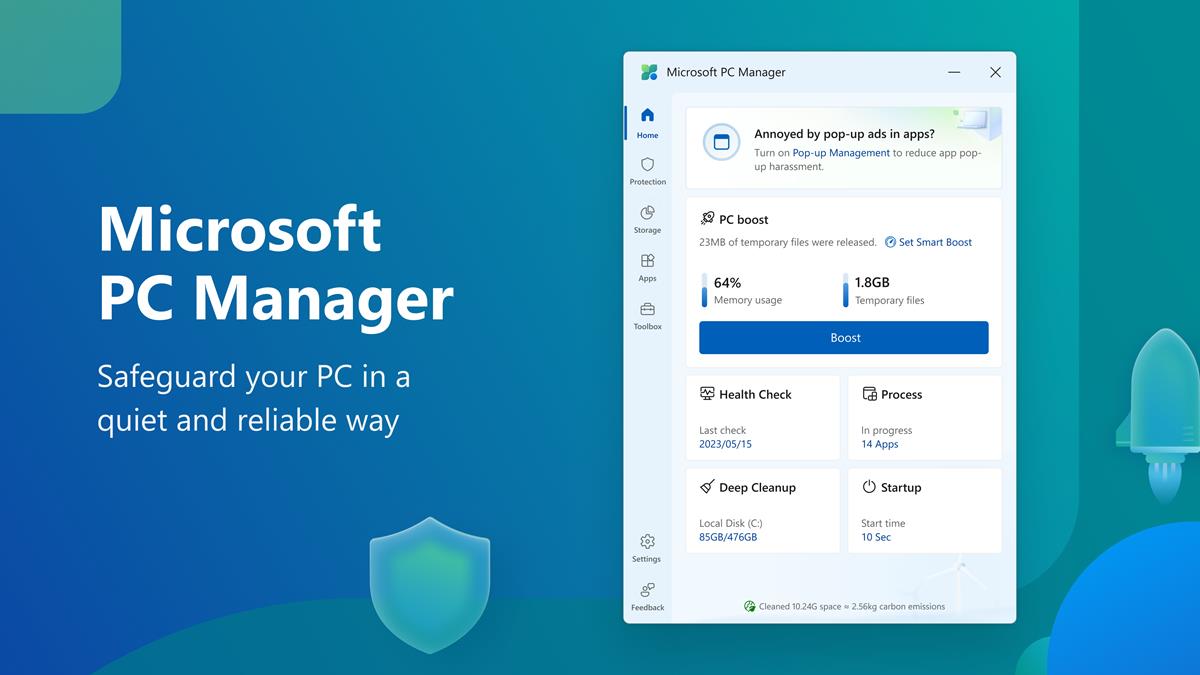
Microsoft PC Manager is now available on the Microsoft Store for Windows 10 and 11
Microsoft has released its CCleaner-like app, called Microsoft PC Manager on its app store for Windows 10 and Windows 11. Here is a closer look at the program, and how it works. […]

Microsoft Graveyard: last honor for dead Microsoft products
You may have heard of Google Graveyard. A website dedicated to all the products and services that Google terminated over the years. Google Podcasts is one of the latest products in the […]
Microsoft Copilot Pro with GPT-4 Turbo launched for $20 per month
Microsoft has announced a new subscription called Copilot Pro for individual users. It will offer AI-powered features similar to those that are available in Copilot Pro for Microsoft 365. The Redmond company […]
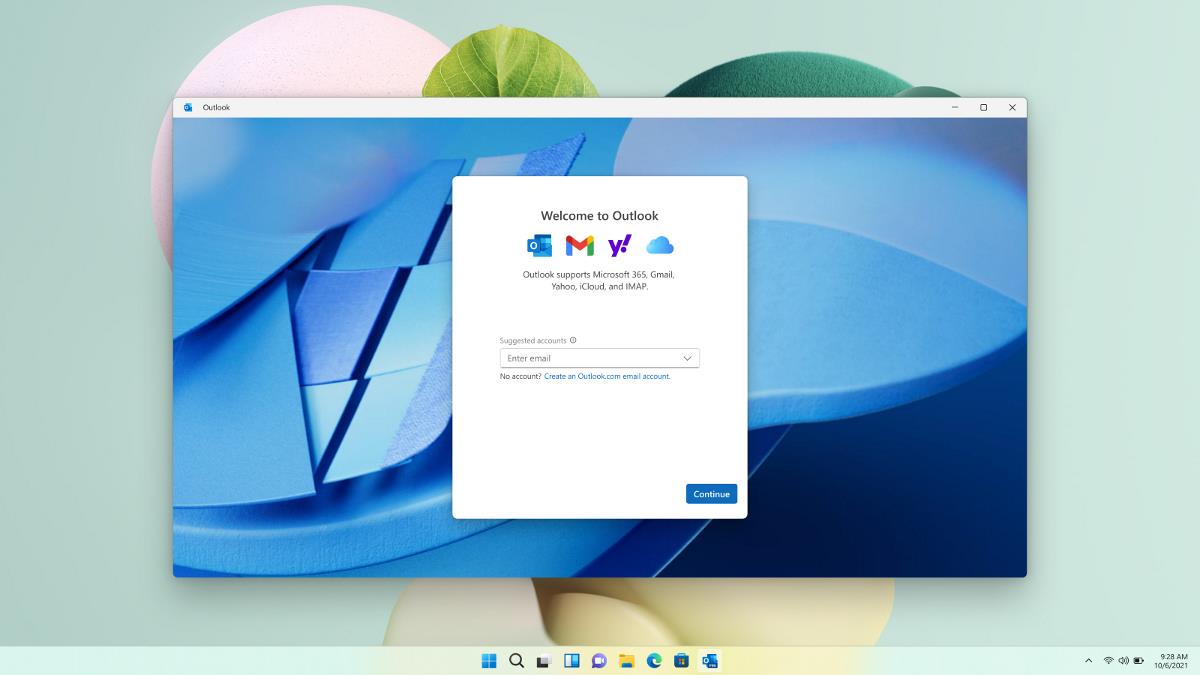
Proton Mail says that the new Outlook app for Windows is Microsoft's new data collection service
Proton has accused Microsoft's new Outlook for Windows app for becoming a data collection service. It has outlined the various ways and data that the email app harvests from end users. Proton […]

Incase Designed by Microsoft: Microsoft accessories live on under new partnership
Microsoft announced in April 2023 that it would discontinue all Microsoft-labeled accessories in favor of its Surface brand. While Microsoft offers some accessories under the Surface brand, it is offering a limited […]

Microsoft confirms Microsoft 365 service degradation for 1% of Chrome users
Google enabled Tracking Protection for 1% of all Chrome Stable users as part of the company's greater plan to drop third-party cookies support. Microsoft has now confirmed that the 1% may run […]
Microsoft Copilot for iOS and iPadOS released
Microsoft has released Copilot for iOS and iPadOS. The iPhone and iPad apps come just a couple of days after the Android version was launched. This is not surprising, ever since ChatGPT […]
Microsoft Copilot app for Android released; here's how it works
Microsoft has released a Copilot app for Android devices. We take a closer look at how the new A.I. chat app works. The Redmond company has not abandoned the Bing chat app, […]

After 6 years Microsoft launches Seeing AI app for Android
When Microsoft released its Seeing AI app for Apple iOS devices in 2017, many thought that the release of an Android version was only a matter of time. Seeing AI is an […]
Microsoft is retiring its Microsoft 365 Extension
Microsoft confirmed the retiring of its Microsoft 365 browser extension for Chrome and Edge in a new support document. The company plans to remove the extension from the Chrome Web Store and […]
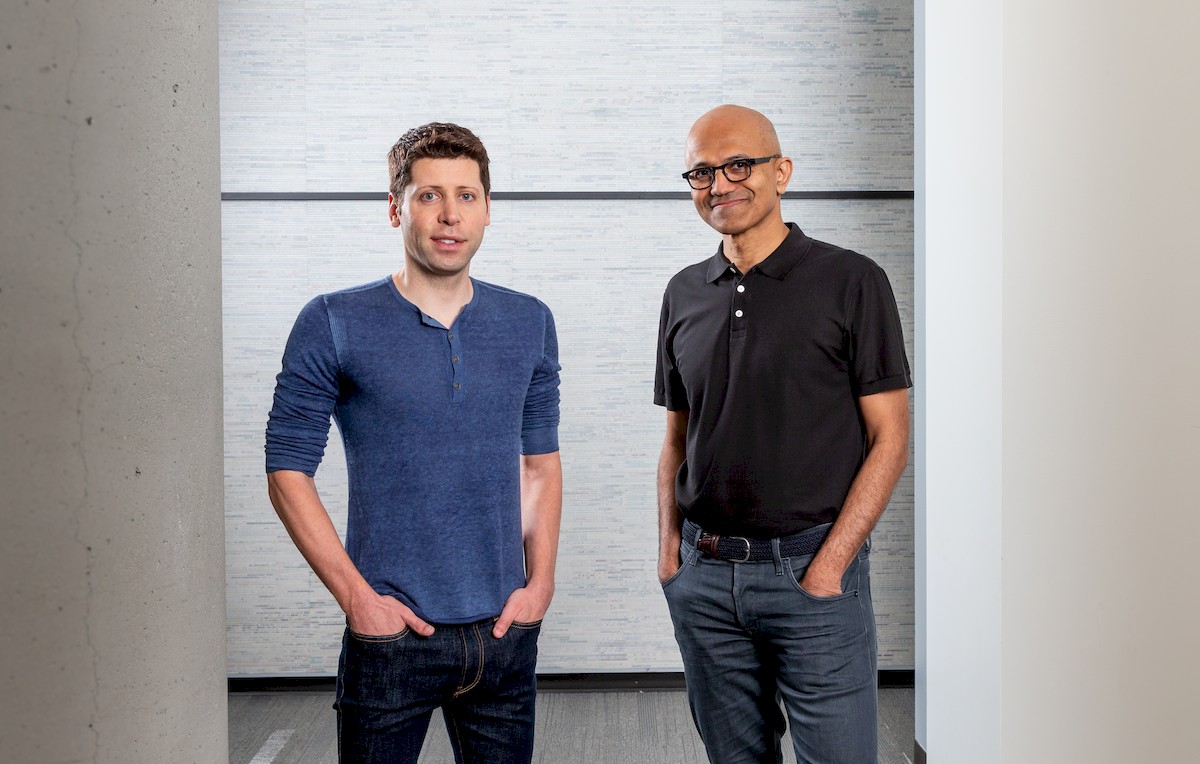
Ex-OpenAI CEO Sam Altman Joins Microsoft
Microsoft has hired Sam Altman and Greg Brockman, the former CEO and co-founder of OpenAI, to help lead a new advanced AI research team. The move comes just days after Altman was […]
Microsoft Copilot Studio delivers an all-in-one experience
At Microsoft Ignite 2023, the tech giant has unveiled a suite of innovative features across its Copilot product line, together with the Microsoft Copilot Studio, marking a significant step forward in the […]

Microsoft is starting to produce custom CPUs
Microsoft is finally making custom chips. The company announced today that it is developing two new chips: an AI accelerator called Azure Maia 100 and an Arm-based CPU called Azure Cobalt 100. […]

Microsoft has ''ignited'' the fuse of development
Microsoft Ignite 2023, the annual tech conference that brings together developers, IT professionals, and business leaders, concluded its 2023 edition on a high note. Held in Seattle from November 14-17, the event […]
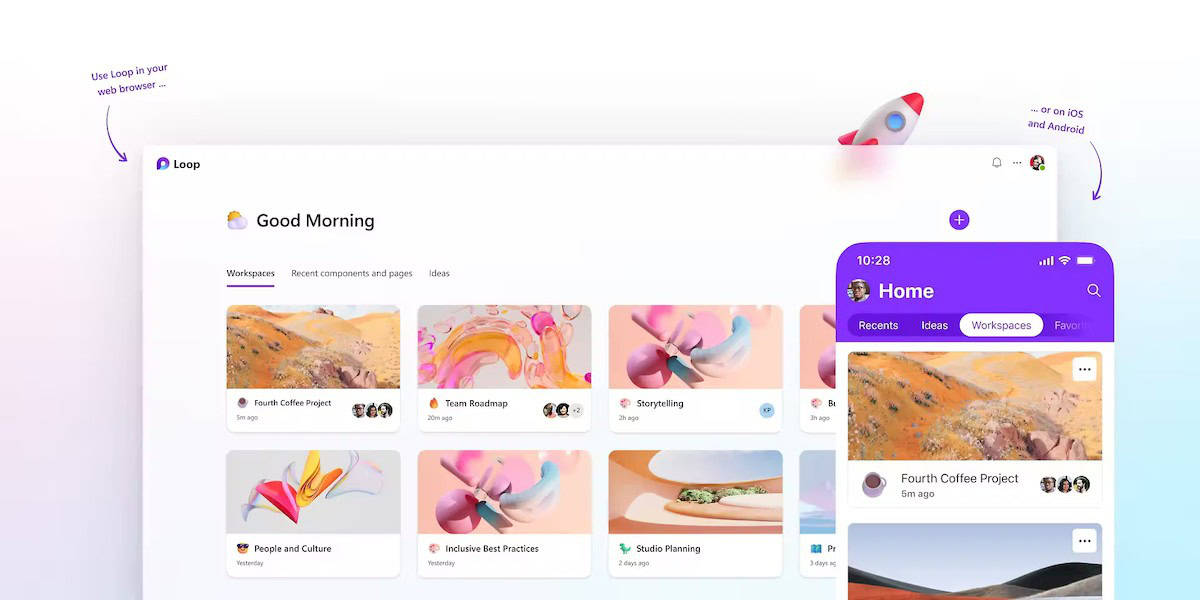
Microsoft Loop could be the Notion competitor we were asking for
Microsoft Loop has been officially launched, a productivity and collaboration app that bears a striking resemblance to the popular Notion platform. Microsoft Loop is built for the new way of work, which […]

You may now ask Copilot AI to be your personal shopping assistant
Microsoft announced the general rollout of Copilot in Microsoft Shopping on the Microsoft Edge blog today. While announced on the Edge blog, it is an AI-powered service that is available on the […]
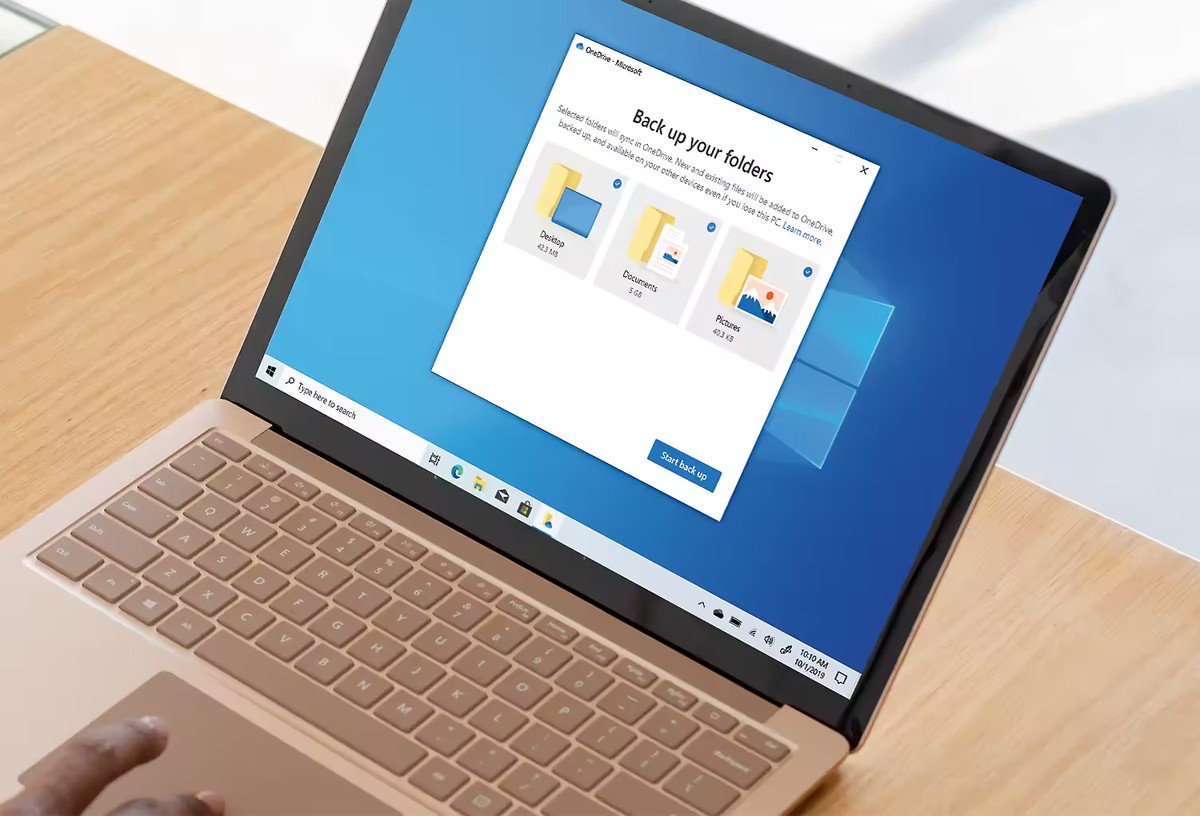
You may need to provide a reason now when quitting OneDrive
OneDrive is Microsoft's default cloud file hosting and syncing service. It is baked into Windows and enabled if a Microsoft account is used to sign-in. Since Microsoft is making it difficult to […]

Microsoft says there is no room for deepfakes in 2024 elections
In the next 14 months, over two billion people worldwide will have the opportunity to vote in national elections. From India to the European Union, to the United Kingdom and the United […]
Suspicious Microsoft Authenticator requests don't trigger notifications anymore
Microsoft Authenticator will suppress suspicious authentication prompts to protect users against social engineering attacks. Microsoft has now enabled the security feature, which it unveiled back in August 2023. Microsoft Authenticator is a […]
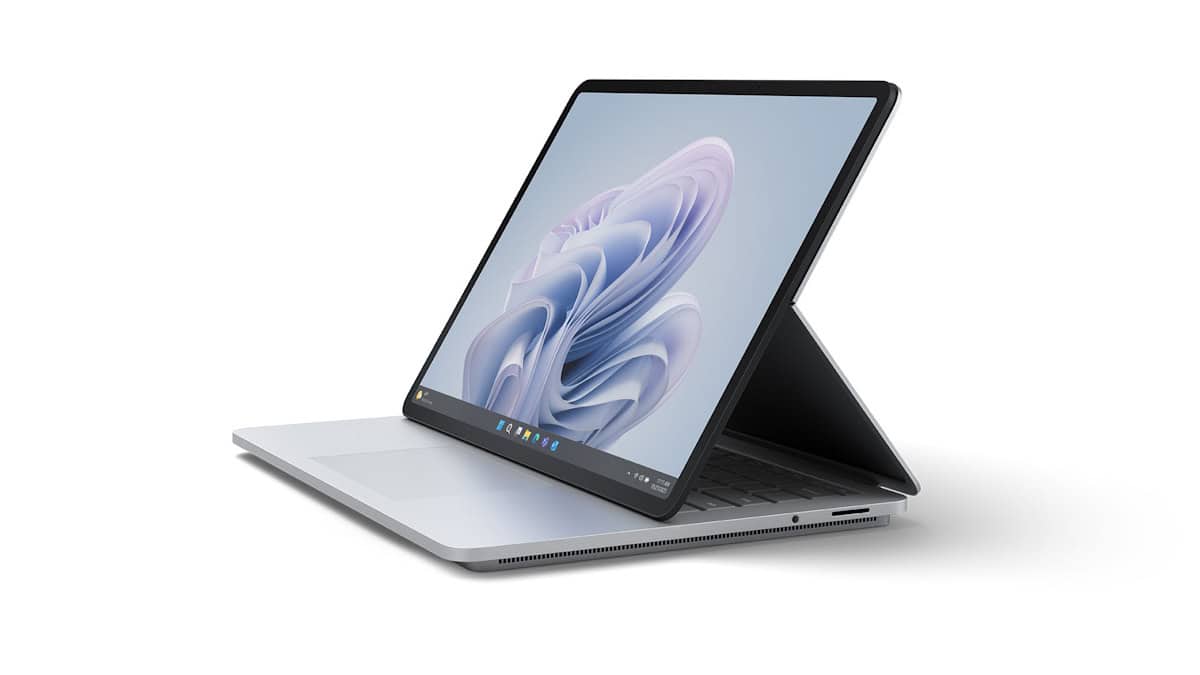
All Surface devices are Secured-core PCs: here is what this means
Microsoft revealed today that all of its Microsoft Surface devices are Secured-Core PCs. Announced in 2022 for the first time, Secured-Core PCs combine hardware, software and firmware defenses to protect against threats. […]

Microsoft Security Copilot opens for early access
The era of artificial intelligence brings forth unparalleled opportunities but also presents an escalating wave of cyber threats. This surge in threats is compounded by a global scarcity of cybersecurity experts, making […]

Microsoft on the home stretch for Activision deal
UK's Competition and Markets Authority (CMA) approved Microsoft's revised deal to purchase Activision Blizzard. This follows months of scrutiny by the CMA, which had initially blocked the deal on concerns that it […]

Microsoft says BitLocker 65000 error is being incorrectly reported by Intune
Windows 10 and Windows 11 clients may display a BitLocker 65000 error. Microsoft has acknowledged the issue, and has provided a workaround for the problem. Admins may run into the error in […]

Microsoft Defender for Endpoint Automatic Attack Disruption promises an end of ransomware
Human-operated attacks against computer systems are often difficult to detect. Microsoft promises that Microsoft Defender for Endpoint is now capable to "disrupt human-operated attacks like ransomware early in the kill chain without […]

IRS back taxes Microsoft over offshore money flows
Microsoft is currently embroiled in a financial controversy with the Internal Revenue Service (IRS) that has left many stunned. According to an SEC filing, the IRS has notified Microsoft that it owes […]

You can no longer activate Windows 11 with Windows 7 or 8 keys
Planning to use a Windows 7 or Windows 8 key to upgrade to Windows 11? Well, you are in tough luck, because Microsoft has patched the loophole. When Microsoft released Windows 10 […]

Microsoft faces the financial realities of GitHub Copilot
GitHub Copilot is an AI-powered coding assistant that was launched by Microsoft in 2022. It is designed to help developers write code more quickly and efficiently by suggesting code completions, functions, and […]

OneDrive is getting a complete makeover soon
OneDrive has come a long way since its inception. It has now evolved into the nucleus of your files experience within the Microsoft 365 ecosystem. Beyond being a repository for files, OneDrive […]
Microsoft backs down on counting photos in albums twice against a user's storage
Microsoft made a rather strange announcement back in September 2023 regarding storage on its OneDrive cloud service. The company said back then that photos that users put into albums would count twice […]

Microsoft's CEO admits Bing is inferior to Google, but a deal with Apple could change it
Microsoft's CEO, Satya Nadella, has admitted to a court that Bing is inferior to Google. Well, everybody knows that, but the U.S. v. Google antitrust trial is unearthing quite a bit of […]
Microsoft 365 Basic: access to OneDrive advanced security features coming
Microsoft 365 Basic customers will soon gain access to advanced security features and non-security features. The newest Microsoft 365 Plan, established in early 2023, replaced the OneDrive Standalone plan in Microsoft's portfolio. […]

Microsoft is working on an offline mode for OneDrive
Users of Microsoft's cloud storage and syncing service OneDrive may soon use some of the service's functionality in a browser while offline. Most OneDrive users associate the service with the cloud. While […]
Fixing OneDrive's "Your account is currently unavailable" error message
The other day, I was informed through a notification in Windows 11 that I was no longer signed-in to the linked OneDrive account. Opening the OneDrive website to check the account status […]

Microsoft offers an explanation for the hack of its cloud
Bugs and coincidences seem to have allowed Chinese-based hacking group Storm-0558 to steal a private MSA key from Microsoft and gain access to the accounts of organizations, including American government agencies. The […]

Apple and Microsoft want EU to remove iMessage and Bing from the ‘gatekeeper’ list
Apple and Microsoft are reportedly trying to convince the European Union that iMessage and Bing don't belong in the ‘gatekeeper’ list. The tech giants are in talks with the EU, separately, claiming […]
OneDrive: photos in albums count twice against a user's storage quota
Microsoft is informing OneDrive customers currently about a planned change that may have a significant impact on storage quotas. From October 16, 2023 on, photos uploaded to OneDrive may count twice against […]

Microsoft Exchange Servers getting extended protection
Microsoft has recently revealed that systems utilizing Exchange Server 2019 will soon benefit from an enhanced level of security. Microsoft has officially confirmed the forthcoming introduction of Windows Extended Protection (EP) on […]

Microsoft is closing the Xbox 360 Store in 2024: here is what that means
Microsoft plans to shut down the Xbox 360 Store on July 29, 2024 according to an announcement on the company's official Xbox website. Games and DLC continue to be available, if already […]

Microsoft "special event" to take place on September 21
Microsoft is sending media invites for an upcoming "special event" set to take place in New York City on September 21, 2023. The tech giant is known for its hardware unveilings, particularly […]
Microsoft limits use of AI Services in upcoming Services Agreement update
Microsoft plans to update its Services Agreement on September 30, 2023. The company is informing customers about the change currently via email and other means. If you take the time to go […]
