ghacks Technology News

Firefox Video Download Comparison


Firefox users have a great number of add-ons at their disposal if they want to download videos from video portals. Some of these add-ons are very specialized and only compatible with one video website while others support dozens if not hundreds of different video sites. The comparison in this article will concentrate on the top rated Firefox video download add-ons based on the ratings at the official Mozilla website. It will only include add-ons that support multiple websites and work in all versions of Firefox 3.

Each add-on is tested if it can be used to download videos from the following sample video portals: Youtube, Dailymotion and Gametrailers. The main goal is to see if the add-ons can download Youtube videos, dailymotion videos and gametrailer videos including the way these downloads are offered. We will take a look at the video portals that are supported by the add-ons and possible usability issues.

The following Firefox add-ons have been selected for the test:

All of these add-ons are highly rated and compatible with all versions of Firefox 3 even though some of them have to be forced to be compatible with the latest beta of Firefox 3.6.

Bbmao Video Downloader

This add-on was the only add-on in the test that was not compatible with Firefox 3.6. It was still possible to install and work with it after forcing compatibility with the Nightly Tester Tools.

The add-on places an icon in the Firefox toolbar at the top that will spin if a video has been discovered on a website. A click on that icon will open a popup window with links to all videos that have been discovered by the add-on. Links that are selected can be played right in the window or downloaded to the local computer system.

bbmao video downloader

Bbmao Video Downloader worked well with both Youtube and Dailymotion but failed to recognize videos at Gametrailers. No information available on the amount of supported video websites.

Flash Video Downloader

Flash Video Downloader is the only experimental add-on in this test. It did install fine and display a download icon in the status bar. This download icon displays a license agreement after the first left-click which needs to be accepted. A left-click on the icon (which can also be placed in one of the toolbars of the web browser) will open a popup window with a download link and other information including add-on updates (somewhat confusing for users who are running the latest version) and an ad for a (free) video converter software.

flash video downloader

Each new download will spawn its own popup window which can become somewhat messy for heavy downloaders. The add-on worked well with all tested video portals. The developers state that it is currently compatible with more than 200 different video sites and even some game hosting websites.

Flash Video Resources Downloader

The icon in the status bar that was supposed to be there after installation of the add-on did not appear. There was no option available to display the icon in another way or to use the add-on. Flash Video Resources Downloader is supposed to work with a few dozen websites including Youtube and Dailymotion but not Gametrailers. No rating for this add-on since it failed to install properly even though it was reported to be compatible with Firefox 3.6.

NetVideoHunter Video Downloader

Net Video Hunter is compatible with all versions of Firefox 3. It places an icon in the firefox status bar after installation that can be used to download videos from video hosting websites. The status bar icon will display a number that indicates the amount of videos that have been identified by the add-on.

net video hunter

Net Video Hunter makes use of a popup window to display all the videos that it has discovered in this browsing session. This is a very comfortable way of displaying those download links especially for users with enough screen estate to place both the web browser window and the Net Video Hunter video download window next to each other.

The add-on displays options to play or download each video that has been recognized. Another interesting detail is the display of the direct url to the video in the same interface.

The video download add-on was compatible with all three test video portals. The developers have not published a list of all compatible video websites but it is fair to assume that the add-on works with most “Youtube-like” video sites.

Video DownloadHelper

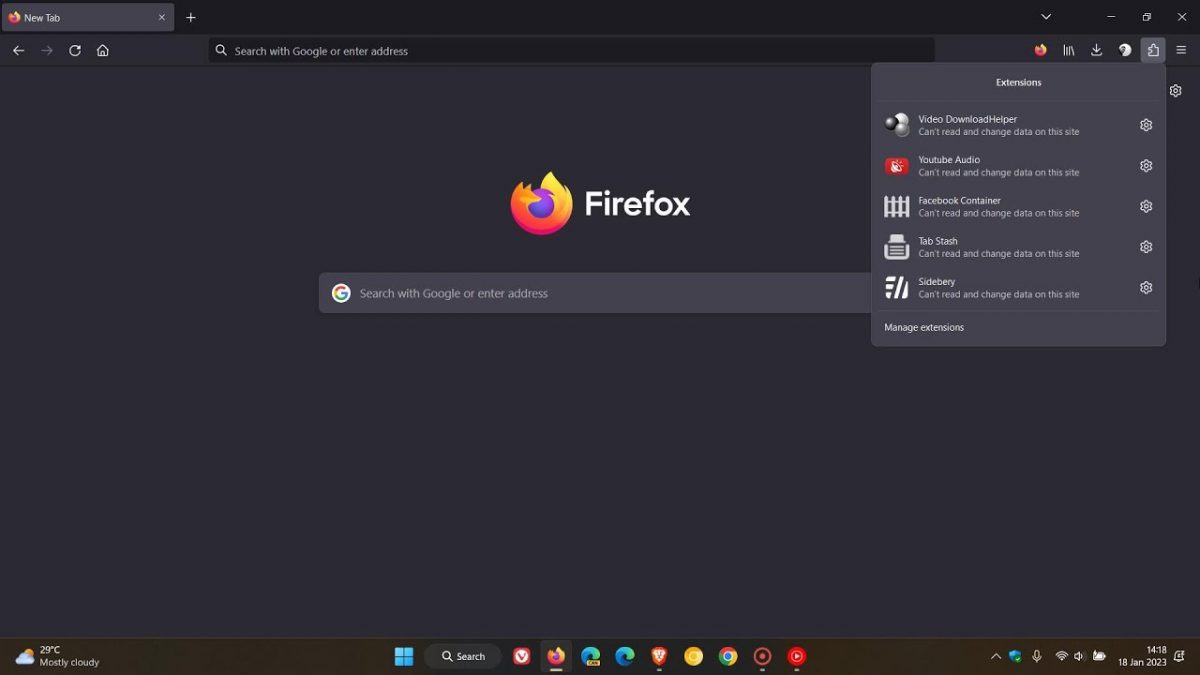
Video Download Helper supports all versions of Firefox 3 out of the box. It adds a single icon into the Firefox status bar which serves to purposes. It will for one indicate if videos have been detected on a website with options to download these. The other option is to display the list of supported sites which are opened in a small popup window. A right-click lastly will display a context menu with options to configure the add-on.

video_download_helper

Youtube videos can be downloaded in various quality versions. This can be somewhat confusing to the user as it might not always be possible to identify the quality by looking at the download options of the Firefox add-on. It was also no problem to download videos from Dailymotion or Gametrailers using Video Download Helper.

Video Download Helper offers a very comfortable way of downloading videos from video portals. The amount of video portals supported goes even beyond the few hundreds that are listed in the add-on as it is able to detect videos on many (officially) unsupported websites. The download links are sometimes a bit confusing and the links in the supported list of video portals does not lead directly to those portals but to the homepage of the developer’s first.

The Verdict:

Out of the five add-ons that have been tested one failed completely, two were only compatible with two of the three test sites and two were compatible with all test sites. Video Download Helper and Net Video Hunter were the only add-ons that were able to download videos from these websites. Both add-ons have their uses. Net Video Hunter makes it easier to manage video downloads while Video Download Helper offers a list of supported websites which is interesting for exploration purposes.


Tags: , , , , ,
Categories: Browsing, firefox


Related posts:

  1. Video Download Add-On NetVideoHunter For Firefox
  2. Automatically Download Youtube Videos (And More)
  3. Download Helper Firefox Add-on
  4. Youtube Video Download
  5. Download multiple videos from video portals
  6. Video Downloader Extension for Firefox
  7. Download Avis from Youtube and other video sites
  8. Video Downloader aTube Catcher

3 Responses to “Firefox Video Download Comparison”

  1. Agent Noh says:

    I just knew Video DownloadHelper and that’s the add-on which won. No questions left.

  2. Mike J says:

    I too use Download Helper; it is one of the attractions of using Firefox;very convenient & stable.Martin didn’t mention but it has a conversion option, though I find it slows things down & do not use it.
    DownloadHelper can be used with Pandora radio, BTW.

  3. zondron says:

    an alternative, no need for add-ons: http://file2hd.com/

Leave a Reply   Follow Ghacks   Subscribe To Comment Rss

© 2005-2010 Ghacks.net. All Rights Reserved. Privacy Policy - About Us