
Seeqpod search and listen to music
Seeqpod offers two ways to find new and exciting music. The first is the so called PodCrawler which constantly displays songs that have been found and added to the database. From what I can tell they are crawling official band and company websites as well as podcasts and probably other websites as well.
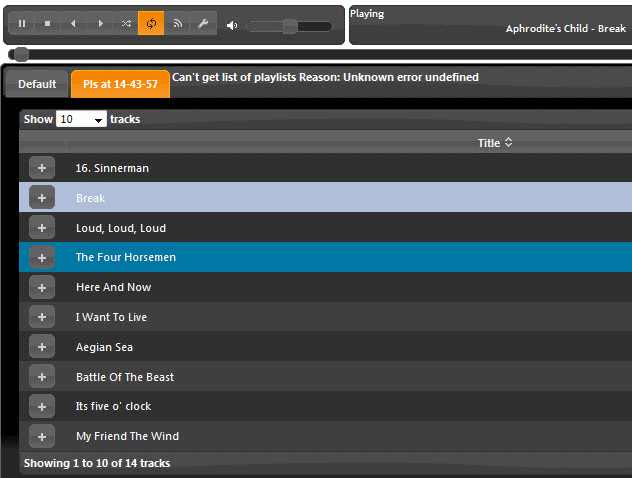
If you click on the icon before the song title you add it to your playlist which can be saved, shared and embedded. Instead of trying out random finds you can also perform a search for an artist, band name or title and add those found to your playlist as well.
This means that is is relatively easy to build a large playlist with songs that you like and listen to them while online. The link to the song is displayed as well but not clickable by default.
There is however the possibility to use a program like Grab++ to grab the link and send it to a download manager such as Orbit downloader to download the song. I tested this method and it works perfectly.
Update: The Seeqpod website and music service is no longer available. The website returns a 404 not found error. It is not clear what caused the closure of the site.
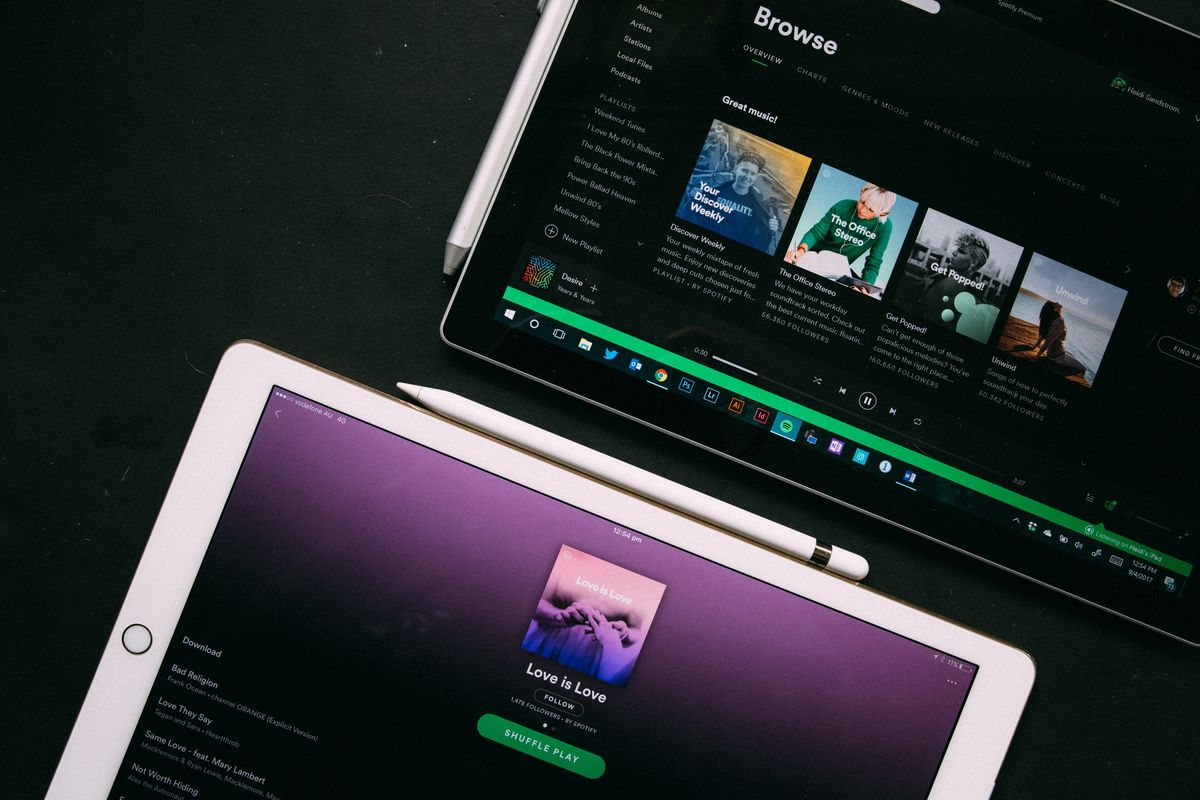
We suggest you either use a free for all music site like Jamendo, which offers thousands of albums that you can download for free to your computer, or a music streaming service such as Spotify or Pandora Radio. While they require that you create an account first to use them, and may even run ads in between some of the songs, they are free to use unless you want to use the premium service options that they provide you with. If you do, you get an ad free listening experiment, mobile access and more for a price.
Advertisement














Great site, thanks :)
That’s a sweet website. I like how when you search for something that it doesn’t have, it will say that it will look for it while you listen to other music. I also like how it lists videos from Youtube that have to do with your search.