
How To Send Large Files To Friends

You sometimes may need to send large files to friends, colleagues or other people on the Internet. Think about photos of the last party that you want to share with someone, or a new music album, video, document or application. Email is the obvious choice for many, mainly because everyone has an email client (be it web email or desktop email) and it is dead easy to use.
All it takes is to write a new email, attach the files that need to be shared and add the contacts that should receive it.
Email does have a disadvantage though, a size limit makes it virtually impossible to send very large files. Most providers reject emails that cross the 20-25 MB line. You might want to consider splitting up the files to stay below that limit but it does mean additional work, and there are better options, especially if files need to be send regularly.
Now that we have established that email is not ideal for sending large files we can take a look at other options.
File hosting services come to mind immediately. Hundreds, if not thousands, of file hosting sites compete with each other on the Internet. They allow Internet users to upload files to their servers. The file urls can then be shared with other users. The process is slightly more complicated than sending files per email, as it requires some sort of communication so that the recipient gets the file hosting url to download the files.
There are also specialized file hosting sites, Flickr for instance for hosting photos comes to mind, or Youtube for videos. Those sites offer privacy features to only share files with specific users.
File Hosting Services to Send Large Files
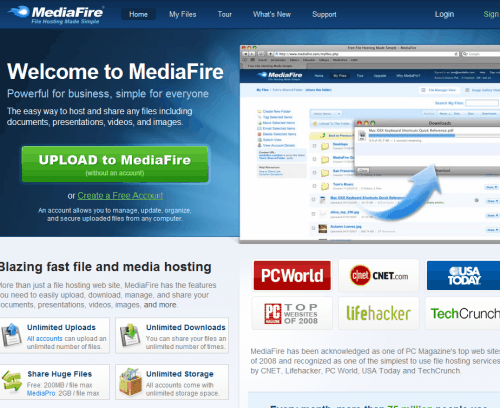
Media Fire - One of the best file sharing services on the Internet. Free users can upload an unlimited number of files, with each file up to 200 Megabytes in size. Downloads are unlimited as well. File urls can easily be shared by email, Instant Messenger or embedded on websites.
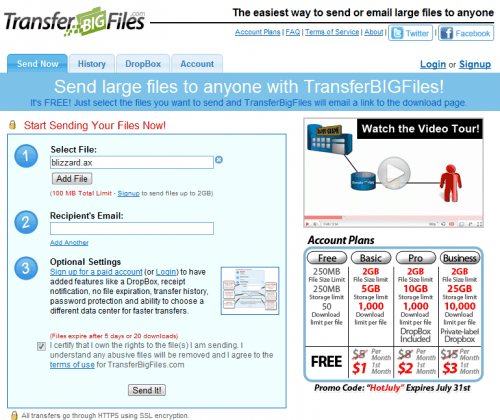
Transfer Big Files - File size limit of 100 Megabyte without account, can be downloaded 20 times, urls are send to a recipients email address. Uses HTTPS for website and all transfers.
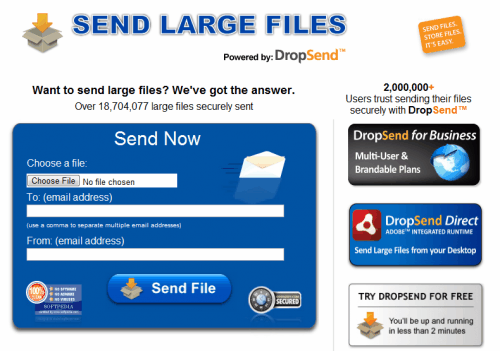
Drop Send - Has a file size limit of 2 Gigabytes and 5 sends per month, transfers seem to be limited in speed compared to the paid accounts offered.
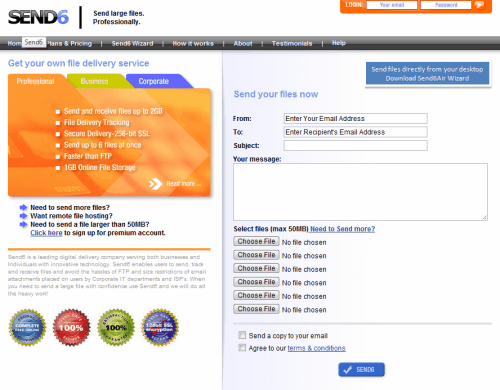
Send 6 - Another file hosting service that offers to send up to 250 Megabytes without registration. Has an individual file size limit of 250 Megabytes, maximum of 5 downloads per files.
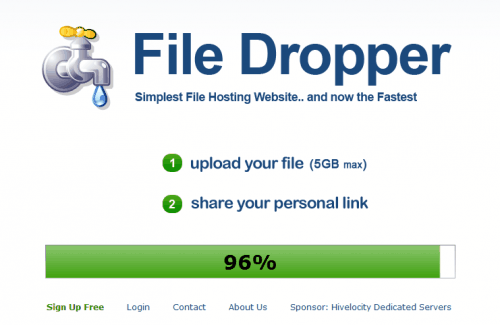
File Droper - a very simply uploading site with a maximum file size of 5 Gigabytes. Uploaded file urls need to be shared manually though.
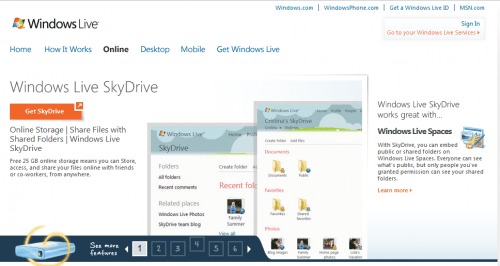
Windows Live SkyDrive - requires a Windows Live account but is good for sharing up to 25 Gigabytes of data, individual file size limit is 50 Megabytes.
Other options (selection)
The file hosting sites above are just examples, you can easily find more hosting sites by searching for terms like "send large files", "file hosting" or "file hosts".
Desktop Clients for big file transfers
File hosting sites offer an uncomplicated way of sending files to other people. Most do however limit the maximum file size, download speeds or number of transfers to upsell premium accounts.
Desktop file sending clients are a great alternative.
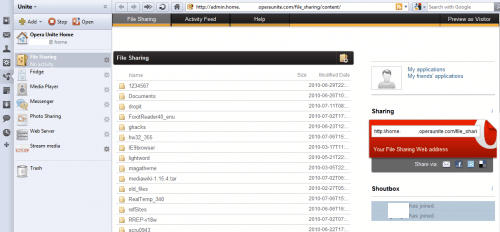
Opera Unite - The Opera web browser comes with a feature called Opera Unite. It basically provides web server capabilities directly in the browser. Several applications are available that can be installed including a file sharing app.
Here is how it works. Visit the Opera Unite website above in Opera and install the File Sharing application in Opera. You need to create an account at Opera if this is your first time.
A folder can be picked that is then shared on the Internet whenever Opera Unite is running. The url of the folder can be send to friends via email or other means. Friends open the url in the web browser and see the directory structure and files of the selected folders. Folders are password protected for extra security. Available for Mac, Windows and Linux.
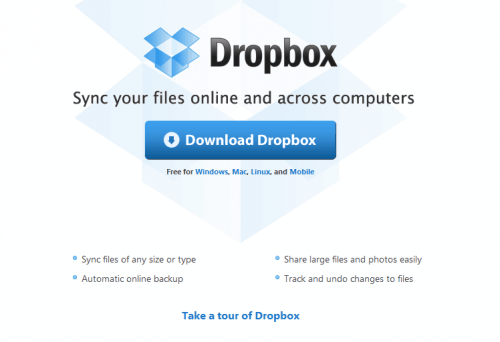
Dropbox - A free Dropbox account has a 2 Gigabyte space limit, which should be fine for most file sending operations. A Dropbox client is installed on the computer system. Files that need to be send to other users can be put into a Dropbox folder to make them available online. Folders can be shared easily by sending invitations to email addresses.
Dropbox is also available for Linux, Mac and Windows. An account is required to share files.
HTTP File Server - this program offers a similar approach as Opera Unite. It installs a file server on the system that can be used to share files with other users. Highly configurable.
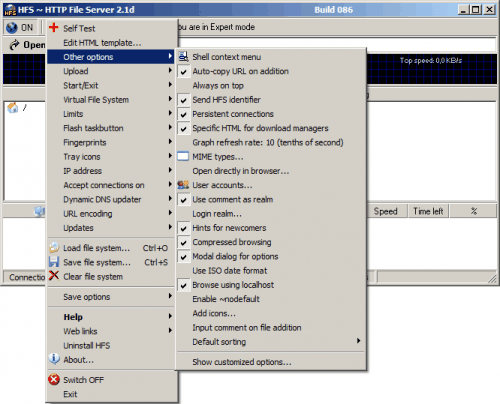
Other options
A third option are Instant Messengers and other communication programs like Skype which often come with basic file sharing options. They are a good option to send medium sized files directly to other users, probably the best choice if both users already have an account.
We did not mention ftp servers which are an option as well. The problem with ftp servers is that they are not that easy to configure and setup. Users who want to delve deeper into this can take a look at the excellent Filezilla Server, which is available for Windows only.
Users who live close to each other have the option to burn the files to DVD or copy them on a USB drive or stick to hand them over in person to the other user.
How do you share and send large files? Let us know in the comments.
Advertisement


















5 years later … and it’s now possible to send large files via email. http://www.jscape.com/blog/send-large-files-through-email
I like http://click2copy.com – it sends files directly peer-to-peer without intermediate server. That’s very fast as it doesn’t bound to any server…
I really like STOCKLii.com/en. Big files supported and you can share your files with HTML links or with an user management. FTPS supported and the best its very cheap
Another vote for http://www.filesdirect.com – lovin’ the one month free. :)
Try FileShare HQ – http://www.filesharehq.com/
FTP Access, Personal / Company Branding, 99GB individual file size, some of the best Price Plans available. Perfect service for creative agencies, photographers, video editors, PR teams and many more.
I just recalled that from time to time, I’m using http://www.yousendit.com/ , as an enhanced mailbox (for attaching big files and send them to friends).
Free account is limited to 100MB.
G.
Good post! But you missed my personal favourite: http://www.filesdirect.com – up to 2GB uploads even on the free plan, 128-bit SSL encryption, easy to use and fast!
awesome info thanks!!!
I prefer sending with http://www.filemail.com
No registration needed and you can send up too 2GB with the free version
Wonderful collection.
Used . . .
WeTransfer a couple of weeks ago–great;
drop.io has so many other functions that the pick up side loves it;
Pipebytes–awesome;
FileZilla–maybe better for my own personal use;
DivShare is more than adequate;
HFS is great, but the pick up side needs some basics;
and
iSendr . . .
The list continues.
For me, it’s always finding a program/solution the other side will understand–they can download a torrent, but this other stuff boggles their minds–ironically.
Thanks Martin . I think MediaFire is the best and the easiest choice among all of other free file hosting websites .
Another favorite option is File Apartment (http://www.fileapartment.com). Easy to use, fast, no software to download or registration, up to 1 GB, free option, safe, and secure.
Great article!!!
The only addition I can think is the multiupload providers.
I’m not using any, but I’ve heard good words from users.
A google search for “multiupload”, reveals a lot of such (free) services, but I don’t know any further details.
Greets!!! :-)
I’ve found PipeBytes to be good – the recipient can start downloading as soon as you upload.
http://host02.pipebytes.com/
I really enjoy using https://www.wetransfer.com/ , I think it is awesome!
Ditto on WeTransfer.
I have used many of the above profiled programs/websites and have settled on WeTransfer.
HFS is absolutely awesome for large files. Up and running in seconds, but a lot of settings to configure if needed.
I actually have neat domain name mapped to my home IP for it. :)
I use Dropbox a lot for other things (documents, backups), but for sharing large files I found it sluggish. Upload speeds aren’t always great for me.
You may want to try Orzeszek Transfer (http://www.orzeszek.org/dev/transfer/). I wrote it a while back as a simpler alternative to HFS. It works the same way (ie, makes the shared files available over HTTP), but you don’t need to do any configuration other than forwarding a port of your choice. The trade-off is that Orzeszek Transfer only shares the files that you explicitly specify, so you cannot simply share an entire folder.
What, no love for Apache?
well y not rapidshare, u can earn points for urself while sharing some thing with ur friends…ofcourse there is some restrictions on time, but there are way thru too..
it is mentioned but not anything more that..