
Redesign your Google Calendar with a custom skin

If you're a fan of skinning your apps you probably already know all about user styles for web pages. There's a great plugin for Firefox that enables you to change the look of webpages using css called Stylish. Once you have it, you can download (or create) user styles and change the look of any website with the push of a button.
If you want an awesome style for your Google Calendar take a look at the sleek design by Globes Designs called Google Calendar Redesigned. If you like a darker theme with a bit more contrast this is definitely for you. User styles are not always implemented well with choppy bits everywhere, but this design is totally beautiful.
You will be glad to know they have a Gmail design as well (in fact this spurred the calendar design) called Gmail Redesigned. This is essentially the same thing for your favorite email client, so you can have the same design throughout these two Google services. I you know any more cool user styles please let us know, I'd love to take a look at some!
Update: The userstyle has not been updated since 2008, which indicates that the project has been abandoned by its author. You can however browse the Userstyles website for Google Calendar styles to find working alternatives.
This includes Google Calendar Simplified which simplifies the pages by removing the header, footer and other page elements that are not necessary.
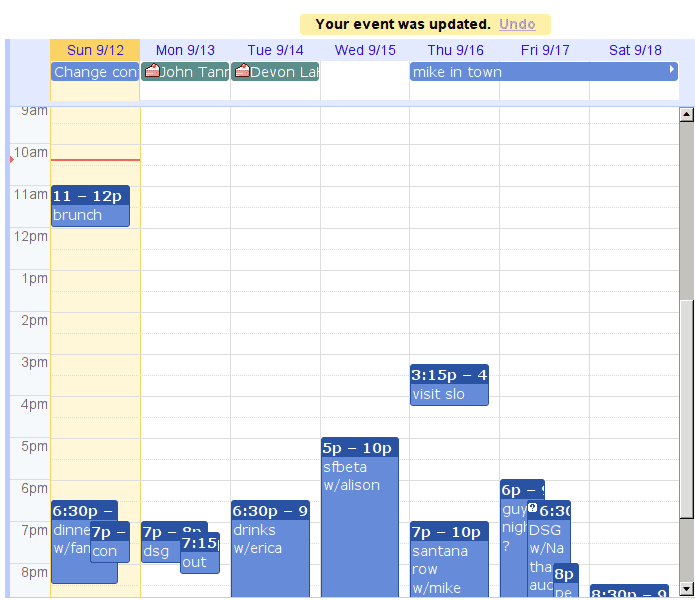
A second option is the Google Calendar Minimalist theme. It condenses some of the white space of the latest Google Calendar design update.
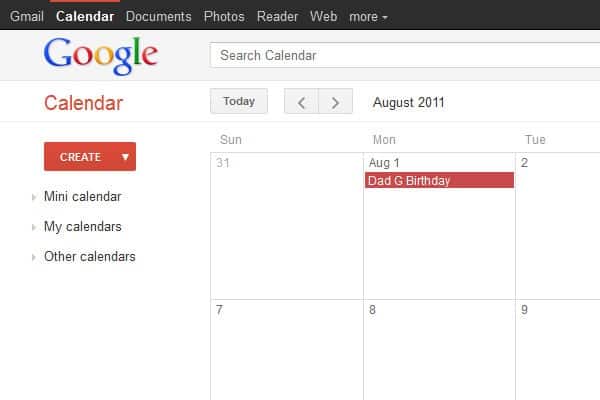
I suggest you look at the complete Google Calendar styles listing on the site where dozens of new styles for Google Calendar are listed.
And if you know CSS, you can create your own styles easily using Stylish as well. You can use Firefox's development tools for that to find out the important classes and CSS styles used on the Google Calendar website, and modify those using Stylish.
Advertisement

















Thanks for that, both gmail and gcal look heaps better with the css refresh.