
Change Opera's Speed Dial Thumbnails

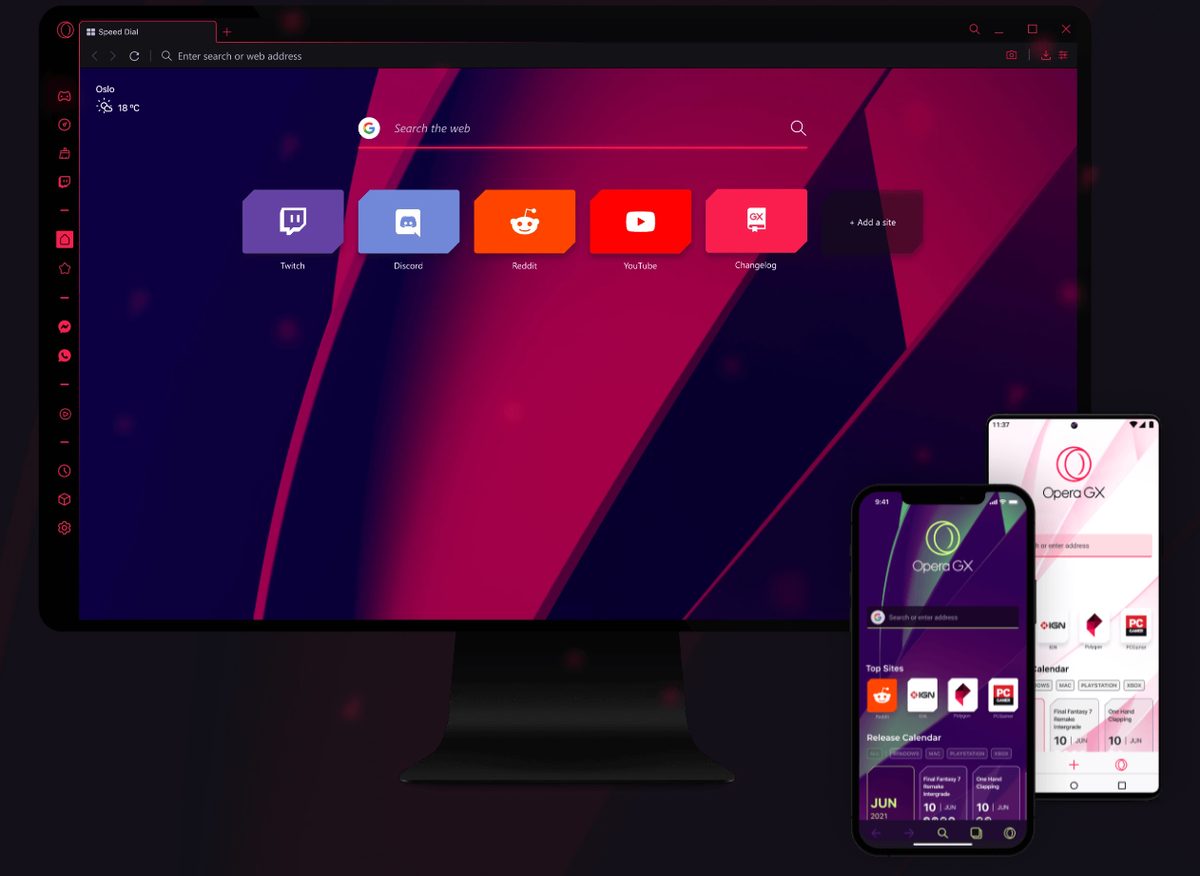
Opera displays a set of up to nine thumbnails of websites on every blank tab that is opened in the browser. The Speed Dial feature provides the means to open nine custom websites faster than usual. It just takes one click of the left mouse button to load the selected website in a new tab in the Opera web browser.
The thumbnails that are used to represent the websites in the Speed Dial form are taken directly from the website. The best way of identifying the website is probably the title of the website which will be displayed below each thumbnail. The thumbnail itself is usually to small to be helpful in quickly identifying the website.
Tamil who runs a blog at the Opera website posted information on how to exchange the automatically generated thumbnails with custom ones that make it easier to identify the websites. The alternative thumbnails have to be created in png format with a suggest size of 256x192 pixels or less.
The default thumbnails are stored in the Opera profile folder. Windows users can locate that folder at Documents and Settings\[USERNAME]\Application Data\Opera\Opera\profile\thumbnails. The available thumbnails are randomly named. The only way of identifying the websites is to open them in an image viewer. All that needs to be done to exchange the thumbnails is to copy the name of the default thumbnail and name the new thumbnail identically. Once that is done the thumbnails can be exchanged. It should be noted that Opera has to be closed during the file operation.
Two thumbnails have been exchanged in the above example. This makes it easier to identify websites in Speed Dial. It is easy to undo the changes. Pressing F5 will automatically generate new thumbnails of the website replacing the existing ones.
Advertisement












Opera was my default browser during my college days but due to fast website rendering but nowadays my interest in the browser was quite fading.
And how did you made it transparent? :)
Ernestas take a look at this article describing the procedure:
http://locksley90.blogspot.com/2008/06/how-to-change-background-of-speed-dial.html
How do I change the background of speed dial?