ghacks Technology News

iPod

News, tips and reviews of Apple's popular mp3 player iPod. In this listing you find articles about itunes, iTunes alternatives, how to cope with iPod freezes or how to convert media to make it compatible with the iPod.


Microsoft Release OneNote for iPhone (Free for a Limited Time)

Microsoft have now released their popular note-taking app, OneNote for Apple’s iPhone and iPod Touch.  The program, which is part of their Office suite is popular with people wanting to make notes in meetings of who want to jot down thoughts on the go. While built-into the company’s own Windows Phone operating system, iOS is [...]

Restore Music And Videos From Apple Devices To iTunes

A hard drive crash can put a big dent into a computer user’s music and video collection, if there are no backups. Sometimes though there are other possibilities on how to recover a music and video collection after a crash. One of those options is if part or all of the collection has been transferred [...]

SYNCiTunes Synchronizes Music With iTunes

Apple’s iTunes software is used by the majority of iPod users to manage their music library and synchronize songs with the mobile music player. Those that use a different software to manage their music are left with the option to add the music to iTunes as well to synchronize it with the iPod or to [...]

Ubuntu One Music Store has arrived

This morning I woke up to write an article for Ghacks. I was searching around for inspiration while I was updating my Ubuntu 10.4 beta install. Near the end of the update I thought “Let’s just check to see the status of the Ubuntu One Music Store”. So I fired up Rhythmbox and, to my [...]

Adding music to your iPhone

Now that we how to set up your Linux system to sync music to your iPhone (see my article “Syncing your iPhone (or iTouch) with Linux“), I thought it would be a good call to show you the step-by-step process of adding that music. This tutorial will start from ripping a CD all the way [...]

Syncing your iPhone (or iTouch) with Linux

It’s taken me long enough, but finally a solution for syncing both an iPhone and an iTouch with Linux is possible. What is best about this method, is that it does NOT require a jailbroken iPhone. That’s right, you’ll be able to sync your iPhone, via USB, and add all sorts of good music to [...]

iPhone Update: Crazy Hack, First Ever Worm, HD Radio And More

I am going to be doing a series of iPhone related posts for the next few posts. We have people doing interesting things with their iPhones and have more interesting accessories coming out for it now. In the meantime, the first ever worm for the iPhone gives everyone a bit of a scare. Get over [...]

Disable AppleMobileDeviceService.Exe, iTunesHelper.exe and iPodService.exe

Users of the Microsoft Windows operating system who install the music manager iTunes will notice a large number of background processes that are connected to that program. The processes that all users are going to see are AppleMobileDeviceService.Exe, iTunesHelper.exe and iPodService.exe with some running in the background even if iTunes has not been opened since [...]

Pod To PC Transfers Data From iPods And iPhone To PC

Pod To PC is a free software program to transfer data from any kind of iPod or iPhone to a computer. It supports all generations of the iPhone, iPod Touch, iPod Video, iPod Nano, iPod and iPod Shuffle making it an universal tool to transfer data from those mobile devices to a PC. The software [...]

Add Youtube Videos to Your iPod with Floola

Some would say the fact that Linux can even communicate with an iPod is remarkable. And the way Apple keeps everything secreted away, I could easily buy that sentiment where it not for an intimate understanding of the resolve of the typical developer. Although not open source, Floola typifies this resolve, and then some. At [...]

Configuring gtkpod for Music Playback

In my recent article I illustrated how to connect your iPod to the Linux application gtkpod. Gtkpod is fairly straightforward, but there can be issues. One of the issues is playback of files. And what good is a multimedia application if it can not play back the files it manages?  Configuring gtkpod is actually quite [...]

  • Author:
  • Comments: 1

iTunes giving away free media

Instead of giving away free software on Christmas Day, Apple are giving away free media on iTunes in the UK and possibly other European countries. Apple’s 12 Days of Christmas’ Giveaway provides one free download every day between 26 Dec and 6 Jan. Yesterday, Apple were offering a music video of ‘That’s Not My Name’ [...]

Connect your iPod to gtkpod

You’re new to Linux. You have managed to figure your way around the desktop and you have become accustomed to the application installation process. Now it’s time to go about day to day business of using your newfound obsession. Of course one of the first issues you might come across is that of application abundance. [...]

Ask the Readers: Which MP3 Player Should I Buy?

In today’s world, owning a cell phone and/or a portable media player has practically become a necessity. The thing is I don’t own either. No, I do not live in a cave, I just took a conscious decision not to own one. Recently though, I’ve decided to invest in an mp3 player. I knew about [...]

The Zune: A Review

Yesterday I finally got my Zune 120, all the way to Australia from America through Ebay thanks to Microsoft’s failure to release the Zune internationally at this point. All I can say is it was completely worth it. The bad thing for Microsoft is it’s taken 3 years to get the Zune to meet it’s [...]

Free iTunes Alternative Froddle Pod

Most users would probably agree that Apple’s iTunes software is not a lightweight application. To the contrary. The application is huge and some will see it as an overkill if you only want to transfer music from and to an iPod. That’s where iTunes software alternatives come into play. Froddle Pod is such an iTunes [...]

Winamp iPod Plugin

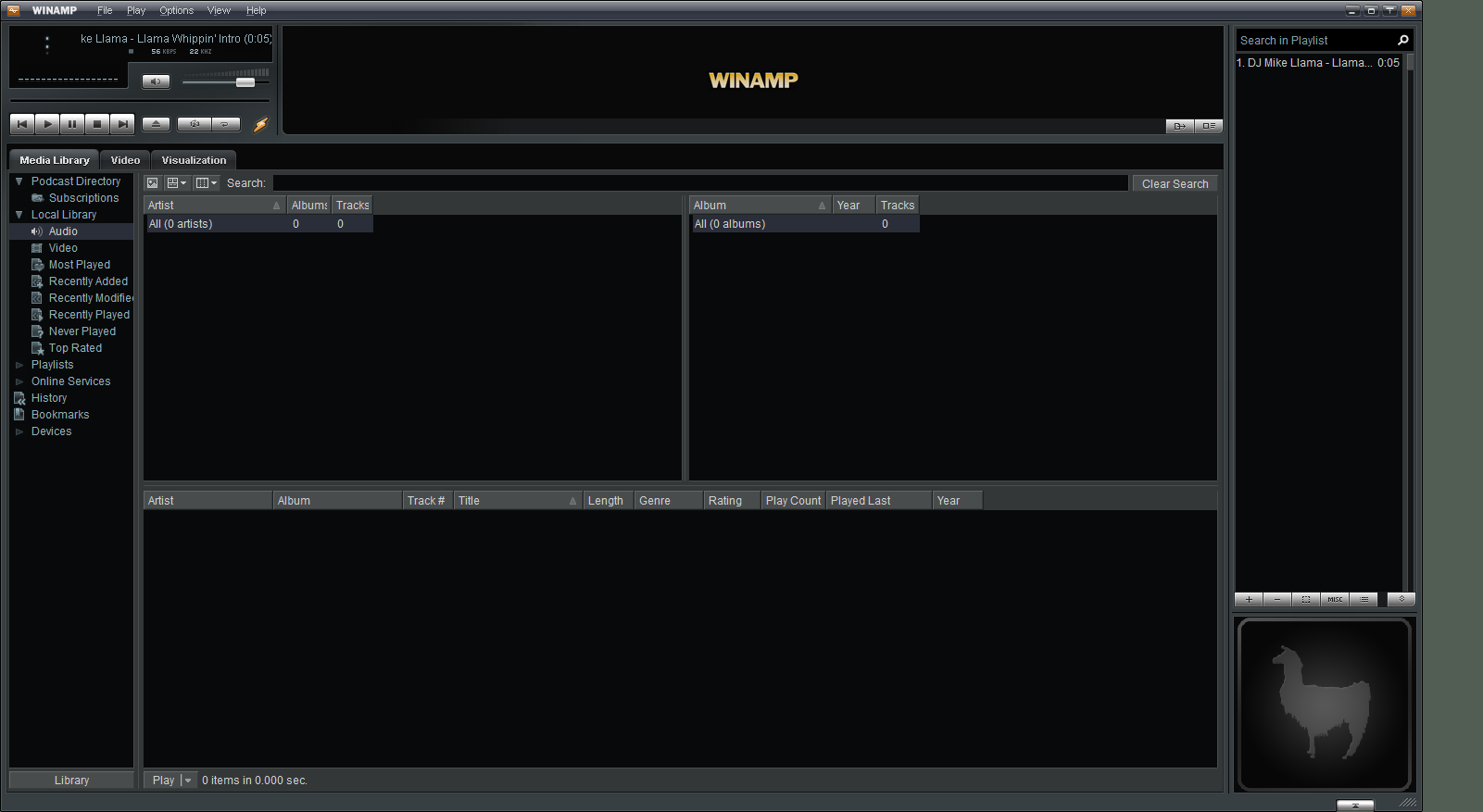
It has been nearly two years since I took the last look at the Winamp iPod plugin which has gone a long way since then. Now every iPod generation and edition is supported by the plugin which gives Winamp users the option to manage their iPod from the Winamp Media Library. Like iTunes the Winamp [...]

Transfer Files between iPhone, iPod and Computer

It is only natural that some users use their Apple iPhone or iPod Touch as a portable device that stores files. The disk space of the Apple devices are definitely large enough to provide room for some additional files. Not necessarily pictures, music or other multimedia files but maybe documents or executable files that are [...]

Hack Your iPhone or iPod Touch in Under One Minute

If you are the proud owner of an iPhone or an iPod Touch, you know by now that you are subject to a lot of limitations such as being restricted to the AT & T Network. In addition, you will be unable to install or run any third party applications on your device. With all [...]

Share Songs with Mojo and iTunes

I’m not a huge fan of Apple iTunes, think it’s just to slow to be a good music player and I have no intention of using the Apple store. That leaves me with a tool that can transfer songs to my iPod Nano. Having said that I can immediately tell you that Mojo is not [...]

Prepare your Audiobooks for a Roadtrip

I never liked taking my original CDs, or any CDs at all for that matter, with me on a roadtrip or on holidays. CDs are fragile and tend to break pretty quickly, especially if kids are around. If they don’t break them they usually scratch the CDs into oblivion. I began to create backups of my CDs and take them with me on those trips which solved one problem. I still did not like carrying around dozens of CDs and decided to convert them into digital media and put them on my mp3 player instead.

Scarddlg.dll error when opening iTunes

A friend of mine recently received an error message whenever he was trying to open iTunes. The error stated that the file scarddlg.dll was missing on the system and that a reinstallation of the application might fix the problem. A reinstall did not help and he asked me if I was able to come up with a solution to his problem.

Listen to Complete Albums on Lala

Lala used to be a CD exchange site until pretty recently. Since its launch, more than 500,000 CDs have been traded on the site. Now, the site has reinvented itself and has turned into a music store. Songs bought on Lala can be played on your iPod which makes Lala pretty unique as of now. [...]

Add SeeqPod Webclip to iPhone or iPod Touch

The SeeqPod team have released a introductory video explaining how to add the SeeqPod webclip to your iPhone or iPod Touch which effectively makes it possible to listen to music found on SeeqPod without having to open a browser first. Pretty nice if you consider that most music can be found with SeeqPod.

Apple iTunes Video Rentals cracked ? Not really !

So the guys at Gizmodo started playing around with the video rentals at iTunes trying to figure out a way how they could prolong the time – 30 days to start watching it, 24 hours to watch after starting it – that they were allowed to watch the movie that they rented. Some tests seemed to reveal that one of the oldest hacks of old time would work, that they could increase the time almost indefinitely by changing their computer’s system date to the future and back to the present.

Download songs with ourTunes

I guess ourTunes is a very popular application in Universities and IT departments. It basically lets you download songs from other peoples iTunes if they are in the same network and share their itunes library. I’m not in a network and don’t use iTunes at all so I can’t test how effective this method is compared to using ftp, network browsing or local copies but I guess some will like it because it is easy to use.

Put Wikipedia on your iPod

If you have one of the newer iPods with 8GB+ you might want to consider putting all the information of Wikipedia on it for fast reference. I personally think that this is an excellent idea if you regularly visit Wikipedia to research information but do not have Internet connection all the time. This could also be useful on your holiday trip if you want to quickly lookup information about a place, location or historical fact.

Read any ebook on your iPod

If you love to read but don’t like taking millions of things with you you will be quite delighted to know that you can take your books with you on your iPod. I originally stumbled on to this story on Lifehacker and found it worth your time because it eliminates the need to carry one [...]

Copy Music from iPod to a Computer

If you are looking for a quick way to copy music from your Apple iPod to a computer you might find the software iPod Folder which is available for Windows and Mac more than suitable. Users can start the transfer of the music with just three clicks. The first click selects the iPod that is connected to the computer, the second click selects the destination folder on the computer and the third finally starts the transfer of the music.

uTorrent and Last.fm iPhone applications

You can think whatever you want about the Apple iPhone but it surely gets more developer love than most other phones currently on the market. I spotted two incredible applications for the iPhone which might appeal to a lot of iPhone owners. The first software is called Mobile Scrobbler which connects the iPhone and iPod Touch with Last.fm.

Itunes Error 69 when syncing iPod

I have been experiencing the Error 69 in iTunes lately when syncing iPod. The full error message read “Attempting to copy to the disk failed. An unknown error occurred (-69)” which is not really that helpful if you ask me. I figured that this was some kind of transfer problem and decided to investigate it further.

Ipod Reset Instructions

Frozen iPods are more common than you might think. Read on before you go out and buy a new iPod just because you can’t get your old one fixed. As I said, frozen iPods are common and there are a few steps that you can undertake that will most likely fix the iPod and get it out of it’s frozen state.

Apple announced new iPods. Does anyone care ?

Apple once again announced a new batch of iPod devices to lure consumers in the trap of buying just another iPod that can store more Gigabytes, is smaller or offers a touch screen interface. High-End users have the choice between a 8 and 16 Gigabyte iPod Touch which looks pretty similar to the iPhone but ships without phone capabilities or between a 80 and 160 Gigabyte iPod Classic device.

Erase Personal Information from iTunes Plus Songs

The outcry of the Internet community was loud and clear when then information was published that songs purchased without DRM from Apple’s iTunes store would contain the name and username of the buyer. Horror scenarios where created that suggested that someone could get convicted if his purchased songs would be found on P2P websites even if he did not share them personally.

Mp3 to iPod Audio Book Converter

Did you know that the iPod is supporting two additional audiobook features ? Audiobooks in the m4b format support the adjustment of the reading speed and pointers to the last reading position of the audiobook. Those features are not available if your audiobooks have the extension mp3.

Sync iTunes with non iPod mp3 players

I do not know why some users swear on iTunes and prefer to use it as their main software for their music collection. The biggest drawback in my opinion is that iTunes was designed to only work with iPods and not other mp3 players from different manufacturers. I personally think that it is a bit way of to install iTunes if you do not own an iPod but apparently some users are doing it.

Remove personal information from iTunes DRM free songs

The joy that Apple decided to sell DRM free music on their popular iTunes plattform was overshadowed by two elements. The first one was that the DRM free songs would cost $0.30 more which could not really be explained. The second element was discovered after users were actually able to purchase drm free songs at iTunes.

Account information, namely name of buyer and account name, remained as information in the DRM free files. While this should not be a problem for everyone some users would have at least preferred to receive information about this before making the purchases.

Autorate songs in iTunes (Mac and Windows)

Are you using the rating feature of iTunes and your iPod a lot ? I can only speak for myself but I never used that feature at all because it seems to be a lot of work to rate thousands of songs.

There is however a way to rate songs automatically using a free software called AutoRate (Macintosh) that rates track automatically according to how often they have been played and skipped. The ratings get synced with iTunes which means that you do not have to rate all of your songs by hand to achieve this goal.

Finally an iPod update for Windows Vista

Users with Microsoft Windows Vista and an iPod might have encountered the problem that under certain circumstances the data on the iPod could become corrupted after removing it from the computer that was running Windows Vista. According to Microsoft the problem could arise under two circumstances which I pasted below:

iTunes Visualizer Magnetosphere

I’m usually not using iTunes at all because I think the software slow and overloaded like the Windows Media Player. If I want to play music I use Winamp and to transfer songs to and from my iPod I use Floola. I still have iTunes installed but as I said it is only used very seldom. To be honest, I did not even knew that there were visualizations for iTunes available. You can think of them like the ones on Winamp for instance. I found this amazing visualization for iTunes and decided to write an article about it. I think it would be best to walk you through the installation and activation although it is nothing complicated. Download and install Magnetosphere and start iTunes afterwards.

Automatically add new videos to your iPod

How are you normally transferring new videos to your Apple iPod Video player ? You create or download them, transcode them into a format that your iPod video understands, add them to iTunes and sync iTunes with your iPod Video again. What if there was a way to automate every single step of this procedure after creating or downloading new videos ? Yeah, I thought that you would like that. To automatically add new videos to your iPod Video you need the free iPod software Ipodifier. Just download iPodifier which has a size of about 8 megabytes and install it on your system.

New Trend: Raise Music Prices by offering DRM Free Music

Now if that is not a clever idea. Force DRM on the users for several years with a pricing scheme straight out of hell and then use a huge publicity machine to make the customers believe that DRM free music is the future raising prices once more. If you thought that everything would be good now that many labels decided to offer drm free music albums as well you could not be more wrong. What is happening now is that the Music Industry once again fools the customers by offering overpriced products.

Apple Ipod Video Converter

The initial release of Apples Ipod Video Player seems to have encouraged hundreds of software developers to create a software that would convert video files into the format that the ipod video player is compatible with. I was using Super for that purpose for a long time which is a great converter, probably the best that is currently available for free. Super has the disadvantage that new users might be overwhelmed with all the options and I was looking for a easier solution to convert videos into a format that the ipod video player would be able to play

Free Audiobooks from the Gutenberg Project

Gutenberg was a German inventor most famous for inventing movable type printing around 1450 in Germany revolutionizing European print-making. Project Gutenberg offers more than 20000 free Ebooks for download and has a audiobook section as well. The audiobook section of Project Gutenberg offers a great list of free audiobooks in various languages with the emphasize on English audiobooks. Please note that all audiobooks are read by humans, some audiobook sites offer books read by computers instead. Human read audiobooks are of a higher quality.

Copy all songs from an iPod

You can use iTunes to copy to your iPod but not to copy them back to your hard drive. I don’t know if this has been intentional to please the Music Industry but I doubt it was just an error that could not be corrected in later revisions of iTunes. You have to look elsewhere if you want to copy songs from the iPod to a hard drive again, lucky for us tools that can do this exist and are free to download and use.

Free Ipod Video Converter

The Free Ipod Video converter is a very easy and reliable program to batch convert videos into a format that all video iPods can play. The process of adding files is always the same. You add files by selecting them from your hard drive, the free iPod video converter will display information about the file first and let you choose some settings in the next window. You may change the output filename and the video and audio quality.

iPod City Guide

We already know that most iPod can store various information next to music and videos. Wikipedia can be uploaded as well as information about subways in various citys. The iPod city guide is another excellent application for most iPods, including iPod Nano and iPod Video, which adds information about more than 300 cities to your iPod.

Replace iTunes with Floola

Floola is a multi-platform freeware replacement for iTunes which adds some much needed features that iTunes does not offer. Before you can use Floola you need to prepare your iPod and enable it to work as a portable hard drive. A good walkthrough of the different steps can be found at the official Apple website. When that is done you need to configure iTunes to manages songs and playlists manually.

Remove DRM from your iTunes library

If you purchase songs from iTunes you will soon notice that the downloaded m4p files are protected and you will have troubles playing them in mp3 players or software players other than itunes and an iPod. Some users think that this is not the way it should be and even some governments seem to think that the connection between songs purchased in iTunes and the restrictions imposed are not legal in their country.

Share the iTunes Library on a network

I don’t like the iTunes software that much – it is slow and big and the only reason for me to use it is that it is the offical software that comes with the iPod. I recently ran into a problem which was fixed pretty fast by a quick tip that I found at one tip a day. I assume that iTunes is already installed at least on your main computer and you want to access the same library of songs that are stored on the main computer.

Page 1 of 212

© 2005-2012 Ghacks.net. All Rights Reserved. Privacy Policy - About Us