Microsoft makes Windows 10 Extended Security Updates free, but only for users in one region
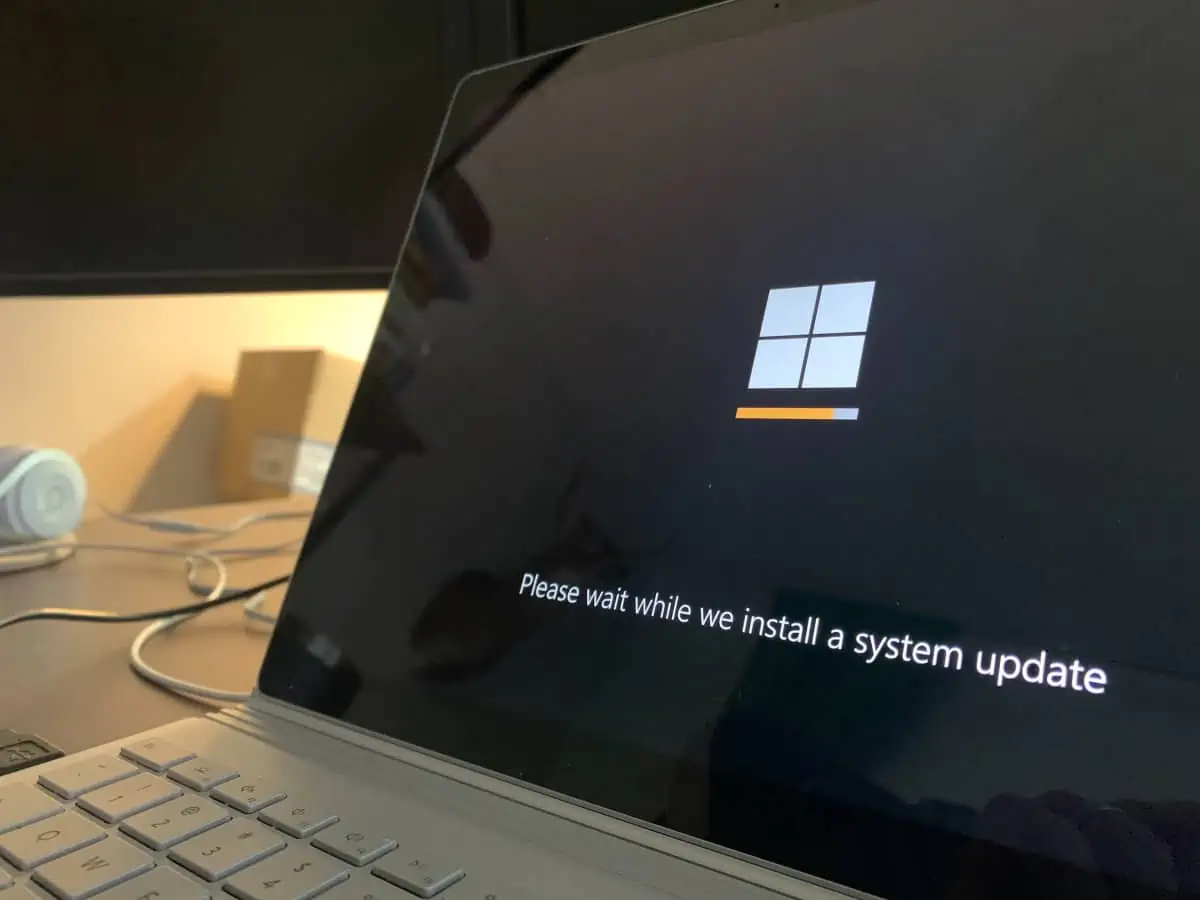
Windows 10 has just a few more weeks to go officially before Microsoft ends support for the operating system officially. Customers who run Windows 10 devices may extend support by a year or three, depending on whether they are home or business customers.
But joining the Extended Security Updates program has a cost attached to it, even for consumers. The three options that Microsoft has created have you either pay with your money, with Microsoft Rewards points, or with your data.
This approach has been a major concern for consumer rights organizations. The Euroconsumers Group, for example, criticized Microsoft for "linking access to essential security updates to engagement with Microsoft's own services".
Today, Microsoft released a statement that improves access to Windows 10 Extended Security Updates for users in the European Economic Area (which includes all EU member states, Iceland, Liechtenstein, and Norway.
It unlocks access to Extended Security Updates for users from the EEA and removes the requirement to pay with money or points, or to sync data with the Microsoft cloud. In other words, they can be enabled for free, even when not meeting any of the requirements that Microsoft created.
Microsoft confirmed the statement to Ghacks Technology News: "In the European Economic Area, we’re making updates to the enrollment process to ensure it meets local expectations and delivers a secure, streamlined experience. Our goal is to support customers and provide them with options as they transition to Windows 11, with uninterrupted access to critical security updates."
However, there is still one hurdle left. as Bleeping Computer found out. While users may join the program without fulfilling one of the requirements, they are required to join using a Microsoft account.
Windows 10 users who sign in with local accounts are exempt apparently. While that needs testing to make sure that this is indeed the case, it would still link essential security updates to using a Microsoft service, in this case a Microsoft account.
Windows 10 users need to check the Windows Update page of the Settings to get started enrolling. There they should see an "enroll now" link to start the process. If it is not displayed, an upgrade may be required, so click on the check for updates button to make sure your PC runs the latest Windows 10 version that Microsoft released.
Windows 10 users have other options. There is an open source script that enables Extended Security Updates on Windows 10, even for users who do not use a Microsoft account. Bypass options to install ESU updates without joining are also reportedly working.
Closing Words
Windows 10 is still widely used on PCs worldwide, with usage share hovering over the 40 percent mark in recent polls. That is a major security concern, considering that these PCs won't receive updates anymore after Microsoft releases the October 2025 update for Windows 10.
The only option to extend support is by joining the Extended Security Updates programs, which is now improved for users from the EEA.
Now You: do you run Windows 10 on your devices? Have you joined the ESU program already or plan to do so? Feel free to leave a comment down below.

All I can
say 3 I t guys today me different answers
I have no idea what to do , so many different issues, so many of you saying different things I’m totally confused by it all. I use it for work. And don’t know what I’ll do. I’m just me , new to these changes.
So who knows what I’ll decide, even then most of the time I don’t understand the instructions given a time. Bomb
Interesting move by Microsoft. Making Windows 10 Extended Security Updates free in just one region feels a bit unfair for global users who are still relying on Windows 10. Many businesses and individuals outside that region will now either have to upgrade or pay extra, which could be frustrating.
Do you think Microsoft might eventually expand this free ESU program worldwide, or will it stay limited?
Microsoft keeps creating a mess of its own making. Nobody wanted or needed Windows 11 and originally Microsoft indicated itself that Windows 10 was it, the last OS version with only incremental updates and features. Then it somehow did a 180 and decided we all needed Windows 11 PC’s with of course a newer PC ideally with AI capabilities. Microsoft now realizes this whole process has been a complete disconnect with the real world and what they want.
Solution is to buy a Mac. No ads, AI off, no cloud account needed….
At least thats what I’m buying my mom now that her W10 laptop will be junk
You’ve been lied to. Just install 0patch free and get hotpatch security updates through 2030.
I once considered doing this, but the fact that you can’t upgrade the RAM and storage on later Mac computers was an instant turn-off for me, which doesn’t help when new Macs came standard with only 8GB of RAM until just last year. I felt ripped off when I bought an M1 Mac Mini a few years ago when someone online said that I needed double the amount of RAM it had to do video editing, along with Apple introducing the M2 models just a month after I bought it. I ended up selling it and going back to Windows, this time using the LTSC version to avoid the annoyances that I got when I used to use the “Pro” version of Windows 10 along with the advantage of extended support.
Hopefully photo and video editing software for Linux advances to the point where it can catch up to the software that’s available on macOS and Windows so I can switch to it once Windows is no longer usable for me.
I’m in North America, and when I was updating my Windows 10, I got the extended security offer. Maybe they are rolling it out beyond Europe?
Yesterday I used the commonly available commands to invoke the “Enroll Now” offer. The enrollment required MS account sign-in, but there was no request/demand to backup or sync anything! I uninstalled Onedrive looooong ago. I have read that the enrollment process will download and install Onedrive, but this did not happen. Update page in Settings states PC is enrolled! ????????
We have two old laptops that still run win 10. Both are already enrolled in ESU using the bypass scripts.
OMG! Such a drama for something so simple.
Martin has walked his readers through the various options, whether upgrading or remaining with Windows 10; comments make it sound like users refuse to upgrade to Windows 11 which they will eventually have to do whenever this mythical Windows 12 appears. Trust the many, many articles–Windows 11 works fine.
Linux Mint is wonderful, but it’s not a replacement OS–a completely different ecosystem that requires patience and a relatively large learning curve. Chances are good that “something” isn’t going to work with Linux, and the user will be going back to Windows.
@Violet
On the top of that “something won’t work” list is the Wi-Fi adapter.
When we built new gaming PC’s and migrated to Win 11 I put a Linux Distro on one of the old PC’s and replaced the Pi4 hooked to the 32″ dumb TV we mounted on the wall in the kitchen for home schooling during the pandemic with it. Our gaming PC’s are hard wired but there’s no cable in the kitchen and the Pi4 has built in Wi-Fi.
I quickly learned my windows Wi-Fi adapter would not work and had to purchase a new one that was made specifically to work on Linux.
Microsoft really have no idea what they’re doing these days. Can we bring back Ballmer.
Prior to Windows 10, Microsoft would release a new version every three or so years, which would give an upgrade path that would provide five years of mainstream support and five years of extended support (security updates). A total of ten years of support.
Windows 10 is now about to reach end-of-life, but there is no upgrade path to a new version (Windows 12). And as Windows 11 is now four year old, if anyone was to buy a brand new PC to replace their soon to be out-of-support Windows 10 machine, it would only come with six years of support, rather than ten like it is supposed to.
What a crock. Even a cheap Samsung Galaxy A16 comes with six years of updates these days.
Horrible blackmail tactic. One year of buggy updates if you sell your soul to Satan.
Used the massgrave script to get 3 yrs of Win 10 (free) support. I’ll be using Win 10 until the apps I need stop supporting it.
Who knows, maybe Win 12 won’t be crap.
With all the AI crap in Windows 11, I highly doubt that Windows 12 won’t be crap. If anything, it’s clear evidence it will be worse. Just move to Linux Mint and use ally our old programs with Proton and Wine and forget the Windows tumor.
I decided to end the cycle with Windows 7, just didn’t upgrade, and am using it. Funny how so many people didn’t do that, but are now doing it with Windows 10.
You are just delaying the inevitable – if you’ll jump to the latest OS anyway once updates end, you aren’t changing anything, you’re just prolonging things. Seems like suuuch a waste of time, I don’t get it.
If anything, you might as well jump onto the latest OS sooner, and by the time many folks are complaining about switching, you’ve already worked out all the kinks.
At work, I have a problem with 22H2+ on Windows 11, they’ve introduced a “joint resize window” feature which can’t be turned off, so I’m on 22H1, when they fix it, I’ll update.
Windows is genuinely better not updated… I work at an MSP that supports 80+ companies. You still have all the security measures in place, of course – but this is just anti-windows yapping – sad to say you guys. don’t know a thing.
Yep, a true statement that you will only hear from someone who actually works in IT.
That sounds really interesting. But I’m a total newbie. I’ve got no clue how to do this.
@Brownie
Would you like to know more?
https://github.com/abbodi1406/ConsumerESU
Just go to Linux Mint’s website, download the Cinnamon ISO, burn it on an USB stick like Rufus and install it while erasing everything Windows related in the process. It takes 30 minutes and it’s as easy as installing a simple program on Windows.
You misspelled Fedora.
@Allwynd if I understand your post, you seem to be asking Brownie, the “total newbie”, to “erase everything Windows” as a first step. This is too extreme and risky a plan for a total newbie.
Like you, I’ve stopped using Windows, in my case years ago, and am very happy with Linux Mint. But there were many small steps requiring learning and understanding along the way.
A safer plan for a newbie would be to buy a cheap laptop with nothing on it (except maybe Windows which will get erased), then install Linux Mint on it. Keep your present Windows system in operation until you have a chance to migrate all your work from Windows to Linux, one safe, backed-up step at a time.
My experience with Linux Mint is that it will do nearly everything I want to do, but not the same way as I was used to. There is a steep learning curve in acronyms and program names alone. Much will be familiar, though, and I would encourage Brownie to give it a try, just not in a precipitate way that might easily leave him without a working system, and no access to his data.