Google Fixes the Bug That Made Gemini Use Gigabytes of RAM in Chrome
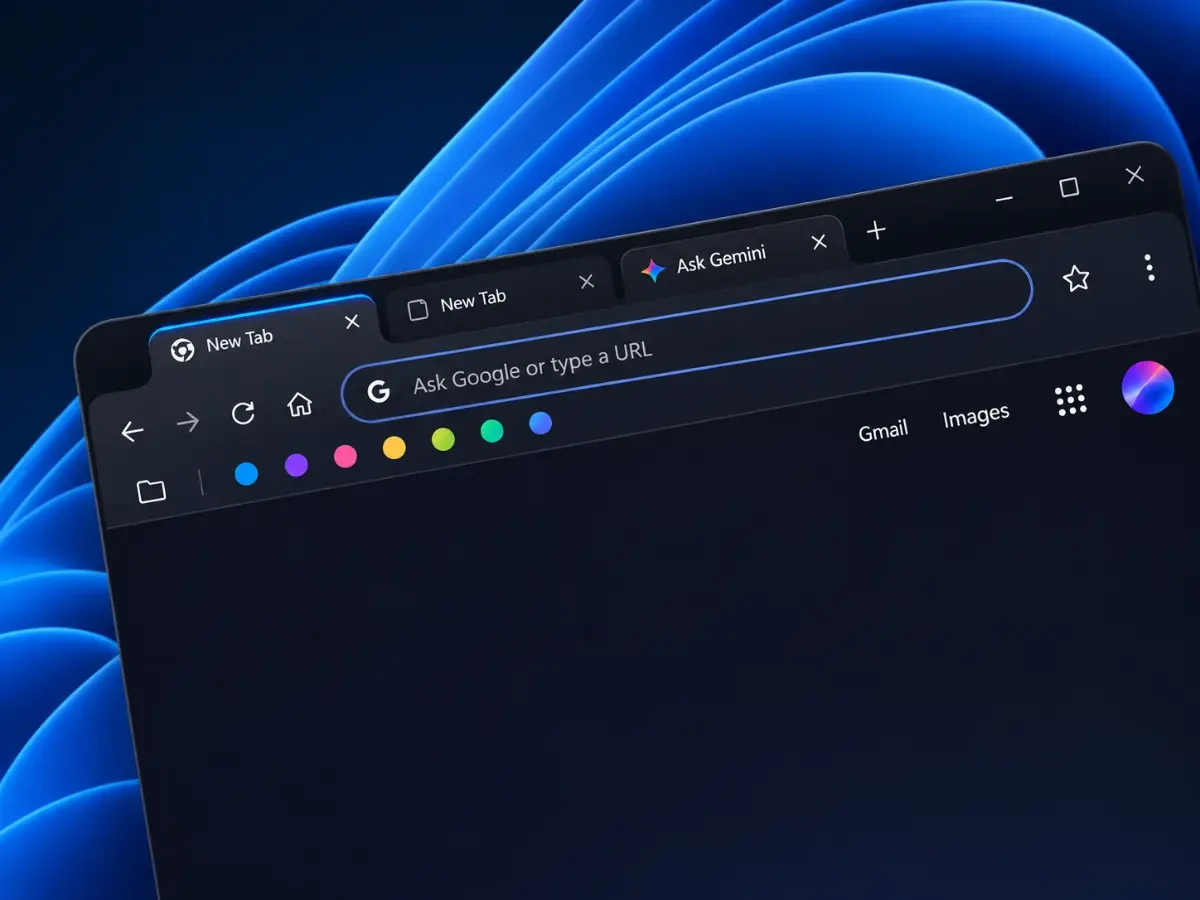
Google has fixed a long-running bug that caused the Gemini web app to use gigabytes of RAM in Chrome. Google's official support account confirmed the fix in a Reddit thread, after a user posted a screenshot of a single Gemini tab using more than 5GB of memory on their PC.
Google Support replied that the issue had been resolved and asked anyone who still sees runaway memory use to report it.
A Year of Complaints
Complaints about Gemini's memory use had been piling up for more than a year. Users who kept Gemini open in a Chrome tab all day noticed laptop fans spinning up for no obvious reason, even on machines with plenty of headroom.
Leaving the web app open for long periods could turn a simple chat into a tab that slowed the whole system down, and the problem did not require long conversations to show up.
On computers with 8GB or 16GB of RAM, a single tab using 5GB or more can bring everything else to a crawl. Chrome's Memory Saver mode, which frees memory from inactive tabs, did not prevent it.
Google has not said what caused the bug or what it changed to fix it.
Not Chrome's Built-In AI
The problem was specific to the Gemini web app. Chrome's built-in local AI models are stored on disk and do not occupy active memory in the same way, so the issue was a memory leak in the web app rather than a side effect of on-device AI in the browser.
The fix arrives as Google pushes Gemini further into everyday browsing. Google's Search homepage now includes a Gemini sidebar that encourages users to keep their chats open, which would have made the memory leak more noticeable for more people.
How to Check Your Gemini Tab
Chrome offers two quick ways to see how much memory a tab is using:
- Hover the mouse over the Gemini tab to see the memory readout on the tab's hover card
- Press Shift + Esc to open Chrome's Task Manager, which lists memory use for every tab and extension
If a Gemini tab still climbs into multi-gigabyte territory during long sessions, Chrome's built-in "Report an issue" tool sends feedback to Google so it can track down remaining cases.
For users who keep Gemini pinned in a browser tab while they work, the fix should mean fewer slowdowns and less need to close and reopen the tab during the day.

Leave a Reply