Proton Drive Can Now Move Your Files Out of Google Drive Automatically
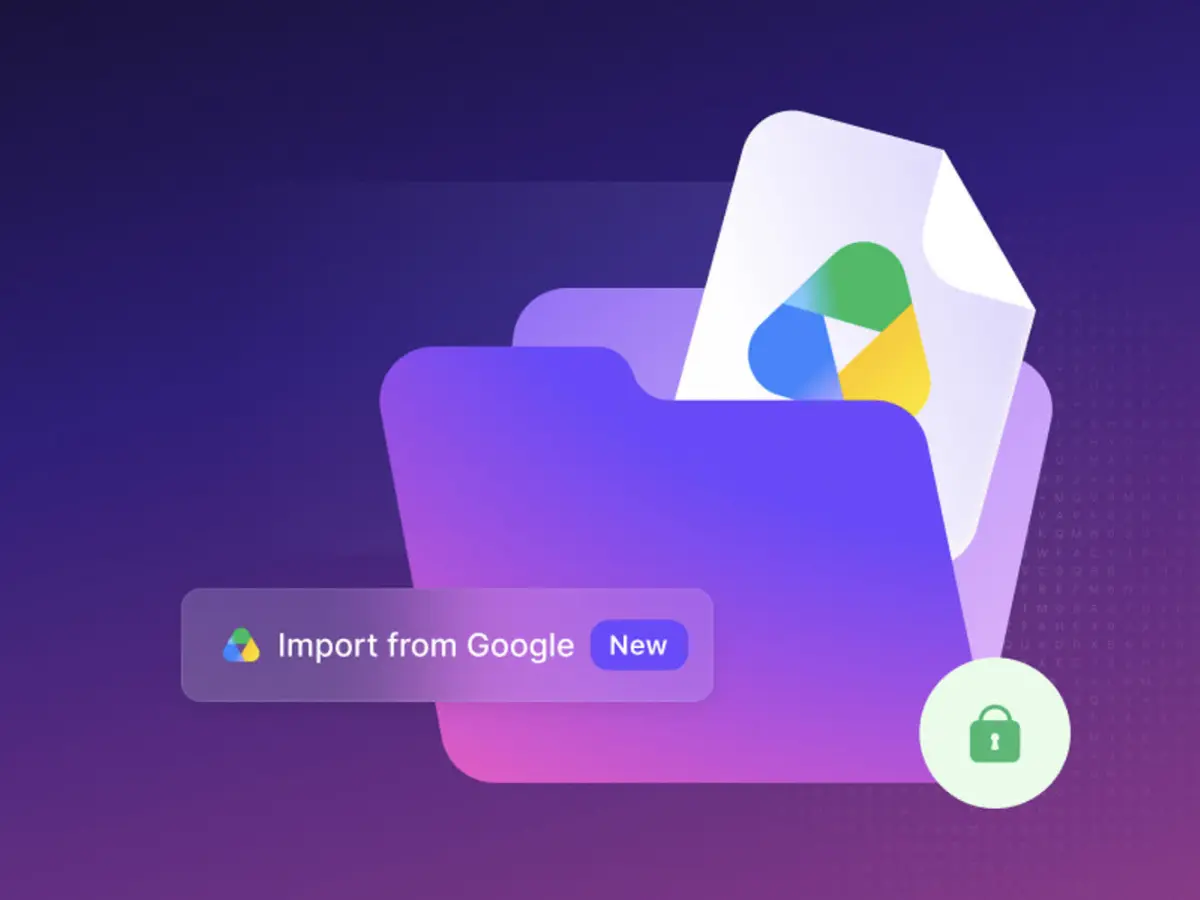
Proton has added a way to move files from Google Drive to Proton Drive in one step. The new Easy Switch feature for Proton Drive copies a user's files in the background, so there is no need to download everything to a computer and upload it again.
The Swiss company already offered Easy Switch for email. Earlier this year, it launched tools that move emails, contacts and calendars from Google, Microsoft and other providers into Proton Mail. The new feature applies the same idea to cloud storage.
How Easy Switch for Proton Drive Works
Easy Switch sits in the left navigation of Proton Drive on the web. Users select their Google Drive account, and the tool takes over from there. Files go straight from Google's servers to Proton's, so the import does not depend on how much free space the user's computer has.
Users can keep working in Proton Drive during the transfer and check progress from the Drive homepage or from settings. Proton sends an email once the import is done. The feature is rolling out gradually, so some accounts may not see it yet.
What Proton says the tool does:
- keeps the same folder structure that the files had in Google Drive
- converts Google Docs files to DOCX and Google Sheets files to XLSX, to keep formatting and design intact
- runs in the background, server to server, without manual downloading and re-uploading
- works on all Proton Drive plans, including the free plan, through the web interface
Proton says moving files was one of the main obstacles for people who wanted to leave Google, and that Easy Switch automates the whole process in a few clicks.
Proton's Privacy Pitch
Proton is marketing the feature as a privacy upgrade. The company points out that Google encrypts files stored in Google Drive but keeps the keys itself. Proton Drive uses end-to-end encryption, which Proton says means only the account owner can open the files. Proton also says it does not use customer files to train AI models.
Check Your Storage Before Switching
Storage is the main thing to check before starting a migration. The free plans differ:
- Google Drive free: 15GB
- Proton Drive free: 5GB
- Proton Drive paid: 200GB for $2.50 per month
Users with more than 5GB in Google Drive will need a paid Proton plan to move everything, or they will have to choose which files to bring over. Since the transfer copies files, it is also worth checking that everything arrived in Proton Drive before deleting anything from Google Drive.
To use Easy Switch, sign in to Proton Drive in a web browser, select Easy Switch in the left navigation and choose the Google Drive account to import. Proton says support starts with Google Drive. Users who already moved their Gmail with Easy Switch in Proton Mail can follow the same steps for their files.

Leave a Reply