Microsoft Starts Upgrading Windows 11 PCs to Version 26H2 Automatically
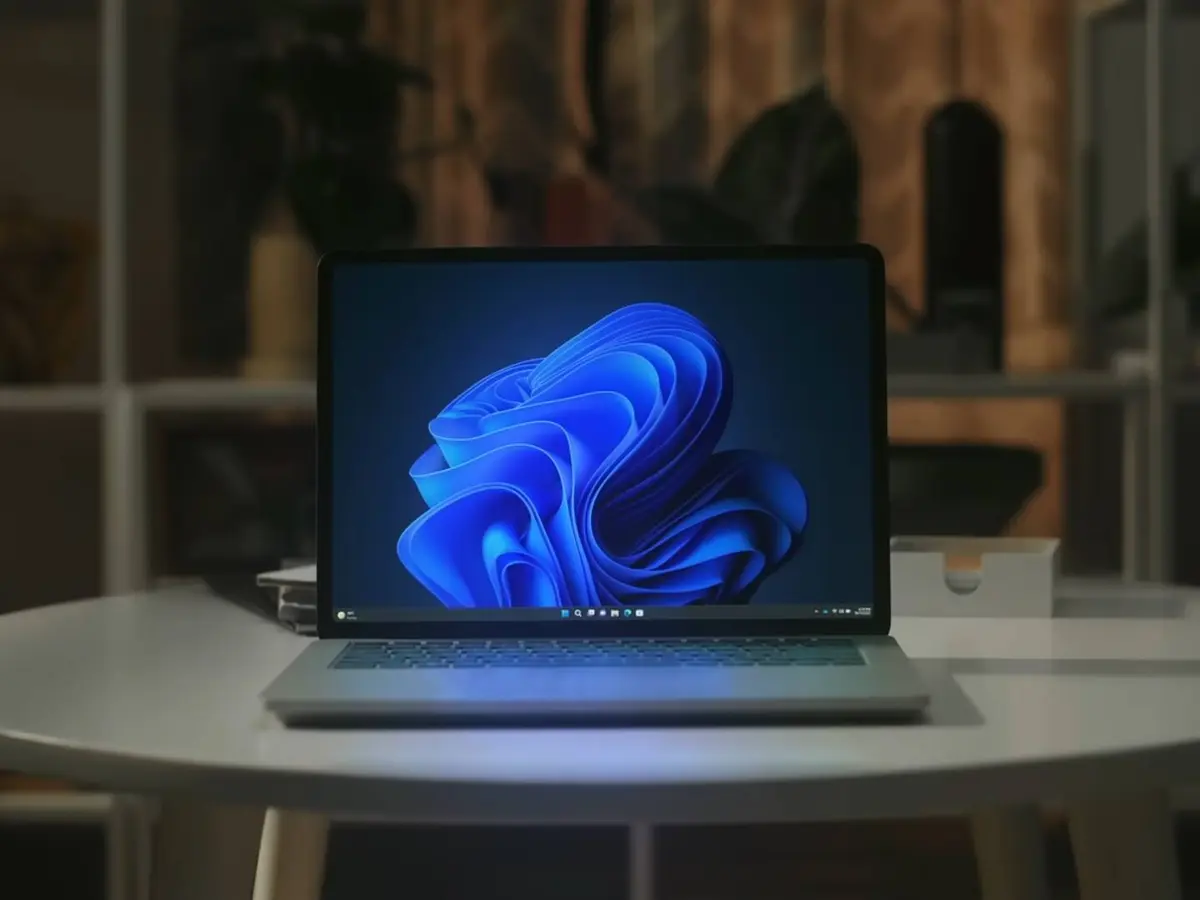
Microsoft has started upgrading Windows 11 PCs to version 26H2 automatically. The rollout began on November 18 and covers personal devices and business devices that are not managed by an IT department, running Windows 11 version 24H2 or 25H2.
Until now, users had to check for updates manually to get 26H2. That option has been available on all eligible devices since late October. As the phased rollout continues, more devices will upgrade on their own, depending on each device's Windows Update settings.
"Starting November 18, we are taking the next step in version 26H2's phased rollout to make it easier to get the update," Microsoft said on its release health dashboard. "We are gradually expanding automatic delivery, beginning with devices running Windows 11, versions 24H2 and 25H2, that are not managed by IT departments."
What Windows 11 26H2 Changes
Windows 11 26H2, also called the Windows 11 2026 Update, became generally available in September 2026. It is delivered as an enablement package rather than a full reinstall of Windows. "This new version contains all the recently announced features in Windows 11, versions 25H2 and 24H2. It's delivered using servicing technology, providing a fast installation experience," Microsoft says.
Because the upgrade depends on each device's Windows Update settings, not every PC receives it at the same time. Devices managed by IT departments are not part of this automatic rollout and keep following the update policies their administrators set.
The upgrade also resets the support clock. Key dates for 26H2:
- automatic delivery to unmanaged devices started on November 18, 2026
- manual installation has been available to all eligible devices since late October 2026
- support ends in October 2029, less than three years from now
How to Install Windows 11 26H2 Now
Users who do not want to wait for the automatic upgrade can install 26H2 manually:
- Check your current version under Settings, System, About. If it already says 26H2, there is nothing to do.
- Open Settings and go to Windows Update.
- Select Check for Windows updates.
- Install Windows 11, version 26H2 when it appears.
- To get future updates as early as possible, turn on "Get the latest updates as soon as they're available."
Last month, Microsoft warned customers to upgrade devices running unsupported versions of Windows, because they will stop receiving security updates after next year's Windows Update certificate rotation.
The automatic rollout arrives during a difficult month for Windows updates. Microsoft has confirmed activation failures and printing problems after the November security updates, and this week said the November hotpatch breaks the installation and launch of some apps on devices running Windows 11 24H2 and later. Microsoft has not said when the automatic rollout will reach every eligible device.

Leave a Reply