Gemini Can Now Read Your Google Wallet to Track Spending and Subscriptions, but It Cannot Move Money
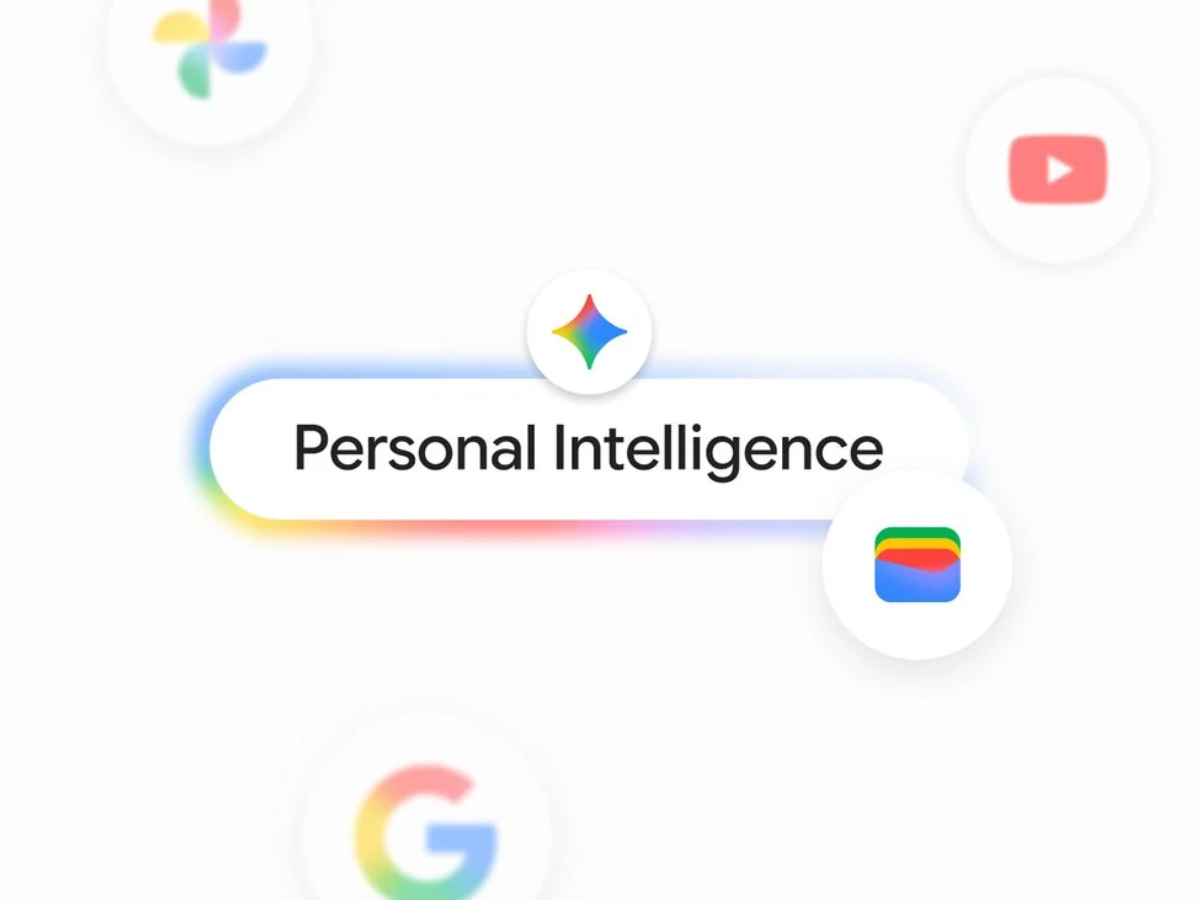
Google has connected Google Wallet to Gemini. Users can now ask the Gemini app questions about their spending, subscriptions, and budgets based on their real transactions. The feature is rolling out to all Gemini app users in the US on Android, iOS, and the web.
Google Wallet is the newest app in Personal Intelligence, the Gemini feature that pulls information from other Google services such as Gmail, Google Photos, YouTube, and Search to personalize answers.
What Gemini Can Do With Google Wallet
Once Wallet is connected, users can tag @Google Wallet in a chat. For deeper insights, they can link bank and credit card accounts to Wallet through Plaid, a third party service that connects financial accounts. Google gives these examples of what Gemini can do:
- review last quarter's spending and suggest how to save $1,000 over the next three months
- build charts in the chat that show cash flow, asset allocation, and a budget
- find recurring subscriptions and flag services that raised their prices this year
- look at last year's gift and travel spending and suggest a holiday budget
Google says budgets are based on actual spending instead of rough estimates. For subscriptions, users can ask Gemini which services they still pay for and whether any of them went up in price this year. Gemini then scans the linked accounts for recurring charges and lists any price increases. For holiday planning, Gemini looks through the past year of transactions to see what the user spent on gifts and travel, then suggests a budget for this year.
The results appear directly in the chat, including charts, so users do not need a separate budgeting app for this kind of analysis.
How to Connect Google Wallet to Gemini
The connection is off by default. To turn it on:
- Open the Gemini app and go to Settings.
- Select Personal Intelligence, then Connected Apps.
- Add Google Wallet.
- Start a chat and tag @Google Wallet with a question.
Users can switch the connection off at any time in the same menu.
Google says Gemini only gets read access to Wallet. Gemini cannot transfer money, manage accounts, make investments, or complete transactions. Users who share their financial history with an AI assistant should still decide whether they are comfortable with Gemini seeing where their money goes.
Google is also adding a Memory Summary to Personal Intelligence. It shows the preferences, interests, and ongoing goals that Gemini has saved about a user in one place, and users can review, edit, or remove each item. Memory Summary is under Profile, then Personal Intelligence, then Memory Summary, on the web and on mobile wherever Personal Intelligence is offered.
Google has not announced when the Wallet connection will reach users outside the US.

Leave a Reply