Microsoft Adds Dedicated Taskbar Resize Option to Windows 11 in Latest Experimental Build
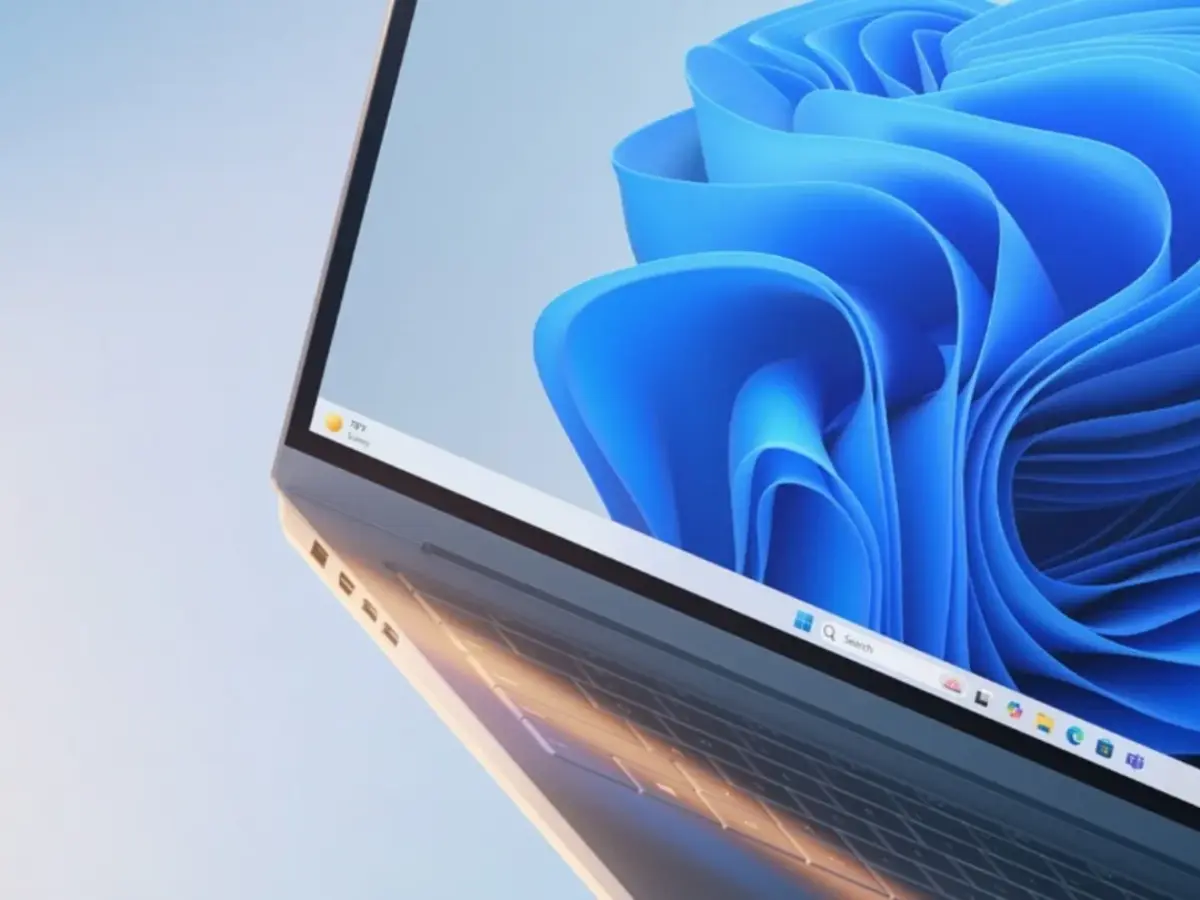
Microsoft has introduced a new Taskbar Size setting in Windows 11, now available in the Experimental Preview Build 26300.8758.
This provides users with a proper option to make the entire taskbar smaller, not just the icons. The update is available for Windows Insiders testing the Experimental channel and is part of Microsoft's Windows K2 initiative, which aims to address longstanding issues with Windows 11.
The new setting allows users to reduce both the height of the taskbar and the size of its icons when set to Small. It is also possible to keep the taskbar at its default height while using small icons.
What Changed And Other Changes in Build 26300.8758
Earlier Insider builds offered an option to "show smaller taskbar buttons," but this setting only reduced the icons' size.
The height of the taskbar itself stayed the same. The new dedicated Taskbar Size toggle solves this by providing a true resize option. Microsoft announced in the build's release notes:
"Taskbar customization just got easier. As we continue to improve the Taskbar experience mentioned last month, we've added a dedicated Taskbar Size setting to make it easier to find, understand, and personalize your ideal taskbar."
Transitioning between different taskbar sizes has also been improved to create a smoother overall experience. The update includes several additional improvements:
File Explorer:
- Thumbnails for cloud files now preview more reliably in the Details pane
- The Details pane has been reorganized to make file properties easier to find and review
- An issue has been fixed where the OneDrive shortcut stopped working when File Explorer was run as administrator
- The Recycle Bin bug reported earlier has been addressed. Previously, the confirmation dialog showed an internal filename instead of the original when deleting a file permanently
Sounds:
- System sounds have been improved when using Windows in dark mode
Other:
- Xbox mode has been renamed to XBOX mode, which is a change noted in this build
The fix for the Recycle Bin confirms an earlier acknowledgment from Microsoft about a bug present since the June 2026 Patch Tuesday update. It caused the confirmation dialog to display an internal filename instead of the original.
The changes to the taskbar are part of Microsoft's Windows K2 initiative, a larger effort to address long-standing complaints about Windows 11. Since its release, Windows 11's taskbar has been a subject of controversy, especially because Microsoft removed features available in Windows 10, such as the ability to move the taskbar to the top or sides of the screen.
Since earlier this year, Windows Insiders have been able to move the taskbar freely. The introduction of proper resize controls addresses another common concern.
Taken together, these updates provide a level of taskbar flexibility that Windows 10 users have had for years, but Windows 11 previously lacked.
What This Means For Windows 11 Users
For users who prefer more compact interfaces or use smaller screens, being able to shrink the taskbar can free up valuable screen space.
Currently, this setting is only available in the Experimental channel, so most users will need to wait until it reaches stable Windows 11 builds through a future update.
If you want to try the feature now, you can join the Windows Insider Program and switch to the Experimental channel via Settings, Windows Update, and Windows Insider Program. Keep in mind that testing pre-release builds can cause stability issues and is generally recommended only on secondary devices.
Microsoft has not announced when the Taskbar Size setting will be available in the stable channel. Based on the current pace of development for taskbar features, it is reasonable to expect that this option will be included in a future monthly update for all Windows 11 users.
This change reflects a broader pattern of Microsoft responding to user feedback on Windows 11 design and functionality, including recent decisions like canceling the AI-powered history search in Edge, extending Windows Update pause options, and adding toggles to disable Bing web results in Windows Search.

AHHHH! Microsoft, you got taskbar resizing BACKWARDS!!! I don’t want to _shrink the TaskBar. In good-old Windows 10 I can _expand_ the taskbar. I want to stretch mine to two rows so I don’t have to combine buttons. With two rows I can see all of my open Outlook e-mails and two or three open Excel spreadsheets as individual buttons without having to navigate sub-button expansion menus or overflow TaskBar pop-outs.
This huge shortcoming in Windows 11 is the only thing keeping me from upgrading my main machine from Windows 10. Microsoft: PLEASE fix this!!!
Oh ! what’s old is new again! New and Improved! Look at our innovative teams at MS, aren’t we geniuses!
I can find all those settings on each of my Win7 and XP VM’s.
let’s remove key functions and then in a few years time as them back and call it innovation
No screenshots, don’t care..!
nicee