iOS 26 New Features That Quickly Became Everyday Tools
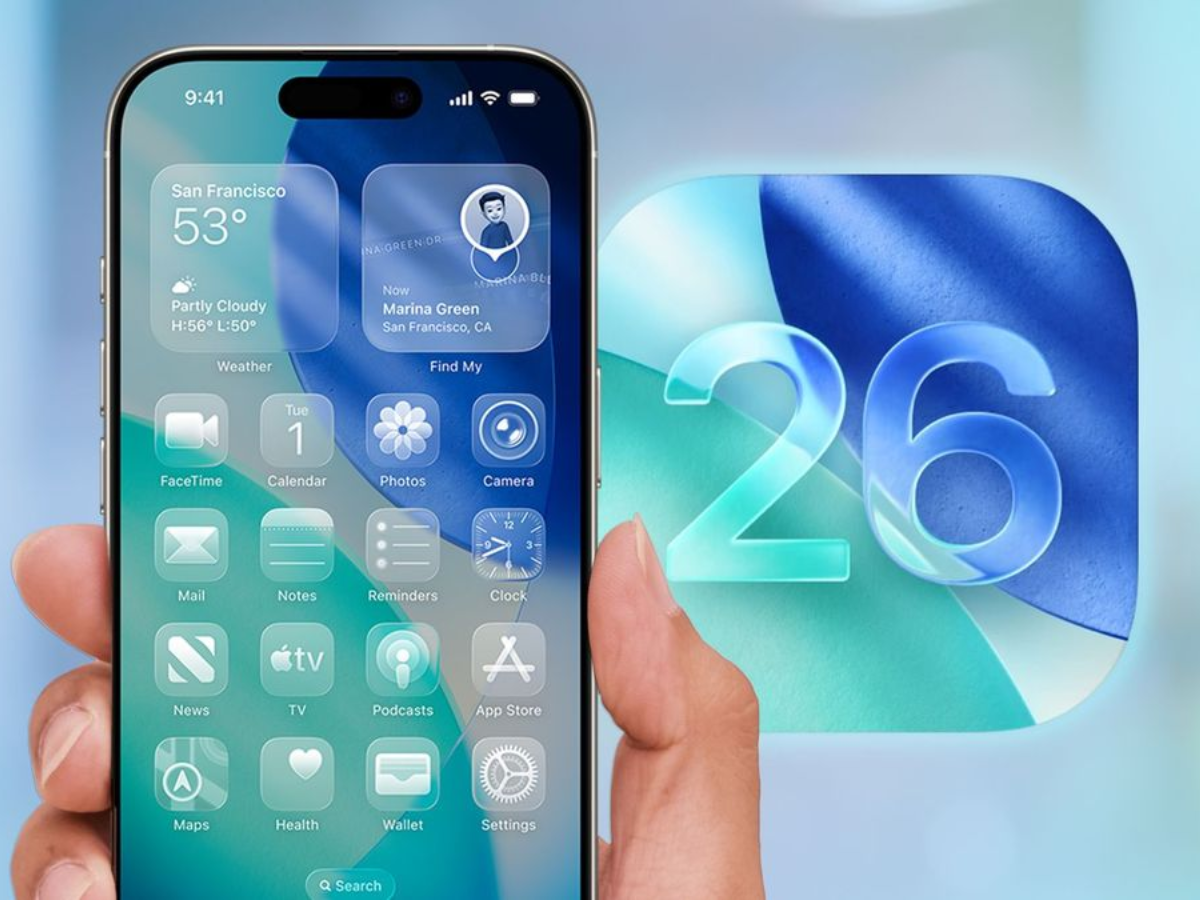
iOS 26 focuses on practical improvements. It delivers the usual long list of refinements, but only a handful of additions meaningfully change how the iPhone is used day to day. Several of the iOS 26 new features improve core apps rather than introducing flashy new modes.
These four iOS 26 additions stand out for their frequency of use rather than their novelty. List of new features:
1. Adaptive Toolbar: Context-Aware Editing Controls
Apple Notes gains an Adaptive Toolbar in iOS 26 that changes based on what you are doing inside a note. When editing text, formatting tools such as bold, italics, underline, and highlight appear automatically. Selecting multiple lines brings up list controls, indentation, and block quote options.
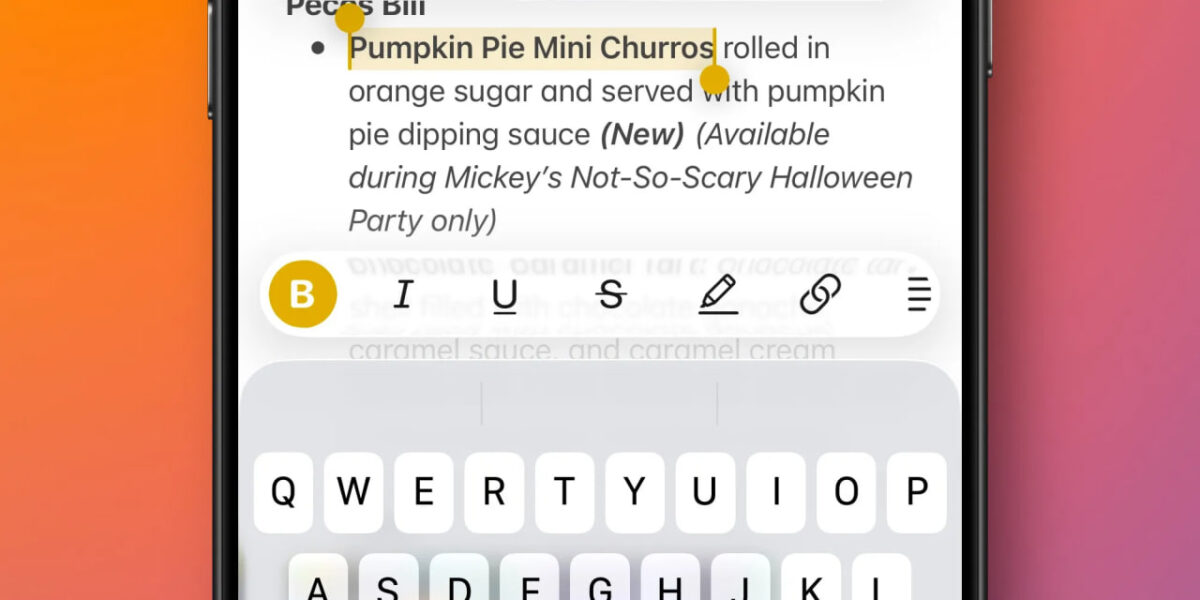
The full toolbar remains accessible with a swipe, but most common tools are surfaced automatically. This reduces clutter and makes features easier to discover without digging through menus.
2. Preview Comes To iPhone: Better PDF And Document Handling
The arrival of Preview on iOS brings Mac-style document handling to the iPhone. While many of its tools previously existed inside the Files app, Preview separates document viewing from file navigation.
This makes it easier to keep a PDF open while browsing folders in Files, particularly when working with multiple documents. The setup feels closer to macOS-style multitasking and is especially useful for reading and comparing PDFs.
3. Sleep Score Improves Health App Readability: Understand Sleep Data
The Apple Health app now includes a Sleep Score that summarizes nightly sleep quality. Instead of relying on raw charts, the score combines duration, bedtime consistency, and interruptions into a single daily number.

The breakdown makes it easy to see why a score is higher or lower on a given day. The presentation mirrors the simplicity of Activity rings on Apple Watch, making sleep data easier to check at a glance.
4. AI Search for Apple Maps: Natural Language Search Powered By Apple Intelligence
Search in Apple Maps is now powered by Apple Intelligence on supported devices. Queries can be phrased more naturally and include multiple conditions, improving both known-location searches and discovery.

The upgrade builds on Apple’s earlier AI-powered search improvements in Photos and applies them to one of the most frequently used apps on iPhone. While not visually dramatic, the change makes everyday navigation and place-finding more reliable.
Is it worth updating to iOS 26? Small Features With Daily Impact
Yes, iOS 26 update is worth installing. New iOS version does not rely on one headline feature to define the update. Instead, these additions improve apps that people already use constantly. Adaptive controls, clearer health data, better document handling, and smarter search collectively make the update feel more practical than experimental.
Resources:
iOS 26 added four new features I’ve been using almost every day

Now if only they’d fix the Red Badge of shame on Settings that tells me to Review Emergency SOS settings even though I have, and it’s all completed, I would be SOOO much happier.
I think this article highlights an important shift in how Apple is focusing on
small usability improvements rather than headline features.
The Adaptive Toolbar and Preview app changes feel like things users will notice
daily, even if they are not exciting on paper. Practical updates like these
usually age better than flashy features.
Comparing these features to what I need on a phone, it looks like they are entirely useless features and bloat in my point of view.
I use Android and always have, I’m not even sure if any of those exist for Android as I disable a lot of things I deem useless.
In comparison, I have friends who really like such conveniences and would constantly talk to me about how good they are, but I never paid attention. Like this Sleep Score functionality – seems entirely useless to me, you can wake up in the morning and determine how well you’ve rested, you don’t need a program to tell you that. If you do, frankly, you are quite “unsmart”. This is how people get paranoid and start using the internet to give themselves a diagnosis for anything. We live in times so crazy like it’s some South Park episode.