Link to Windows Now Lets Android Phones Lock a Windows 11 PC
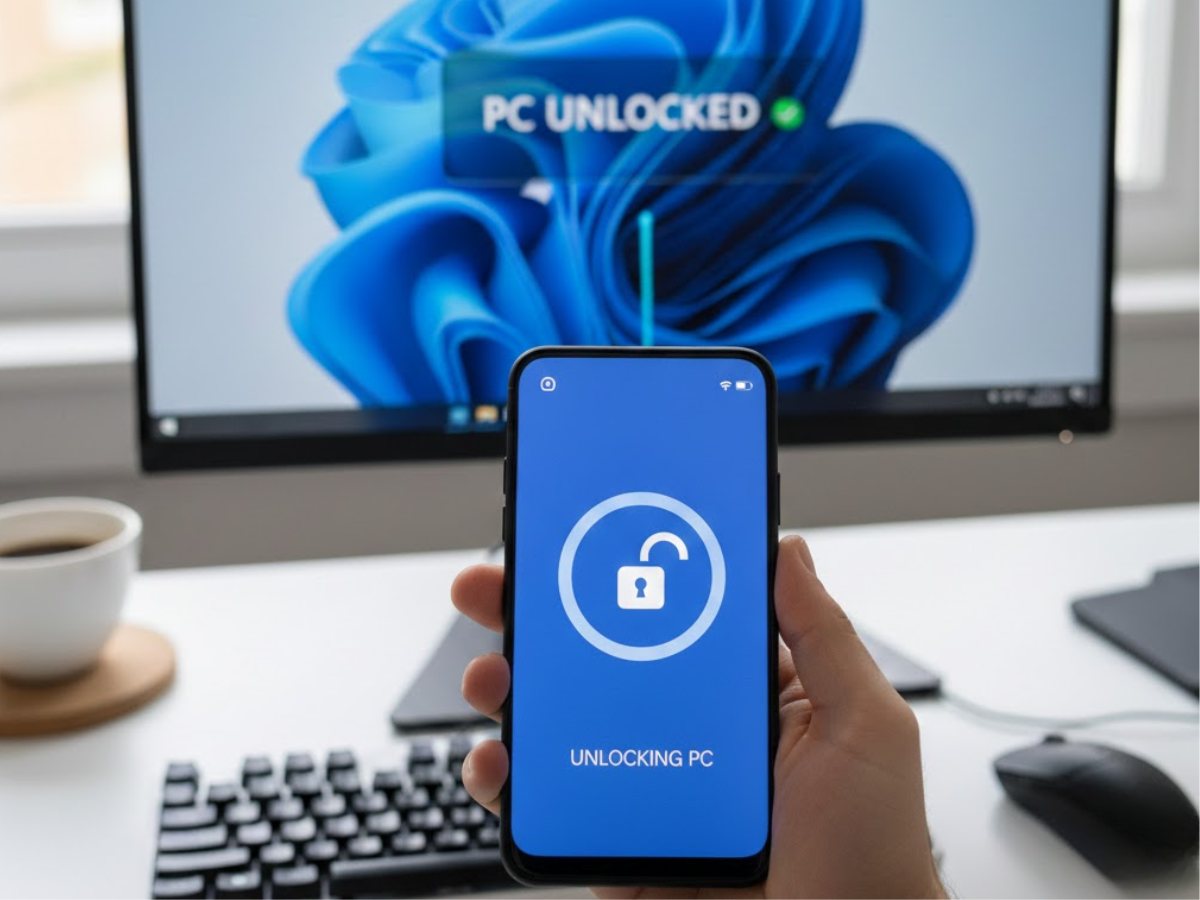
Microsoft has added a remote lock option to the Link to Windows app on Android, allowing users to lock a Windows 11 PC directly from their phone. The update also introduces recent activity tracking and expands file sharing, but it still does not allow unlocking a PC remotely.
The change affects users who rely on Link to Windows (paired with Phone Link on Windows 11) to manage basic PC interactions from an Android device. Once the updated app is installed and connected, a new Lock PC button becomes available, making it possible to secure a system without being physically in front of it.
Remote locking is a one-way action. There is no option to unlock the PC from the phone, and Microsoft has not indicated that such functionality is planned.
What changed in Link to Windows
The update adds several user-facing features:
- A Lock PC control that remotely locks a paired Windows 11 system
- A redesigned interface with clearer navigation
- A new Recent Activity section that lists file transfers, shared photos, and copied text
- Expanded file sharing that now works from PC to phone and from phone to PC
Earlier versions of Link to Windows supported sending files from a PC to an Android device, but not the reverse. That limitation is now removed.
Windows Latest reports that the features appeared more broadly after installing an update released on December 8, which brings the app to version 1.25102.140.0. Some users had access earlier, starting around July, but the rollout was limited at the time.
Who is affected
The new features are available to Android users who:
- Use Windows 11
- Have Phone Link enabled on the PC
- Use the Link to Windows app on Android
iOS users can still install Link to Windows, but integration remains more limited. The remote lock feature and expanded file sharing are tied to the Android implementation.
Some functionality continues to depend on device-specific support. Certain Samsung phones and PCs offer deeper integration, such as automatic hotspot connection through Windows 11's network flyout. The remote lock feature itself does not appear to be limited to specific manufacturers.
Why the remote lock matters
Remote locking adds a small but practical layer of control. It provides a fallback option if a PC was left unlocked in a shared or public environment, or if a user steps away without activating the lock manually.
Windows already includes Dynamic Lock, which automatically locks a PC when a paired Bluetooth device moves out of range. That feature remains the more automated option, but it depends on Bluetooth behavior and proximity detection. The new Link to Windows control is manual and explicit, which may be preferable in situations where Dynamic Lock is unreliable or disabled.
The lack of a remote unlock option is notable. Unlocking a Windows system requires authentication, and Microsoft appears to be keeping that boundary intact. Locking a system remotely does not expose credentials or bypass security prompts, while unlocking would raise significantly different security considerations.
File sharing and activity tracking
The new Recent Activity section consolidates recent interactions between phone and PC. It shows:
- Files transferred in either direction
- Shared photos
- Text copied between devices
This view acts as a lightweight history rather than a full log. Microsoft has not documented how long items remain visible or whether the list can be cleared manually.
File sharing from phone to PC now mirrors the existing PC-to-phone workflow. Users can send files without relying on third-party services or cloud uploads, provided both devices are connected through Phone Link.
What users can do now
Users who want to use the new features should check that both sides of the connection are updated.
To enable remote PC locking from Android:
- Update the Link to Windows app from Google Play
- Ensure Phone Link is installed and up to date on the Windows 11 PC
- Pair the phone and PC if not already connected
- Open Link to Windows on Android and look for the Lock PC option
If the button does not appear, the update may not have reached the device yet, or the connection may need to be re-established.
Users who frequently step away from their PC may also want to review Windows 11's Dynamic Lock setting as a complementary option, since the two features address similar use cases in different ways.
Caveats and unknowns
Microsoft has not published a public changelog for the most recent Link to Windows update, so the exact rollout timing of each feature is unclear. Some functionality may have been enabled server-side before December 8.
There is no indication that remote unlocking will be added. The current design limits Link to Windows to locking actions only, and Microsoft has not commented on expanding that capability.
The Recent Activity section provides visibility into recent interactions, but there is no documented way to manage or disable that history independently.

What a waste of resources! The situation would be better served by setting aside these pointless intern projects and focusing on fixing the regressions in Windows 11.
Why is the Start menu of such poor quality compared to the first leaked version? Why is the taskbar still so big and why hasn’t it been made smaller? Why can’t we move the taskbar around like we could 30 years ago? Why is the right-click menu inferior to the old one? Why do new tabs in File Explorer still have flash bangs?
Everyone at Microsoft should be fired. A full clean sweep is needed.
What an incredible milestone! Seeing digital creators reach the Emmy stage is proof that
online media is finally getting the recognition it deserves. Huge respect for S Simonetta Lein and her team for setting the standard for
the future of entertainment.
I have a better solution, lock w11 permanently by installing linux
Tenuous link but I’ve been using a third-party app to unlock my laptop with my phone/fingerprint for a few years now, a feature I really wanted: https://www.xda-developers.com/unlock-windows-pc-fingerprint-scanner-android/
I’ve actually never thought about the converse, locking remotely, though I have the option to do this with Rustdesk. Perhaps because I have it set to lock by default after 10 minutes.