Brother releases firmware updates for hundreds of printers to address security issues
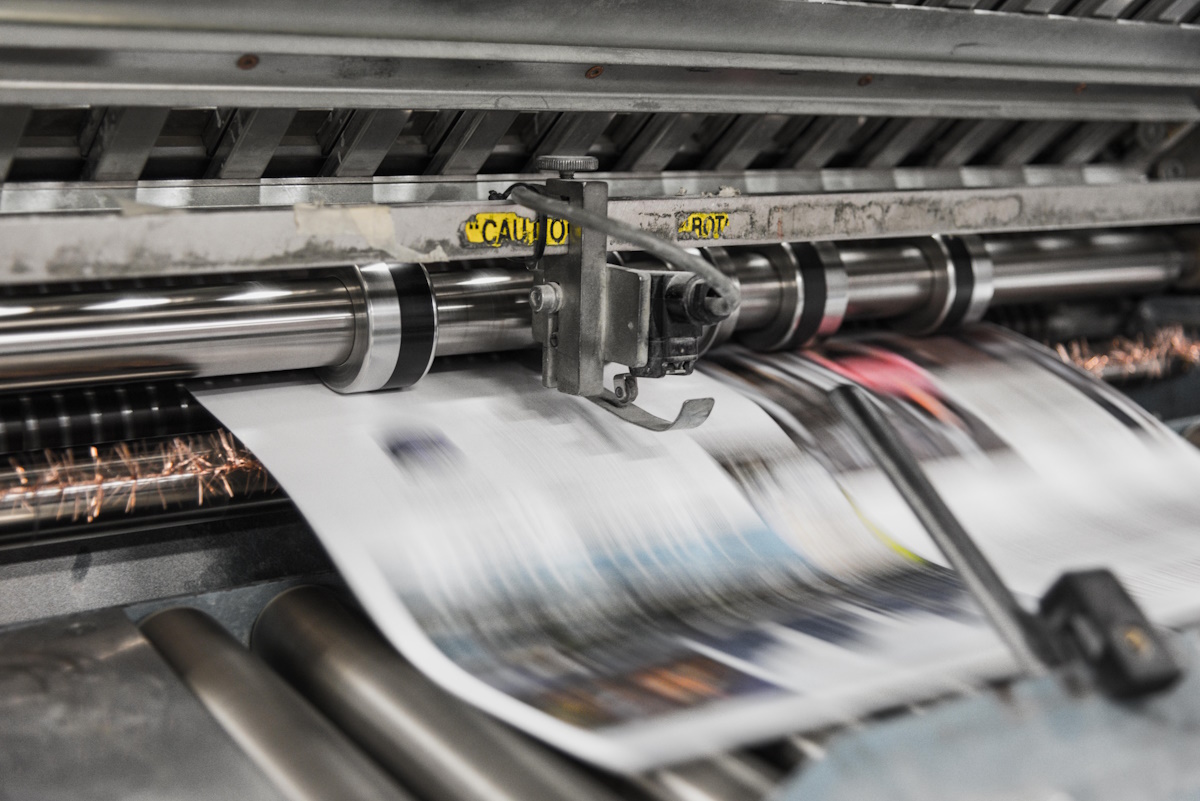
Security researchers at Rapid7 have discovered eight vulnerabilities in Brother printers that affect a total of 689 different printer models. Printers from Fujifilm Business, Ricoh, Toshiba, and Konica are also affected.
It is fair to say that most Brother printers appear to be affected by the issue. The company has created a PDF document that lists its devices and the security issues that affects them. The list covers inject printers and laser printers. You need the printer's model, e.g., MFC-L2710DN, which you find listed on the printer itself. Use built-in search functionality to find out if a specific printer is affected and to what degree.
The PDF document contains update information for each printer as well. If you see available in the firmware update column, you know that an updated driver is available already. Next step then is to visit the Brother website to download the firmware update utility or to check the admin interface for firmware updates.
Brother recommends changing the default administrator password of the printer after installation of the firmware update. If no firmware is available yet, it recommends implementing the workarounds (see below) and checking the support page for updates.
The most severe vulnerability
Rapid7 notes that the most severe of the vulnerabilities is an authentication bypass vulnerability. An unauthenticated hacker may exploit the vulnerability remotely to generate the default administrator password. If that password has not been changed, it would give the attacker access to the admin interface.
Brother notes that the vulnerability can't be remediated by firmware alone. Means, it is essential that you change the default administrator password of your Brother printer immediately to protect it against potential attacks.
Note that all vulnerabilities require at least network or Web connectivity. If you do not connect the printer to the network or Internet, or have disabled functionality in the settings, then it may not be affected by some of all of the vulnerabilities.
Brother suggests the following workarounds for the vulnerabilities (these may impact some functionality):
- CVE-2017-9765 Disable the WSD function.
- CVE-2024-2169 Disable TFTP.
- CVE-2024-51977 No Workaround.
- CVE-2024-51978 Change the default administrator password.
- CVE-2024-51979 Change the default administrator password.
- CVE-2024-51980 Disable the WSD function.
- CVE-2024-51981 Disable the WSD function.
- CVE-2024-51982 No Workaround.
- CVE-2024-51983 Disable the WSD function.
- CVE-2024-51984 Change the default administrator password.
As you can see, workarounds are available for all but two of the reported issues.
Notes:
- WSD refers to Web Services for Devices. You may be able to turn that off in the printer settings.
- TFTP refers to the Trivial File Transfer Protocol. It is used to transfer files between clients and servers. You may be able to turn the feature off in the printer settings.
Additional information is provided on the Brother website.
Now You: do you use Brother printers? Are yours affected by the security issue?

“What you gonna do, Brother?!” – Hulk Hogan
A Linux 64 bit driver would be nice from Brother so I can remove lib32-glibc (dependency) which is the last 32 bit software on my computer.
And at the same time they probably block 3rd party consumables. Every printer manufacturer does this including Brother.
Absolutely. Using security as an excuse to block the use of third party consumables was the first through that crossed my mind when I saw the title of this article.
Yes, I saw few videos on this topic. Never update printer’s firmware/drivers if you are using third party ink cartridges.
Really?
Brother was one of the best brand to buy when you wanted something that just works. I’ve recommended Brother over HP for a while, so what brand should I start recommending now?
Still Brother.
Just switch the printer on whenever you need it and power it off thereafter. Unlikely that someone will hack into your network in the space of 1 minute it takes to print something.
Exactly. What kind of secret plans are you printing that it will be hacked? Maybe it makes sense for large scale networked printer in a big office, but at home? What are they going to steal?
Compulsory Internet to allow firmware update !
Firmware updates can introduce unofficial cartridge/toner blocking !
…and the retro updates are not allowed.
I advise you to find another way to avoid control (VLAN, turn off, etc.)
I use third party toner in my MFC-L2710DW Brother laser printer and did the update. The printer still works fine.
The probability of having a security risk with a printer issue is mostly zero. I have never seen one in almost the last 20 years so far. Working with more than 2K printers currently.
Then you might wanna have a look at this:
https://www.nds.ruhr-uni-bochum.de/media/ei/arbeiten/2017/01/30/exploiting-printers.pdf
Printers are NOTORIOUS for being vulnerable. Even in large corporate networks most printers are rarely properly secured. Once you have compromised such a device by remotely flashing its firmware, you have a persistent compromised host in the target network.
Don’t forget: printers are usually networked, have large HDs, an httpd and are usually not or not well secured. They are the perfect target if you want to permanently compromise a network, which you can then use to pivot further in a highly stealthy way.