Dia Browser for Linux and Windows: Download and Availability

There is no Dia browser for Linux. The Browser Company, now part of Atlassian, ships Dia only for macOS and Windows, and its official site, changelog and release notes do not mention a Linux build or a Linux roadmap. On a Mac, Dia needs macOS 14 or later on Apple silicon. On Windows, you download it from the official Dia for Windows page.
This page covers where Dia runs today, how to download it safely on Mac and Windows, what the AI features do, and which Linux browsers give you a similar built-in assistant while you wait.
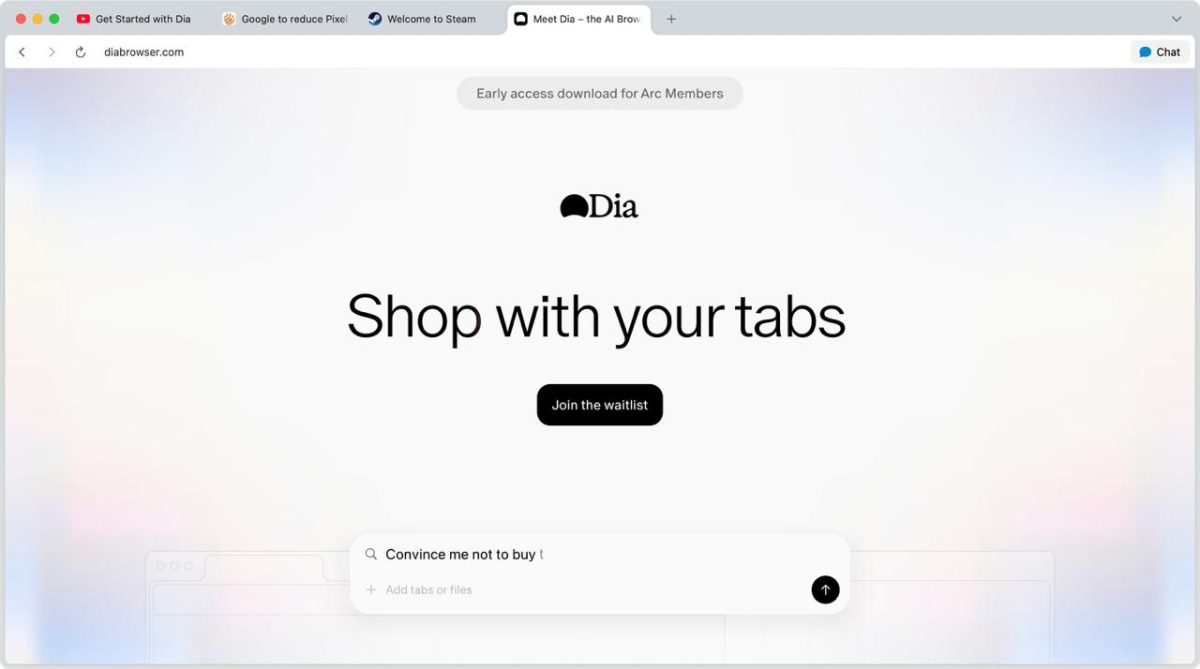
Is Dia browser available for Linux?
Dia browser is not available for Linux, and no Linux version has been announced. The official homepage describes Dia as "Available for macOS and Windows", and neither the changelog nor the release notes list a Linux build, a Linux beta or a waitlist for it.
Dia is built on Chromium, the same open-source base that Chrome, Edge, Brave and Opera use, and all of those ship Linux builds. A Linux port is therefore technically possible, but nothing The Browser Company has published commits to one. Treat any "Dia for Linux" download offered by a third-party site as untrusted: there is no official package, AppImage, Flatpak or Snap.
What Linux users can do today:
- Watch the official Dia release notes for any platform announcement.
- Use a Chromium browser with a built-in assistant that does run on Linux (see the alternatives section below).
- Run Dia on a Mac or Windows PC and keep Linux for other work; Dia Sync carries profiles between Mac and Windows only.
Dia browser platform availability
Dia runs on two desktop platforms: macOS since its beta, and Windows since October 2026. The table sums up what the official sources confirm.
| Platform | Status | Requirements and notes |
|---|---|---|
| macOS | Available, no invite needed | macOS 14 or later on Apple silicon (M1 or newer); Intel Macs are not supported |
| Windows | Available since October 2026 (Windows v1.0) | Download from the official Windows page; minimum Windows version not published |
| Linux | Not available | No build or roadmap announced |
The timeline is short. Dia launched as an invite-only beta for Mac on June 11, 2025, opened to everyone on Mac on October 9, 2025, and the first Windows release (v1.0) appeared in the changelog on October 6, 2026. Atlassian completed its acquisition of The Browser Company on October 21, 2025.
How to download Dia browser on Windows
Dia for Windows is downloaded from the official Dia for Windows page at diabrowser.com, not from the Microsoft Store or download portals. The steps:
- Open the official Dia for Windows page.
- Select Download Dia for Windows and save the installer.
- Run the installer and follow the setup, which asks you to sign in or create a Dia account.
- Import your data from Chrome or Arc when onboarding offers it.
Early coverage of the Windows launch reported that the first installer described itself as an early, untested build not yet recommended for daily use, so check the current installer text before you switch your main browser. The Windows version has moved quickly since: Skills arrived in Windows v1.2.0, and Dia Sync, which merges matching profiles between Windows and Mac, arrived in v1.3.0.
How to download Dia browser on Mac
Dia for Mac is a free download from the official Dia website, and it no longer needs an invite or an Arc membership. Before you download, confirm two things:
- Your Mac has an Apple silicon chip (M1 or later). Dia does not run on Intel Macs, even on Intel models that still receive macOS 26 Tahoe.
- Your Mac runs macOS 14 Sonoma or later.
Open the downloaded app, sign in or create a Dia account, and pick a browser to import from. Read the Dia privacy policy before you enable features that read your browsing history.

Dia browser AI features and UI
Dia is an AI-first browser: the address bar doubles as a chat box, and an assistant can read your open tabs. The core features are:
- Chat with tabs: ask questions about the current page, mention other open tabs in a query, and add attachments to a conversation.
- Skills: built-in and user-created shortcuts for repeated tasks such as summarizing, fact-checking or outlining.
- Memory and history context: opt-in features that let the assistant learn your preferences and use recent browsing history as context.
- Arc-style organization: sidebar tabs, pinned tabs and Live Groups, with an Arc importer that keeps much of an existing Arc setup.
- Chrome extensions: Manifest V3 extensions work; legacy Manifest V2 extensions were disabled in Mac v1.17.0 in February 2026.
Dia is free to download with usage limits on the assistant. Dia Pro launched in August 2025 at US$20 per month with unlimited chat. Dia's successor relationship to Arc, which The Browser Company stopped developing, explains the familiar sidebar options.

Dia browser alternatives for Linux
The closest Linux alternative to Dia is a Chromium browser with a built-in assistant, and Brave with Leo is the most direct match. Brave states that Leo is available in the desktop browser on macOS, Windows and Linux, so you get page summaries and chat in a sidebar without leaving Linux.
Other options worth checking on your distribution:
- Brave with Leo AI: sidebar assistant, privacy-focused defaults, official Linux packages.
- Opera with Aria: Opera's built-in assistant; confirm the feature is enabled in your Linux build.
- Any Chromium browser plus the web app of your preferred AI service: the lowest-commitment way to get chat beside your tabs.
The difference from Dia is control: in these browsers the assistant is an optional panel, while in Dia the address bar itself is the AI interface.
FAQ
Is Dia browser free?
Yes. Dia is free to download and use with limits on the AI assistant; Dia Pro removes the chat limits for a monthly fee.
Can I run Dia on an Intel Mac?
No. Dia requires Apple silicon (M1 or later) and macOS 14 or newer, so Intel Macs cannot run it.
Does Dia sync between Mac and Windows?
Yes. Dia Sync, added in Windows v1.3.0, syncs Dia between Windows and Mac and merges matching profiles.
Who makes Dia browser?
The Browser Company of New York, the maker of Arc, which Atlassian acquired in a deal that closed on October 21, 2025.
Related: Arc browser discontinued in favor of Dia, what the Opera browser assistant does, Gemini in Chrome for Windows and Mac

The pig got a new lipstick.
I would rather keep using what I was using before, something that doesn’t ask an account to use it and it’s getting cool features like containers, has a good native adblocker on and email alias support.
Al this “AI in everything and has to do everything” is just dumb, like there is one thing by adding AI in a chat you can use and another one is focusing a browser around it like if that’s what humans needed.
I wonder how they think this will work, when others are doing the same thing and they seem like going nowhere, most humans just chat with an AI to get easy information (accurate or not) or write a long text or summarize something will use; doesn’t seem like they do it for anything else, like these companies expect, especially on desktop, since most users are on phones anyway, where people will just want to live life and don’t have some weird features like organize tabs in whatever groups and all that.
If it wasn’t AI-oriented, I would have been interested. Also being Chromium-based is a good sign that the browser won’t die when Firefox dies soon.
But AI-oriented is a big turnoff for me. I used to like Opera before the integration of AI and version 100 that made the UI garbage and probably a year or more later they still haven’t fixed it. Same is the case with Vivaldi – same problem. On Linux you can’t drag the mouse to the topmost corner of the screen or top right corner and select Minimize, Maximize or Close, you have to move the mouse one pixel below the edge of the screen. For Vivaldi this seems to not be a problem on Windows, but I remember trying Opera many times on Windows before moving to Linux and the problem was there.
It’s interesting that while this problem persists, both browsers allow you to do the same for tabs.
A prelude to what browsers may all become : not AI-assisted but AI-driven. AI-driven browsers nested in AI-driven OSs. Smile or cry. Meanwhile some strive for eternity. I’d cry and smile when departing for another world.
Hey, I know, let’s make another niche variant Chromium-based browser that will gain zero market share and cease to be news in about 5 minutes. I guess this solves a problem that pretty much nobody has.
No thank you. I just don’t see much interest in this.
Not too much news on Norton’s AI browser–
1. Norton Neo is focused on integrating AI to enhance productivity and security, making it suitable for users who prioritize safety and organization in their browsing experience.
2. Dia, on the other hand, is designed to be a more casual, user-friendly browser that leverages AI for assistance and personalization, appealing to those who want a simpler interface with intelligent features.
Congrats to all 5 users, I guess….
Sounds like a horrible privacy nightmare.
Not something I would use, and I’m not sure why it’s even a thing. However, they did a better job with the user interface this time around. Arc was the most ineffectual thing I ever used in my life. The target audience for that product were Apple sheeps.