Microsoft Launches Auto SR on the ROG Xbox Ally X in Handheld Mode, With a 120 FPS Performance Mode Coming
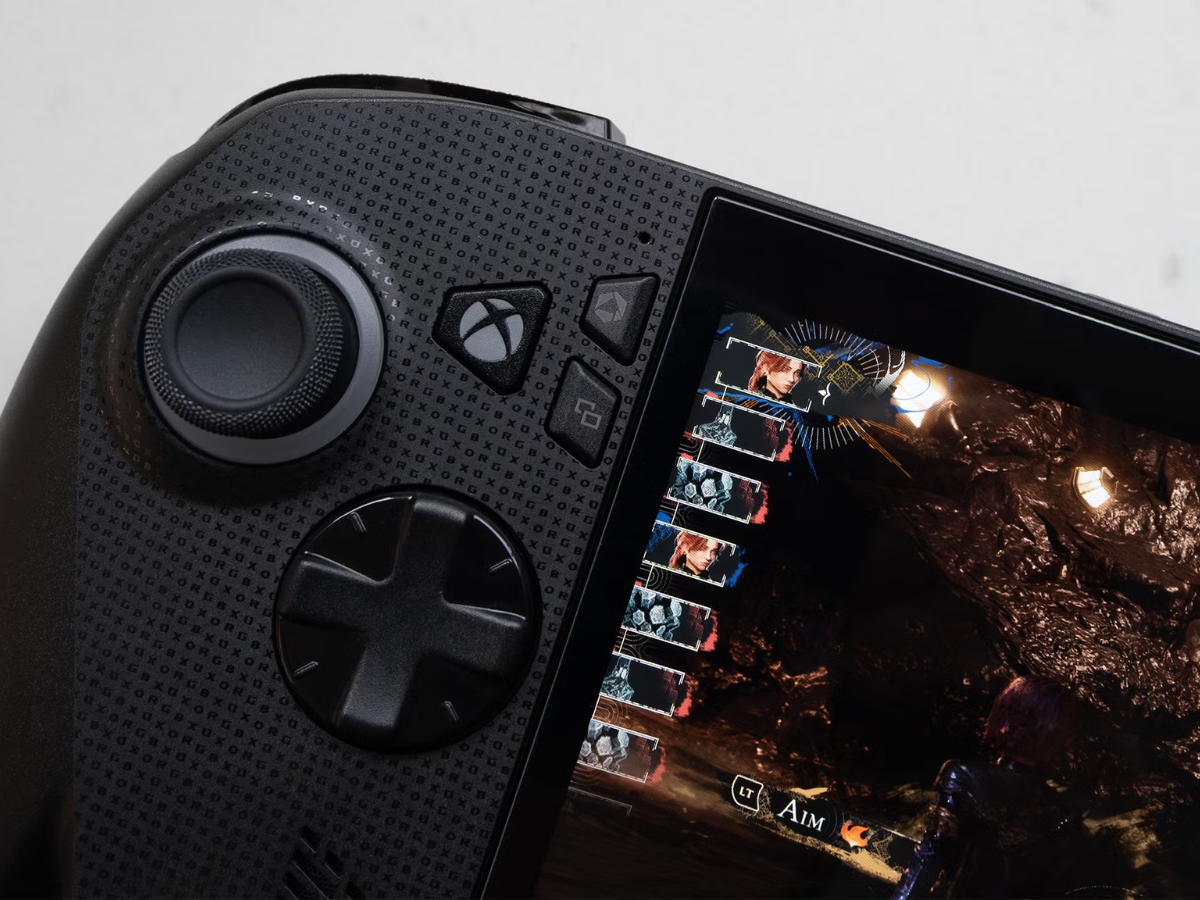
Microsoft has moved Automatic Super Resolution, or Auto SR, out of preview on the ROG Xbox Ally X and Xbox Ally X20 handhelds. The AI upscaling feature now works in handheld mode on battery power, not only when the device is docked, and it supports games running natively at 1080p. Select Copilot+ PC laptops with compatible AMD Ryzen processors get the feature as well.
Auto SR first came to the Xbox Ally X earlier this year, but only for users on a preview version of Windows and only in docked mode.
What Auto SR Does on the Xbox Ally X
Auto SR is Microsoft's own upscaling technology, with the same goal as Nvidia's DLSS and AMD's FSR: higher frame rates with better image quality. The difference is where the work happens. Auto SR runs on the NPU, the AI chip in the handheld's processor, instead of the GPU, which leaves the GPU free to render the game.
The update brings these changes:
- Auto SR in handheld mode, without the AC adapter connected
- support for games running natively at 1080p
- a new Performance Mode that targets up to 120 FPS, up from the previous limit of 60 or 75 FPS
- Auto HDR support alongside Auto SR
The 1080p handheld support is available now. Performance Mode and Auto HDR are "rolling out with Windows updates," according to Microsoft, so they may take some time to reach every device.
When to Use Auto SR Instead of FSR
Auto SR is most useful for games that do not include FSR or where the built-in FSR option works poorly. Games with a good FSR implementation will usually look closer to the developer's intended image with FSR, since it is integrated into the game itself, while Auto SR works on the finished frame.
Microsoft also warns that "using 1080p in handheld mode (internal screen), performance may not be as optimal as other configurations," but says players will still see visual quality improvements, especially in older games. Owners can keep these points in mind:
- Install the latest Windows updates on the handheld to get Performance Mode and Auto HDR when they arrive.
- Use FSR first in games that support it well, and switch to Auto SR for games without an upscaler.
- Expect the biggest gains in older titles on the internal screen, and on larger screens when docked.
Microsoft originally limited the feature to docked play, saying that is "where Auto SR makes the biggest difference: 1440p-like detail alongside smooth framerates on larger screens." The handheld release makes the NPU in the Xbox Ally X and X20 useful for gaming on the go, not only for AI features in Windows.
Microsoft has not listed which Copilot+ laptops are included or said when Performance Mode will reach all Xbox Ally devices.

Leave a Reply