Chrome Extension "Save Image as Type" Was Hijacked, Putting Over 1 Million Users at Risk

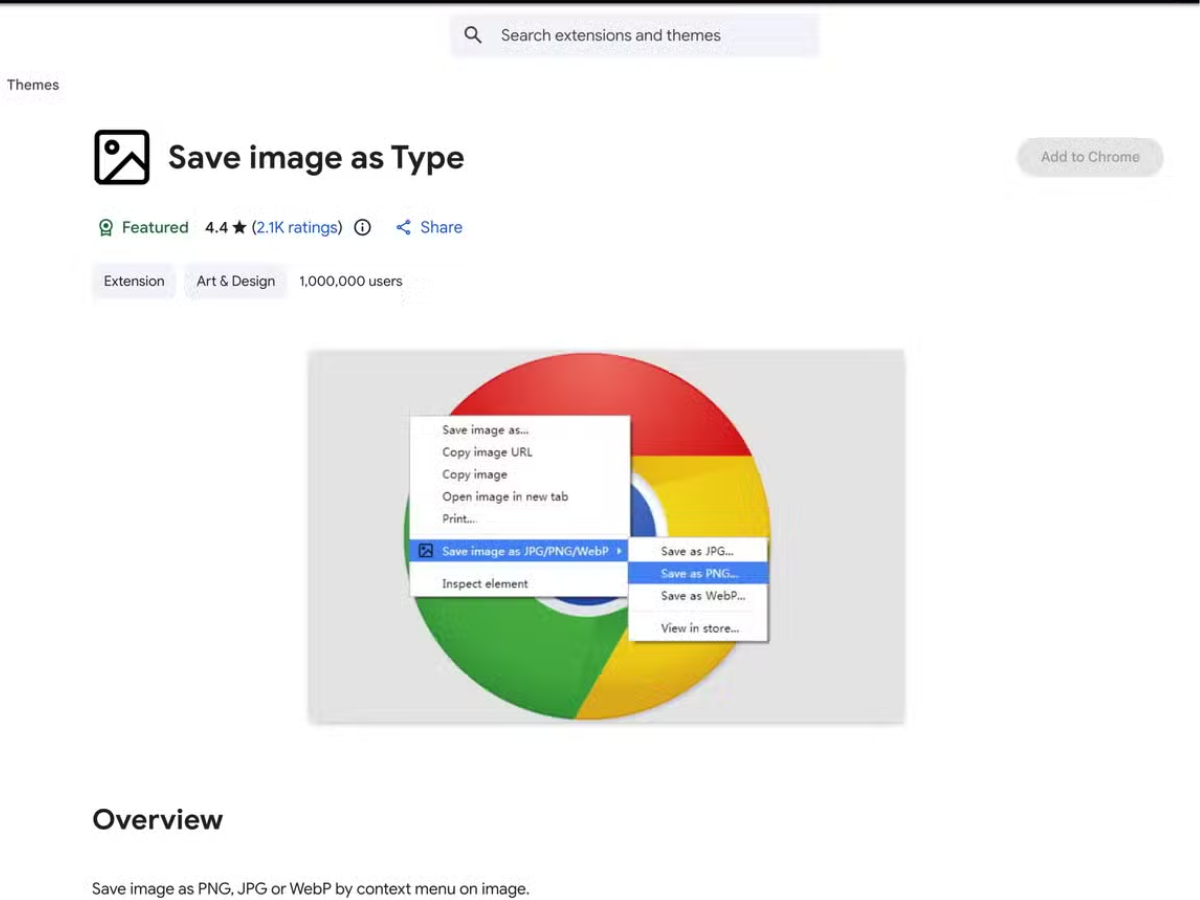
Google has taken down the Chrome extension "Save Image as Type" after security researchers uncovered it had been hijacked and altered to redirect user traffic for affiliate commission fraud. The extension had over a million users when it was removed.
The compromise was carried out by a group called Karma, which reportedly acquired the extension from its original developer sometime between November 13 and November 29, 2025, according to XDA Developers. By the end of November, new code had been inserted to intercept purchases made through retailers such as Amazon, Adidas, and Shein, enabling the attackers to collect affiliate commissions from transactions made by affected users.
What the Malicious Chrome Extension Code Did
The injected code secretly redirected user traffic in the background, without any obvious signs in the browser. This meant that users browsing and buying from supported retail sites had their sessions altered to credit Karma's affiliate accounts.
Despite this malicious activity, the extension continued to function normally as an image conversion tool, making it difficult to detect. Google took down the extension earlier in March 2026, but the harmful version had probably been active for several weeks before it was removed.
Who Is Behind the “Save Image as Type” Chrome Extension Hack
Security researcher Wladimir Palant analyzed Karma's activities toward the end of 2024 and the beginning of 2025, linking the group to numerous Chrome extensions that share similar malicious payloads. Instead of designing new malicious extensions from scratch, Karma often buys existing, trusted extensions from the original developers and then adds malicious code after purchase.
In 2025, a different image-conversion extension was removed from Microsoft Edge after being flagged as malware. XDA notes that this one came from a different developer and didn’t contain the same malicious code.
What Affected Chrome Users Should Do After the “Save Image as Type” Hijack
If you've had the "Save Image as Type" extension installed since November 2025, it's recommended that you uninstall it right away unless Google has already disabled it for you. XDA Developers has shared instructions on how to check if the compromised extension left any traces on your system.
Google hasn't confirmed how many users were actually affected during the weeks the malicious extension was active.

This is a good reminder to regularly audit installed extensions and stick only to well-maintained ones. Thanks for covering this important issue!
I use this extension on Firefox to avoid saving images in the WebP format. Hopefully its not compromised like the Chrome version.
What’s wrong with webp? It’s open and patent free and compresses smaller than jpeg with very little image quality difference. You’ll only notice the difference if you zoom in on your ‘homework’ images and compare with a similar high quality lossy image. It can’t be any worse than converting it to another lossy format.
Almost every image on the web is lossy and you can’t convert lossy images from one format to another format without image degradation so what’s even the point? One exception is Jpeg-XL which can losslessly convert a jpeg to jxl. However Google used their market dominance and shunned JXL for their own webp format which puts you in this situation in the first place. You can convert a lossless webp to png, bmp or tff but now your loosing storage space. So again pointless.
Unless you’re using some ancient software that does not support webp that has existing since 2010. I don’t see the benefit in converting webp to another format. Choosing another format besides webp is the only option. Some websites have both formats just by changing the file extension.
Legacy programs don’t know what webp is. I’m not installing new image editing software or codecs/drivers just because you found a slightly faster way to compress a picture. It’s obnoxious
1000% this, plus when working with ‘quick’ mock-ups and other ideas for the kids school/college things as well as my home hobby and work stuffs, transparency is also not supported.
It’s really annoying when I just want a JPEG image.