This Simple Gmail Feature Finally Helped Me Control My Inbox
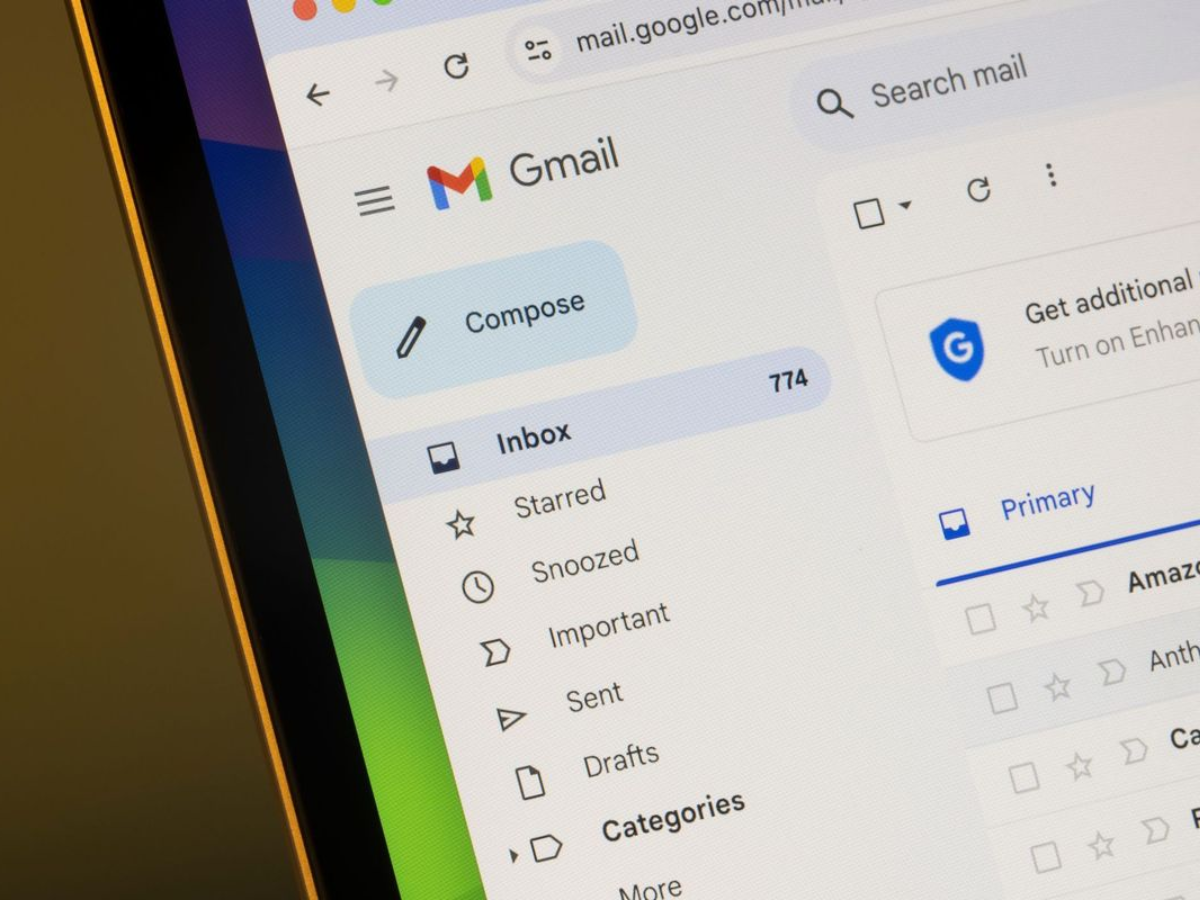
My Gmail inbox used to feel less like email and more like a never-ending to-do list. Important messages sat unread for days, buried under newsletters, notifications, and follow-ups I meant to get to later. Labels, filters, even "inbox zero" systems didn't stick.
What actually worked was much simpler: Gmail's built-in "Add to Tasks" feature.
Instead of letting emails linger as vague reminders, I now force a decision the moment I open one. If an email needs action later, I turn it into a Google Task with one click. The task links back to the original email, can have a due date, and lives where tasks belong-not in my inbox. If no action is needed, I archive or delete the email immediately.
That small shift removed the ambiguity that made my inbox stressful. Emails stopped being passive reminders and became either actionable tasks or finished information. I no longer rely on unread emails as a memory system, and I'm far less likely to miss something important.
The best part? There's no new app to learn and no complex workflow to maintain. It scales whether you get ten emails a day or a hundred, and it's already built into Gmail.

There are sure a lot of “articles” about Google stuff lately. It’s almost like they’re sponsored pieces.
Nah, of course not.
If you like Big Brother reading your mail this feature and this company is for you.