These Changes Stopped Windows Updates From Wrecking My PC Performance

Windows updates are supposed to improve stability and performance, but in practice they often do the opposite. One update runs fine, the next introduces stutter, latency, or sudden slowdowns. The problem is not a single bug. It is how frequently Windows updates change system behavior in ways that are hard to predict and even harder to roll back cleanly.
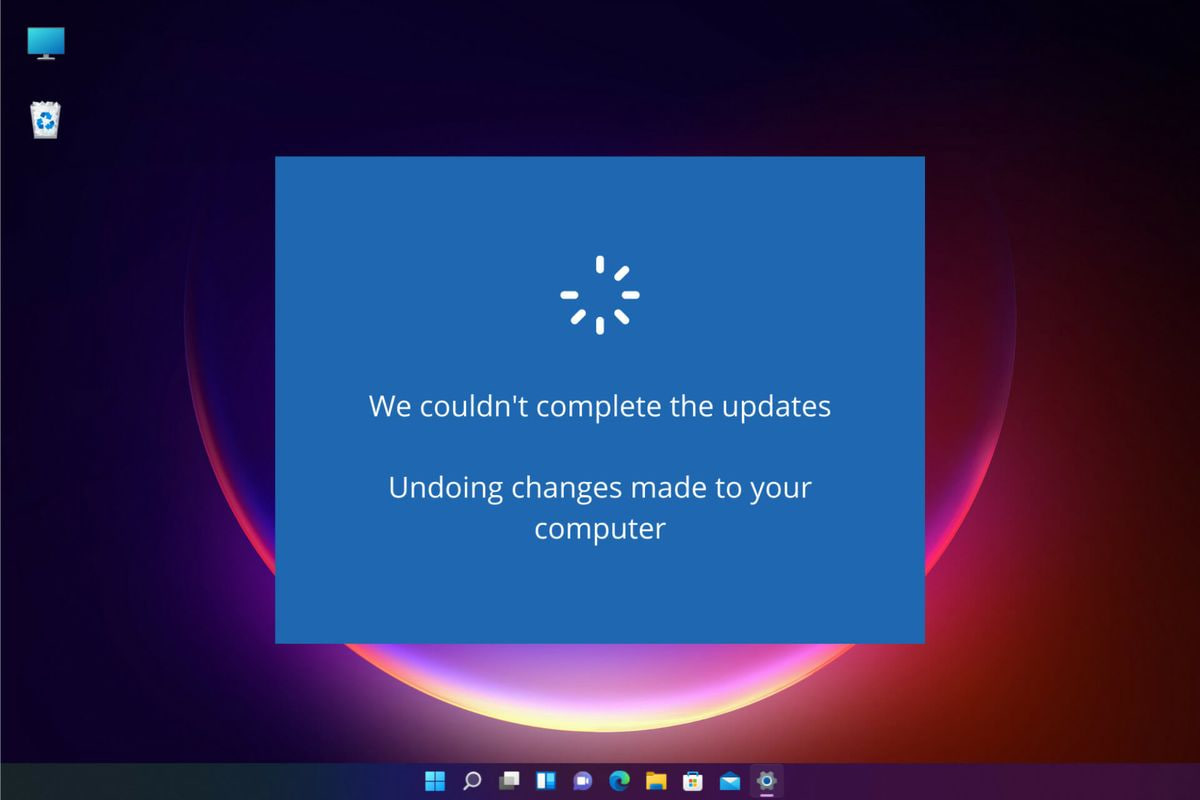
Microsoft's release notes rarely explain the full scope of what changes. Task scheduling, background service behavior, power management, and driver interaction can all be adjusted silently. On a platform that runs on countless hardware combinations, even a minor tweak can push some systems into noticeably worse performance.
Driver updates compound the issue. GPU and chipset drivers are updated independently of Windows, yet tightly coupled to it. A new graphics driver may boost performance in a recent game while introducing microstutter or frame pacing issues elsewhere. In some cases, updates have caused double-digit performance drops until hotfixes arrived days later.
After dealing with repeated regressions, the solution was not chasing every new update. It was controlling when and how updates are applied.
The first change was treating Windows updates as optional, not automatic. Pausing updates after a stable build prevents surprise regressions. Updates can still be installed manually once reports confirm they are safe on similar hardware.
The second change was being conservative with driver updates. If a GPU or chipset driver works well, there is little reason to replace it immediately. New drivers are best installed only when they fix a specific issue or support software you actually use.
Power management was another source of instability. Switching to a consistent power plan and disabling aggressive power-saving features reduced latency spikes and inconsistent boost behavior, especially on laptops and hybrid CPUs.
Finally, rollback paths matter. Keeping restore points enabled and knowing how to uninstall recent updates makes recovery faster when something does go wrong. Performance issues are easier to tolerate when reverting is straightforward.
Windows performance does not have to feel random. The system becomes far more predictable once updates stop being forced and start being managed. Stability comes less from the newest version and more from staying with what already works.

I have been using windows since win 95 days. The fact is windows OS become stable to use long term since win 8 and 10, before that there were more BSOD screens and people were used to format and install the OS once in a while. But now a days due to the bloat what windows is only logical choice is the LTSC version to use. This is most stable windows out there it can be. I know it is hard to get it legally, but that is the choice Microsoft has left for people like me to work on without the fear of breaking anything with updates.
Windows is fine–any version works for me. Old days, XP days, talk about issues with updates! Windows 11, for me, is a breeze off the Mediterranean. It’s wonderful. No complaints. Tip: I discovered long ago, the less a user tries to make Windows faster or leaner or more feature rich, the more problems will occur.
. . . like the article suggesting a driver tweak in the registry to amp a NVMe drive. Silly to even think about making such a registry edit. Tip: always have a full system image; one may even think about creating a Task that makes a Restore Point at least once a day.
In short, quit fiddling around with the system and complete some productive work. All those pseudo issues will disappear.
I made a few key changes that finally stopped Windows Updates from slowing down my PC. By disabling unnecessary background update tasks, tweaking active hours, and controlling which updates install automatically, my system now runs smoothly without random slowdowns or freezes. These adjustments let me keep Windows secure without sacrificing performance.
The bigger question that I would like answers to, is why windiws 11 has more issues than windows 10 when it comes to updates, and system problems.
My personal guess is Microsoft believe they have won the desktop user OS war and are the undisputed kings so having nobody to compete with, they don’t have to try their best to make Windows as good as it can be, because people will use it regardless of how horrible it is.
Another thing I’ve seen some people saying is that Microsoft makes more money from Azure cloud services than from Windows so they don’t focus a lot of effort and resources into it anymore.
And if you look at it – Windows at this point is kind of feature-complete – what can it not do that an OS for desktop users should do? It can play games, run professional software, be used as a server. Now they are adding stuff like AI, because it’s popular, they tried that before with Cortana and nobody used it, but now it’s different. If things change and AI’s bubble bursts and nobody cares about it or uses it anymore, they will probably remove it, but now it’s not the case. If you want to make some quick and dirty money, AI is the best way.
All of that is not to say that I think Windows is good. Windows for me stopped being good as soon as Windows 8 released, and since then it has been on a steady decline. But realistically speaking, it’s mediocre, think of all the Windows users who grew up with 8 or 10 and haven’t used the ones before – they don’t know (or remember) that it was better, so they have nothing to compare it to. For me Windows at this point is very user-unfriendly and not very usable. If I have to use it for work (I’m supplied with a company PC) I will use it, but if I have to choose an OS for my personal computers, I will choose Linux without even thinking for a second. Microsoft and Windows lost me and the miracle that will win me back is even hard for me to imagine in my wildest dreams.
Microsoft cut the amount of testing they do so they could focus on more profitable areas of their business. They allow Home users to do their testing.
I keep my updates delayed (security 15 days; features 90 days). That allows them to get the bugs out.
I already have Linux Mint running on two other PCs. It is far better than Windows.
The departure of all those skilled with true programming languages like C/C+ has occurred. Only low skilled WebView losers are left, and they are the ones who are struggling the most.
I believe it’s due to extensive OS code rewriting from C/C+ to Rust (and using AI for it).