Linux Mint Debian Edition 7 beta released
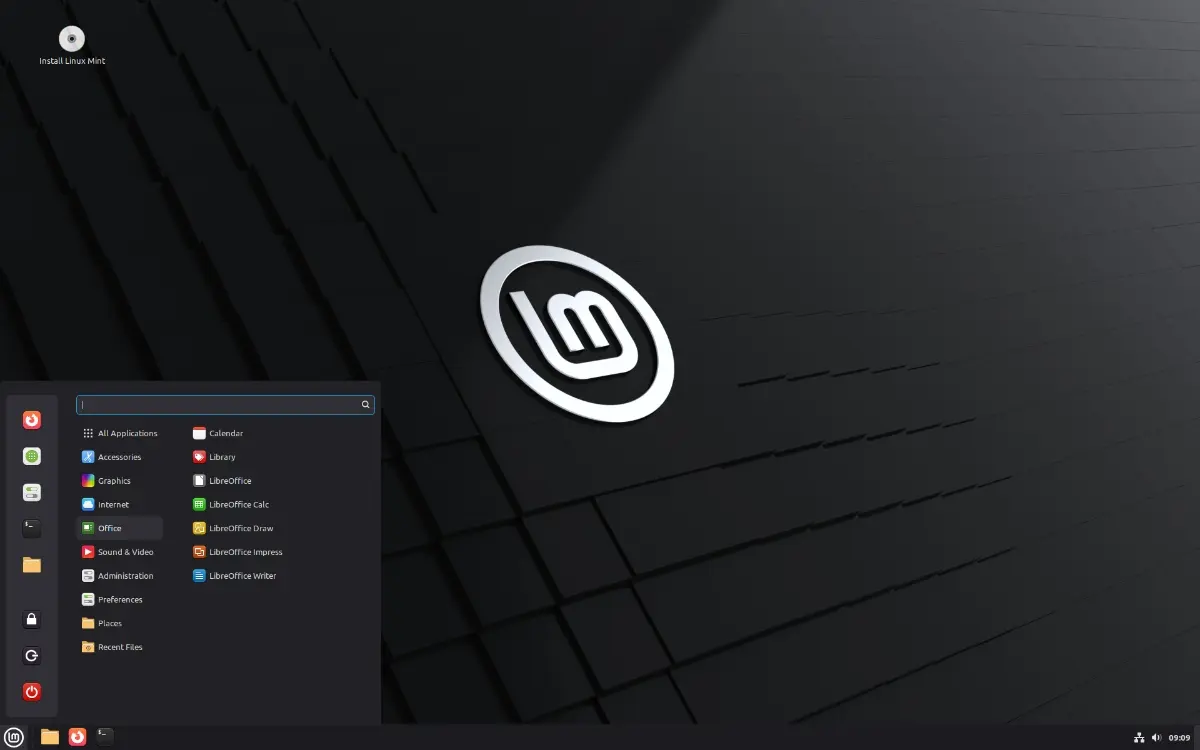
The first beta of Linux Mint Debian Edition 7 has been released. LMDE 7 has the codename Gigi.
(Image courtesy: Linux Mint)
It is based on Debian 13 Trixie. A few days ago, I wrote about LMDE 7 dropping support for 32-bit computers, it is 64-bit only, because i386 is no longer fully supported upstream by Debian 13. I had also mentioned that a beta version of the distro would be released soon. Well, it's here now.
These are the system requirements for Linux Mint Debian Edition 7.
- 2GB RAM (4GB recommended)
- 20GB of disk space (100GB recommended)
- 1024×768 resolution
Those are identical to the requirements of the regular version of Linux Mint. As for what's new in LMDE 7, well, it ships with the improvements that were introduced in Linux Mint 22.2. You can read my previous coverage to learn about the new features in it. It includes a redesigned Sticky Notes app with rounded corners, support for fingerprint authentication for login, sudo commands, etc. The theme is also slightly bluer. You may also want to check out Debian 13's release notes.
LMDE 7 supports OEM installs to allow computer manufacturers to ship their systems with the distro. The developers are adapting libadwaita-1.5 changes to libadwaita-1.7. Since it is a Long Term Support release (LTS), you can expect it to be supported for a few years. Debian 13 LTS will be supported until June 30, 2030.
Interested in trying LMDE 7 beta? Head to the official announcement page to download the ISO. That said, there are some known issues with the release, you can read about those and the workarounds on the release notes page.
It is unclear when the final version will be released, but given that the first beta is out, and the fact that Linux Mint 22.3 will be released in December 2025, the final version of LMDE 7 may not be far away.
Note: I have not tried LMDE 7. But Linux Mint 22.2 is my primary OS, so feel free to ask questions about it.

Linux is a very arrogant operating system, the sheer hubris it entails is beyond belief, it has the arrogance to assume my time isn’t valuable.
A true statement that you will only hear from someone who actually works in IT.
Lol someone is pranking me
Will the real bruh please stand up?
@Ashwin – don’t get me wrong my comments are usually not the nicest in tone, but these days I am happy to leave the Linux crowd in peace. Live and let live, and all that…
Funny enough I need to install Linux on one of my PCs for the purposes of compiling some cros-platform Qt app, maybe I’ll try the latest Mint?
@bruh That’s fine. Sometimes negative comments can turn into a lively discussion.
Mint is lovely. I switched to it exactly 62 days ago :)
Try a live USB of Mint. https://www.linuxmint.com/edition.php?id=322
If you have a USB flash drive to spare, you can install Ventoy on it, and just copy the ISO to it. I have one with a few distros on it, very handy to test new ones.
@Ashwin, thanks, I usually avoid live USBs when my goal is to install onto the actual disk drive of a device, but I guess live USBs should be able to do this too, right?
Keep up the good articles, you and Martin rock :)
@bruh Sure, you can use Live USB to install the distro. You can also use it to test your hardware, watch movies, browse, even work on it. It can be a portable OS if required, but that’s not its purpose.
You will need to create a Live USB for the distro: https://linuxmint-installation-guide.readthedocs.io/en/latest/burn.html
Thanks for the kind words, much appreciated :)