

Thunderbird developers plan to revive Firefox Send
Sending large files via email is still a major problem on today's Internet. Most email providers cap the size of emails. Attempts to send emails that are too large are met with […]
Thunderbird 102 to 115 upgrades are now enabled
Thunderbird 115 is the latest major version of the open source email client. Users of the application, who wanted to upgrade to the new version, had to download and install Thunderbird 115 […]
Thunderbird: Sync postponed and switch to monthly releases
Thunderbird Sync, the much-awaited synchronization feature of the Thunderbird email client, won't be introduced in Thunderbird 115. A new blog post on the official Thunderbird blog confirms that the feature has been […]

Future Thunderbird for Android, K-9 Mail, passed security audit with flying colors
Some time ago, the team that is responsible for the Thunderbird email client announced that it has come to an agreement with the maker of K-9 Mail, a mail app for Android, […]
Thunderbird 115 is the last version for Windows 7 and 8
The team that is responsible for the open source email client Thunderbird has released Thunderbid 115 earlier this week. The new version of the email client features a new design and several […]
Thunderbird 115 released with updated UI and major changes
The team of the open source Thunderbird email client has been working on a new version of Thunderbird for some time. Today, Thunderbird 115 Supernova has been released, but it is not […]

Thunderbird 102.13 fixes 5 security issues
Thunderbird's development team has released Thunderbird 102.13 to the email client's stable channel. The update for the open source application fixes five security issues in the email client. The release announcement was […]
Thunderbird donations have jumped by over 100% in 2022
The Thunderbird team, responsible for the open source cross-platform Thunderbird email client, published its financial report this week. Almost all revenue of the project is based on donations. The team states that […]
You may now install uBlock Origin in Thunderbird
Thunderbird users may install add-ons for the email client to add new features and other improvements to the application. The selection of available add-ons is large and includes add-ons to archive old […]

Thunderbird 102.9.0 is a security update for the open source email client
The Thunderbird team has released a new stable version of the open source email client. Thunderbird 102.9.0 is a security and bug fix update. The new version of the email client is […]
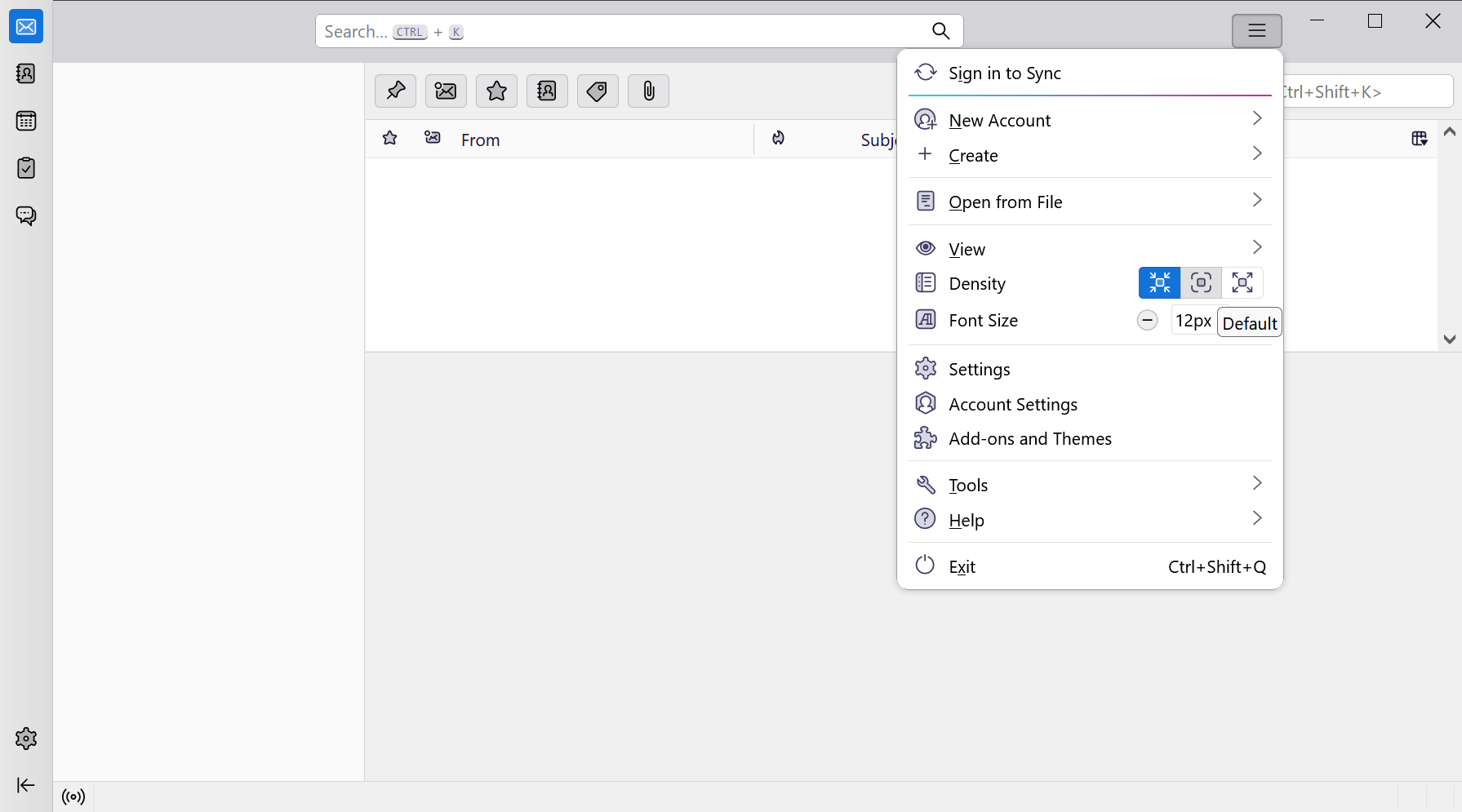
Complete redesign of Thunderbird comes in July 2023
Later this year, a new version of the Thunderbird email client will be released that features a complete redesigned user interface. The new version of the open source client will be leaner, […]

Thunderbird 102.7.0 requires manual updating due to a bug
The Thunderbird team has released Thunderbird 102.7.0 to the public. The new version of the open source email and messaging client is not available as an automatic update, but only as a […]
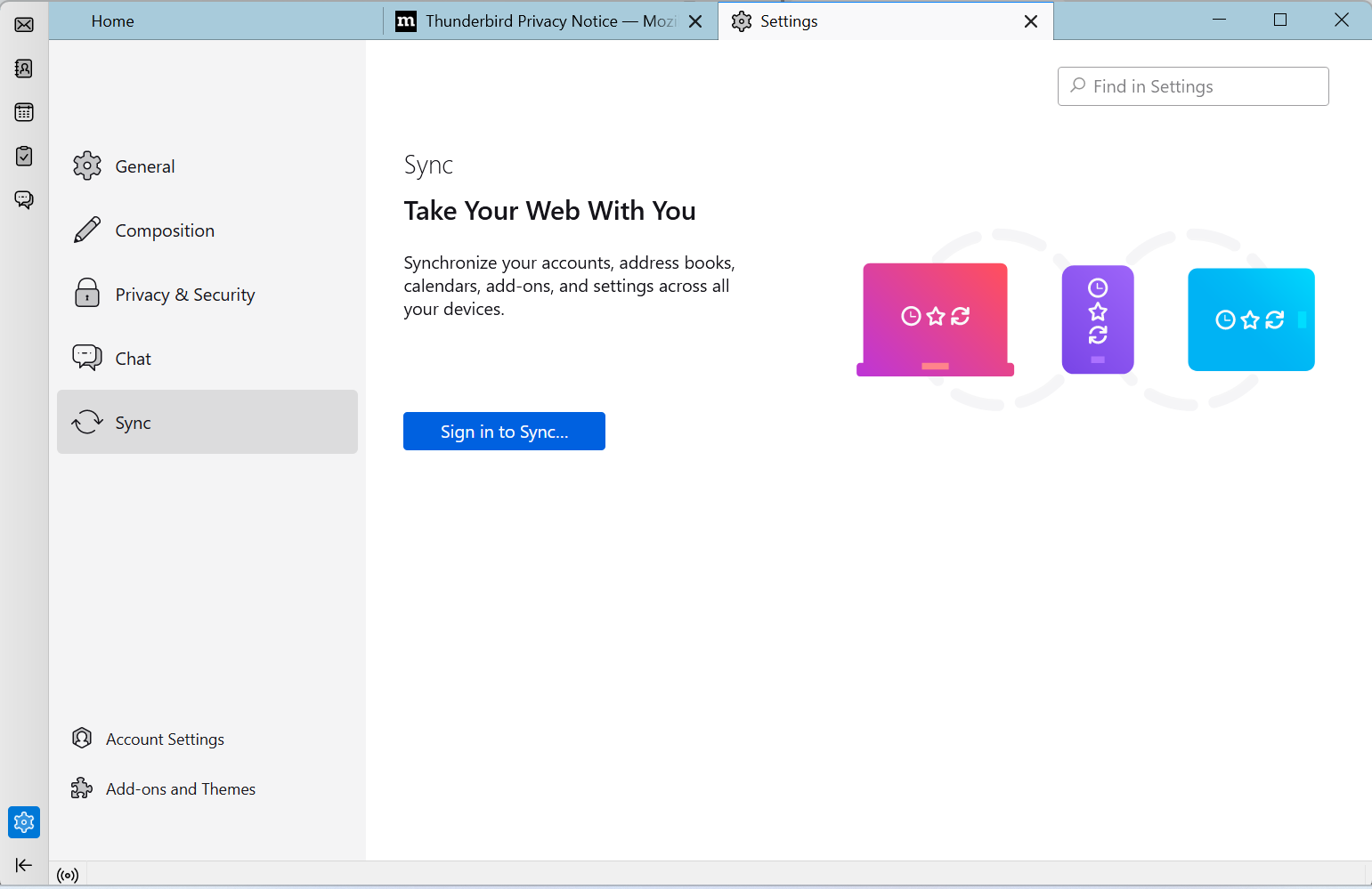
Thunderbird Sync enabled in latest Development build
2023 could become a major year for the open source Thunderbird email client. The team plans to launch a modernized client for the supported desktop systems, without removing functionality or dumbing it […]
Thunderbird 102.6.0 is a security and bug fix update
Thunderbird 102.6.0 is out. The new version of the open source email client fixes security issues and bugs. The new Thunderbird version is available already. While it is being distributed automatically to […]
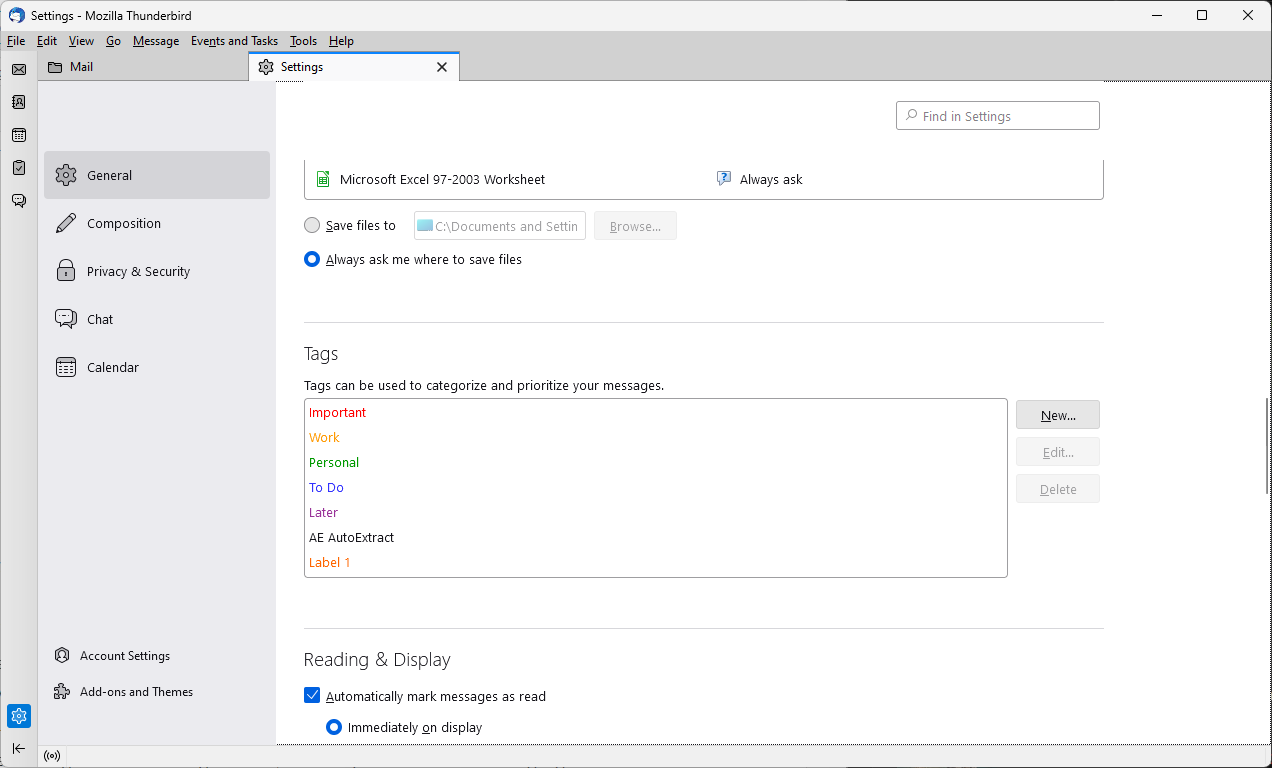
How to make important emails stick out in Thunderbird
Not all emails are of equal importance. Take emails from your employee or family on the one hand, and spam on the other. Most email users have a good understanding of which […]
Thunderbird 102.5.1 fixes a security issue in the email client
Thunderbird 102.5.1 is a security update for the open source email client that patches a single security issue in the application. The new version of Thunderbird includes several non-security fixes and a […]

Thunderbird for Android: preview of the message view
It is no secret that the Thunderbird team is working on bringing the Thunderbird experience to Android. The team announced some time ago that it decided to cooperate with an existing email […]
Thunderbird 102.5 is a security and bug fix release
Thunderbird 102.5 is a new version of the open source email client. Since it shares code with Firefox, it is updated at around the same time that Firefox is updated. Mozilla released […]

This is Thunderbird's upcoming redesigned Calendar
Work on the next major release of the open source email client Thunderbird is in full swing. The developers have now published a preview of the planned Calendar changes in the new […]
Thunderbird 102.4.2: CardDav new default for address books
Thunderbird 102.4.2 is the latest version of the open source email client. The new version is already available, and most Thunderbird 102 installations should receive it in the coming days. Thunderbird users […]
Thunderbird 102.4.1 fixes various bugs in the email client
Thunderbird 102.4.1 is the latest stable version of the open source email client. The new release fixes several bugs in Thunderbird, including issues with custom header data, the -remote command, or issues […]
Avast may block Thunderbird updates
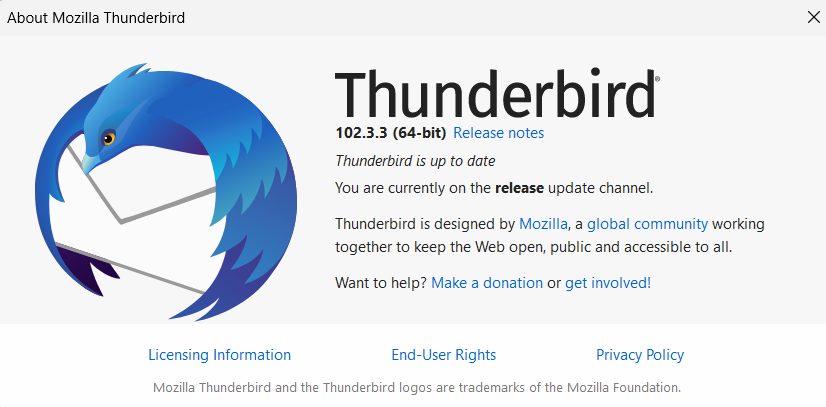
Avast and AVG antivirus products may block updates in Thunderbird. Avast is testing a beta version of its applications that attempts to resolve the issue. Users of Avast and AVG antivirus solutions […]
Thunderbird 102.3.2 is a big bug fix release
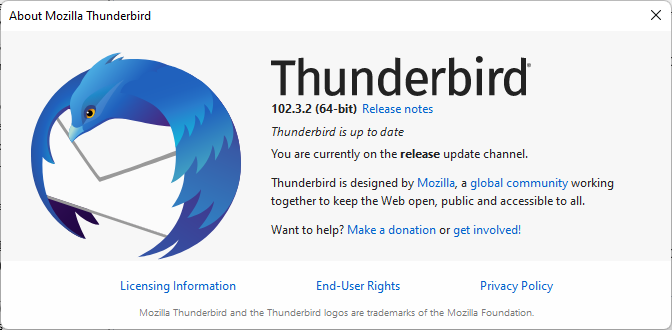
The team that is behind the open source email client Thunderbird has released a new version. Thunderbird 102.3.2 is a bug fix update that addresses more than a dozen issues in the […]

Thunderbird 102.3 is a security and bug fix update
Thunderbird 102.3 is now available. The new version of the open source email client is a security and bug fix release. The update is published already and most Thunderbird installations should receive […]
Thunderbird 102.2.1 launches with important security fixes
Thunderbird 102.2.1 is now available. The new version of the open source email client fixes several security issues in Thunderbird and includes other changes. The security update addresses several vulnerabilities that may […]

Thunderbird 102.2.0 is a security and bug fix update
New versions of the open source email client Thunderbird are now available. Thunderbird 102.2.0 and Thunderbird 91.13.0 are now available. Both versions address security issues in the email client; the update to […]

Thunderbird 114 roadmap: Sync, global message index, conversational view and more
Thunderbird 102 has just been out for some months, but development on Thunderbird 114, the next major release of the open source email client, is already ongoing. This week, manual updates from […]
Thunderbird 91 updates to 102 are now enabled for manual seekers
Thunderbird email client users who have continued to use version 91 of the email program may now upgrade to Thunderbird 102 from within the client. Thunderbird 102, a newer core version of […]
Thunderbird 102.1.1 is a huge bug fix release for the email program
Thunderbird 102.1.1 has been released. The new version of the desktop email client fixes dozens of non-security issues in Thunderbird. The update is already available, but it is offered to devices with […]
Thunderbird 102.1.0 fixes four security issues in the email client
Thunderbird 102.1.0 is now available. The new stable version of the email client patches four security issues in the application and makes some minor changes next to that. Thunderbird 102.1.0 is already […]

Thunderbird's next milestone release will support Firefox Sync
Thunderbird 114, the next major version of the open source email client, will support Firefox Sync. Thunderbird, which shares a codebase with Mozilla's Firefox web browser, will get support for synchronizing data […]
Thunderbird 102.0.3 update fixes a crash on Windows 11
The Thunderbird team has released Thunderbird 102.0.3 Stable. The new version of the open source email client fixes a crash on Windows 11 and several other issues in previous versions of the […]
Thunderbird 102.0.2 is a big bugfix release
Thunderbird 102.0.2 is the second point update for Thunderbird 102, the new major version of the open source Thunderbird email client. Like Thunderbird 102.0.1, which was released last week, it is fixing […]

K-9 Mail (future Thunderbird for Android) adds OAuth 2.0 support
A new update for the open source Android email client K-9 Mail introduces support for OAuth 2.0. The long-requested feature adds authentication support for Google's Gmail, Yahoo Mail, AOL Mail, and personal […]
Thunderbird 102.0.1 fixes a mailbox corruption issue
Thunderbird 102.0.1 is the latest update for the open source email client. It fixes a potential corruption issue of Mailbox MSF files and several other issues in the application. Thunderbird 102 was […]
Thunderbird 102 released: lots of new features and improvements
Thunderbird 102 is out now. The new version of the popular desktop email client is a major new release that introduces several new features and improves others. You may want to check […]
K-9 Mail app will become Thunderbird's Android email client
The developers of the open source Thunderbird email client confirmed today that the open source Android email app K-9 Mail will become Thunderbird for Android. Thunderbird product and business development manager Ryan […]

How to run Thunderbird Beta next to the Stable email client
The email client Thunderbird is available in several editions. Most users use the stable version of the email client, but some may be interested in running the beta and nightly editions of […]

Thunderbird 102: support for multiple active spell checking dictionaries
The open source email client Thunderbird will soon support multiple active spell checking dictionaries. Planned for Thunderbird 102, the feature enables users to have Thunderbird check for spelling mistakes using multiple dictionaries […]
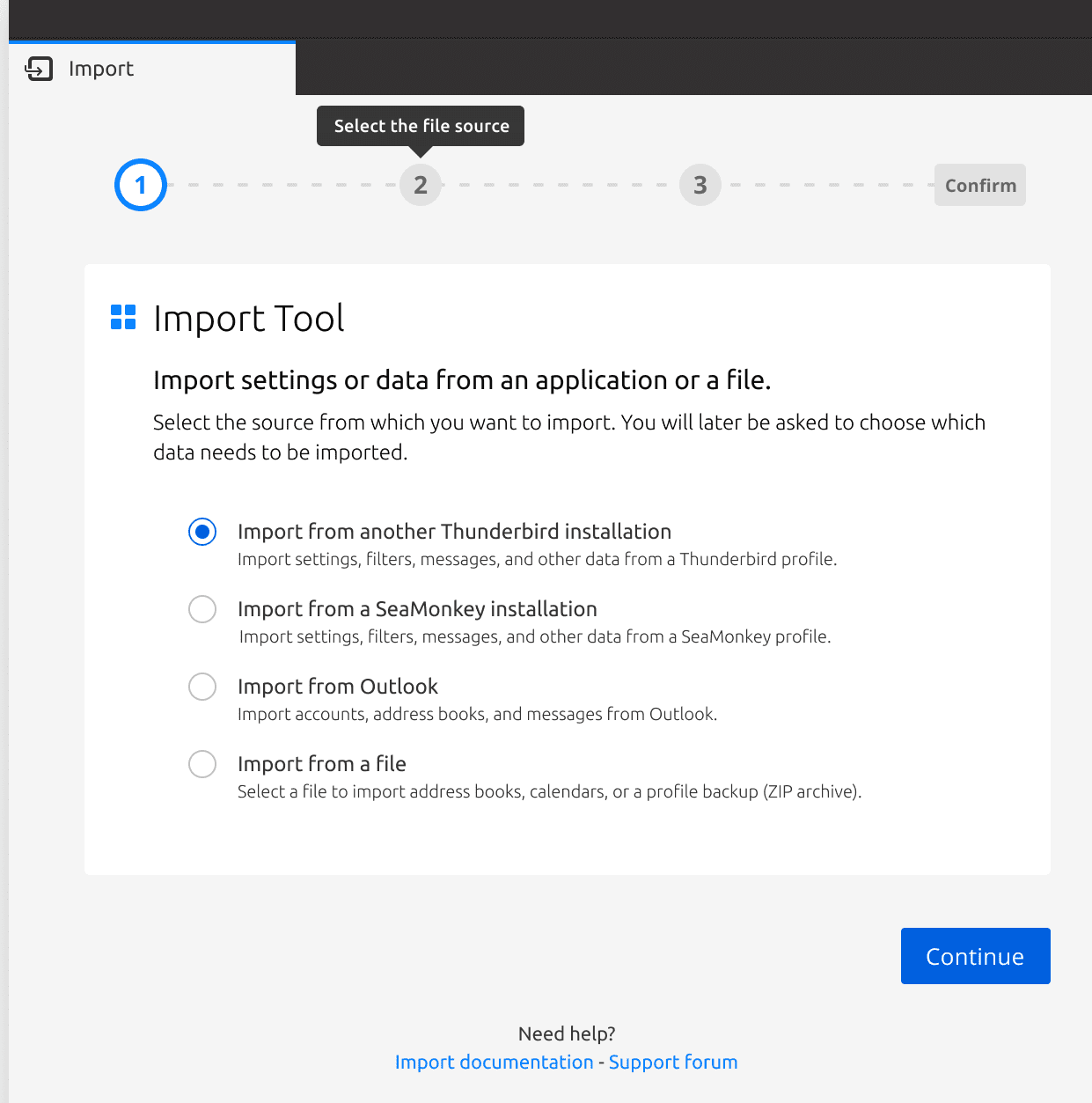
Thunderbird 102 to include an improved Import Tool
The team that is developing the Thunderbird email client has been working on the next major release of Thunderbird for some time. One of the new features of Thunderbird 102 is an […]
