
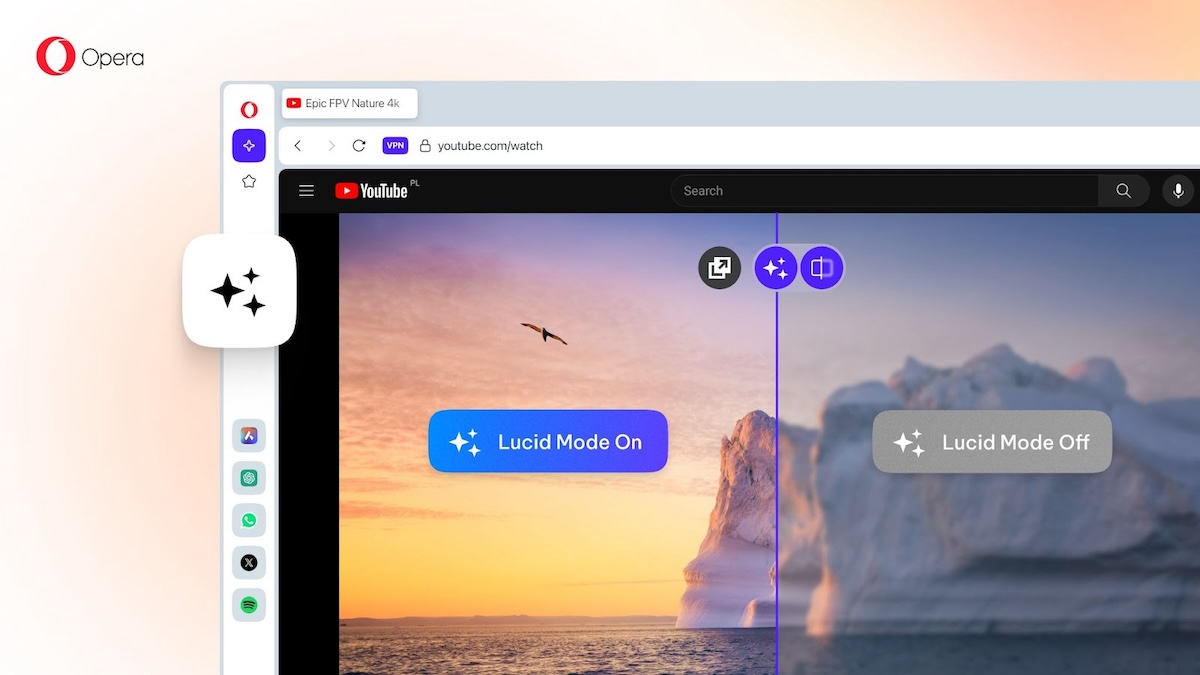
Opera Lucid Mode 2.0 brings refined controls and a comparison slider
About a year ago, I wrote about Lucid Mode in Opera browser. Now, the feature has been enhanced with Lucid Mode 2.0. In case you are not aware of what it does, […]

Please tune it down Opera!
Opera stands out as a popular choice for users seeking a fast, secure, and feature-rich browsing experience. However, one aspect of Opera that can sometimes be bothersome is the startup sound that […]
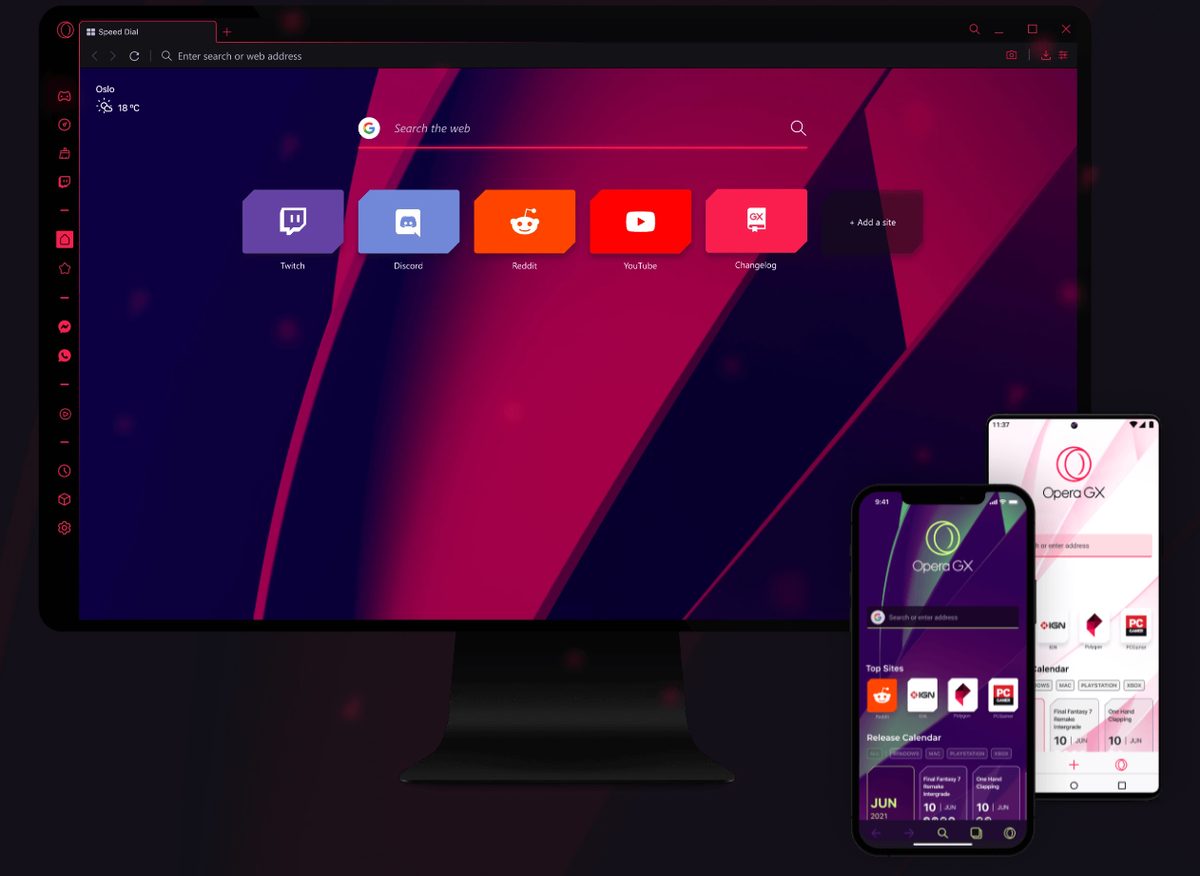
Is Opera GX safe? Let's compare it with Chrome and find out
When it comes to secure web browsing, Opera GX emerges as a formidable contender, boasting a range of features aimed at providing users with a safe online environment. In this comparison, we'll […]

Opera GX browser can now fake your browsing history when you die
Whether the latest feature of Opera Software's Opera GX browser is useful or not is hotly debated already. The company announced the launch of the "fake my history" feature, which replaces a […]
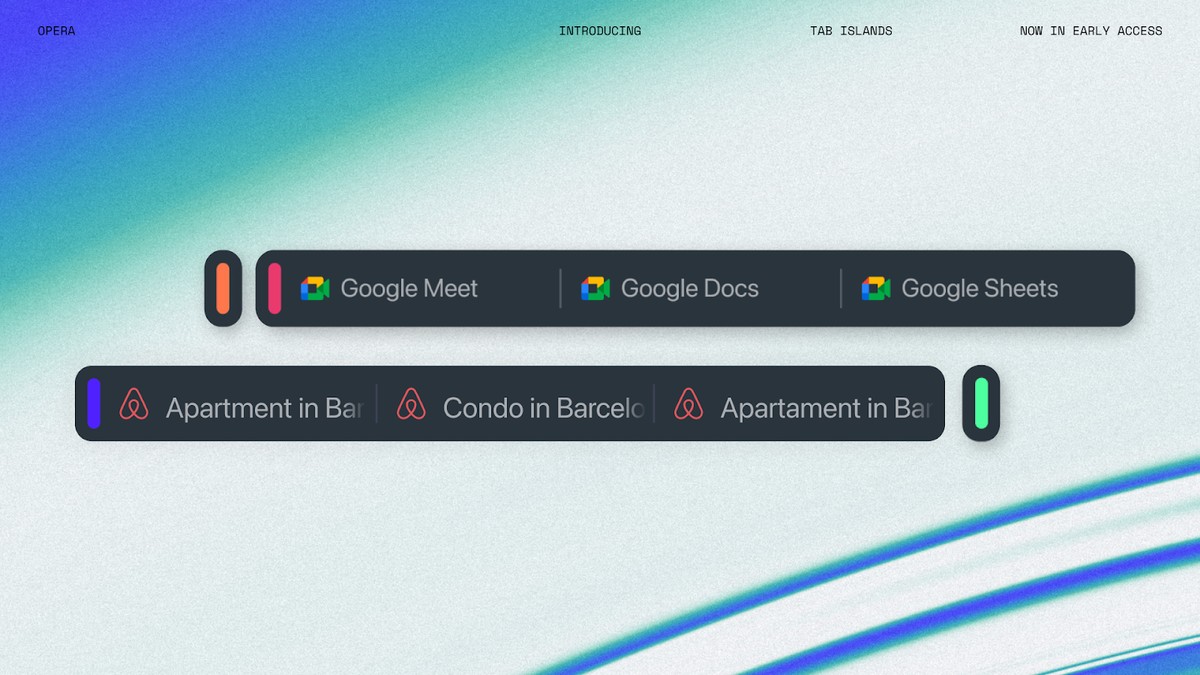
Opera One Tab Islands are a messy worker's best friend
Opera One Tab Islands is a new feature in the Opera One web browser that helps you organize your tabs more efficiently. Tab Islands are distinguishable by separate colors and clear borders, […]
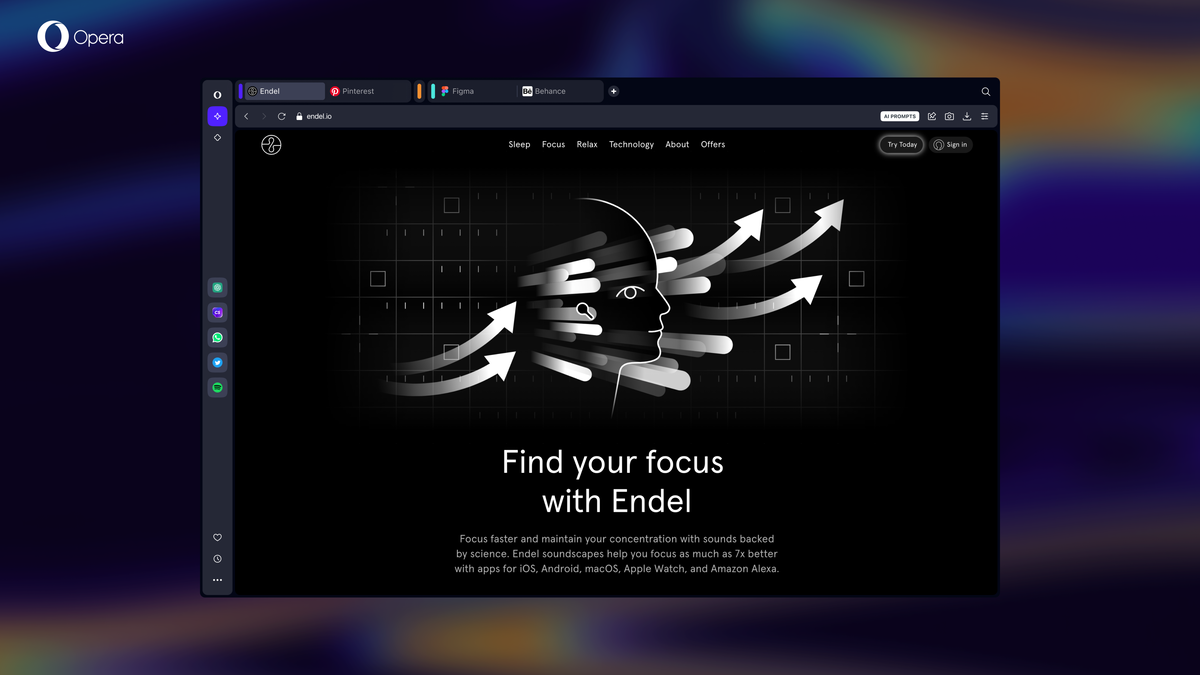
Opera launches Opera One, its AI-powered web browser
Opera Software has launched Opera One officially today after a short beta period. Opera One is the company's reimagining of its flagship browser. It is still Opera browser at its core, but […]
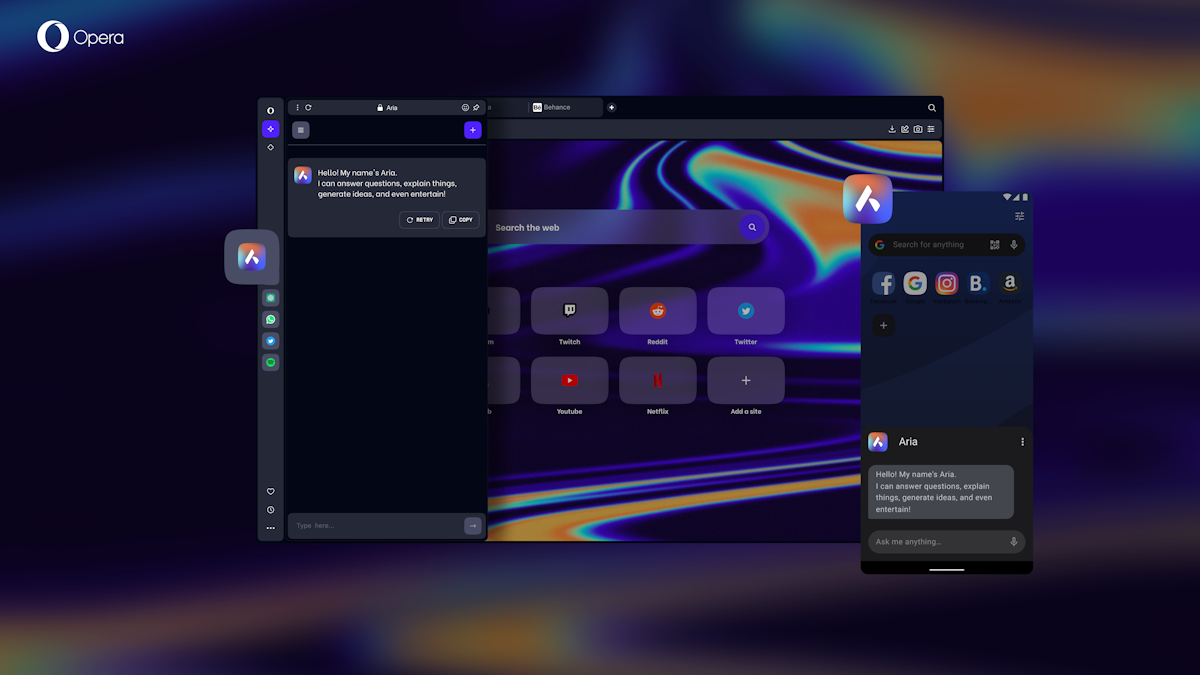
You may now communicate with an Ai called Aria in Opera's web browsers
Opera Software announced the integration of AI into its web browsers today. Aria is based on OpenAI technology and is launched as a preview in Opera One and Opera for Android browsers. […]
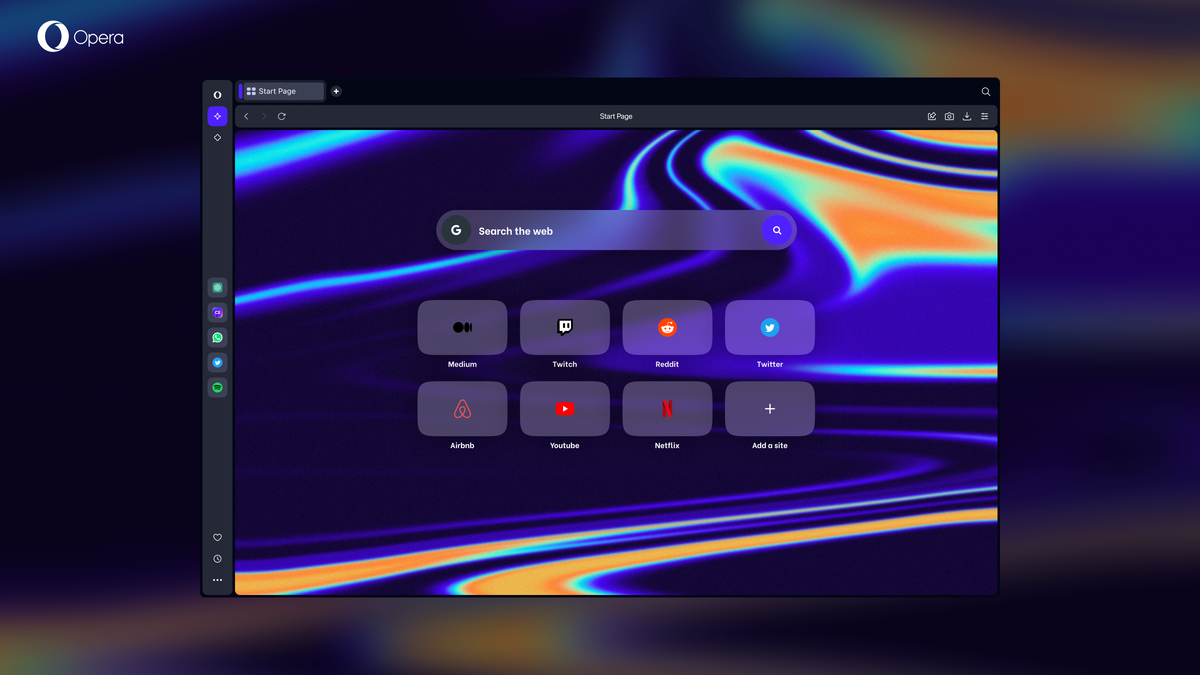
How to download the Opera One web browser
Opera Software has launched a developer preview of its upcoming main web browser Opera One on April 25, 2023. The first public release version of the web browser will replace the current […]
Opera One: fully redesigned Opera browser and big bet on AI
Opera Software unveiled Opera One just a moment ago. Opera One is a fully redesigned web browser by the company that will replace Opera's flagship web browser in the future. For now, […]

Opera's free VPN service is now available in its iOS browser
Opera browser for iOS now has the company's free VPN service built-in to the app. The VPN is already available in the Android, Windows, Linux and Mac versions of the browser. Opera […]

Opera Browser update integrates AI Prompts and ChatGPT
Opera Software released a new version of the company's Opera web browser today. A focus of the new release is the introduction of new artificial intelligence features in Opera browser. The functionality […]
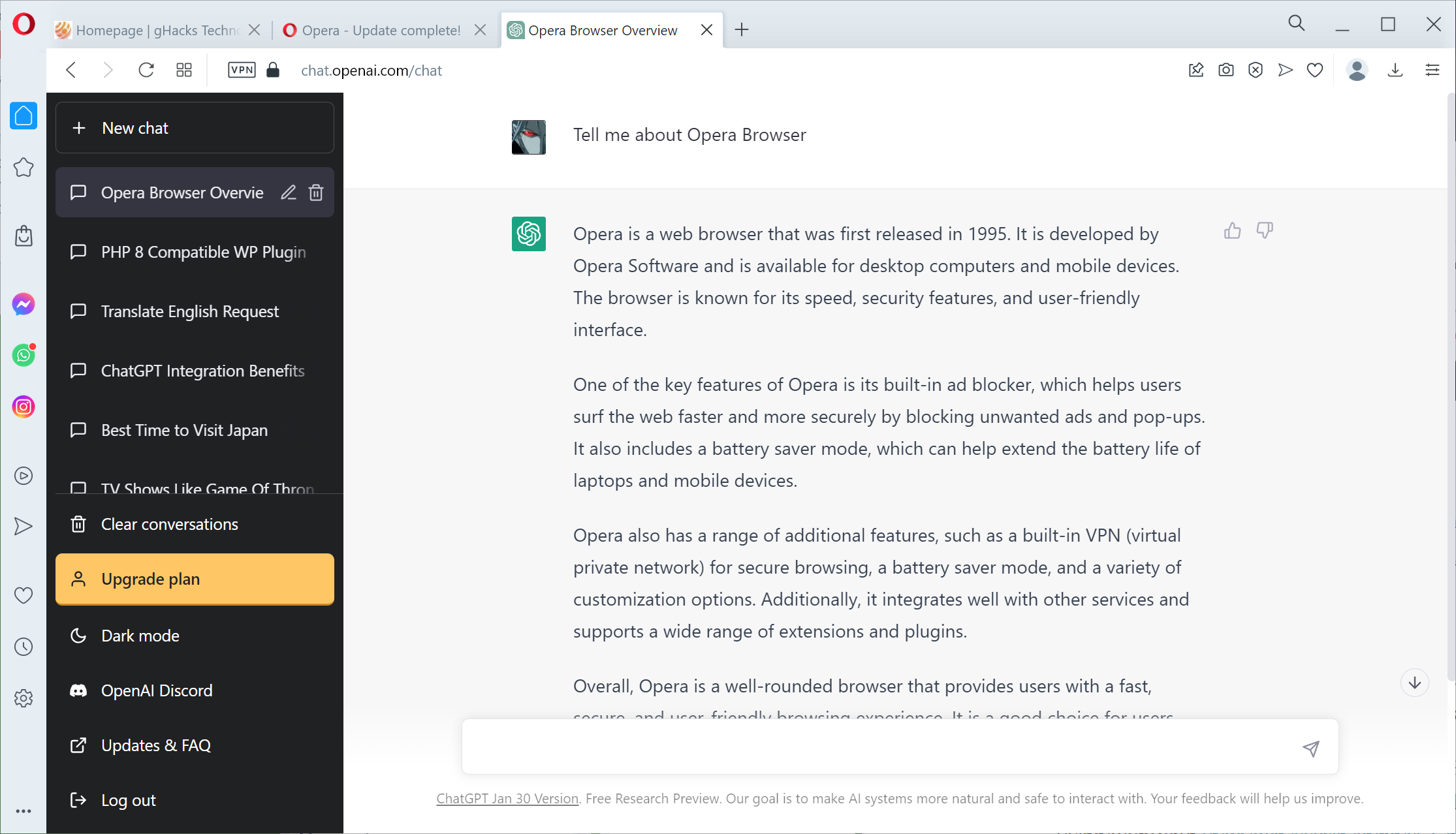
Report: Opera Browser may get its own ChatGPT integration
Opera browser, a popular desktop and mobile web browser, could soon get its own integration of the language model ChatGPT. The report comes from CNBC, which cites Opera's parent company Kunlun Tech […]
Opera browser now lets you set custom images for tiles
Opera browser's latest Dev Channel build introduces an option that allows you to set custom images for tiles. Now you can customize your speed dials however you want to. Most browsers don't […]
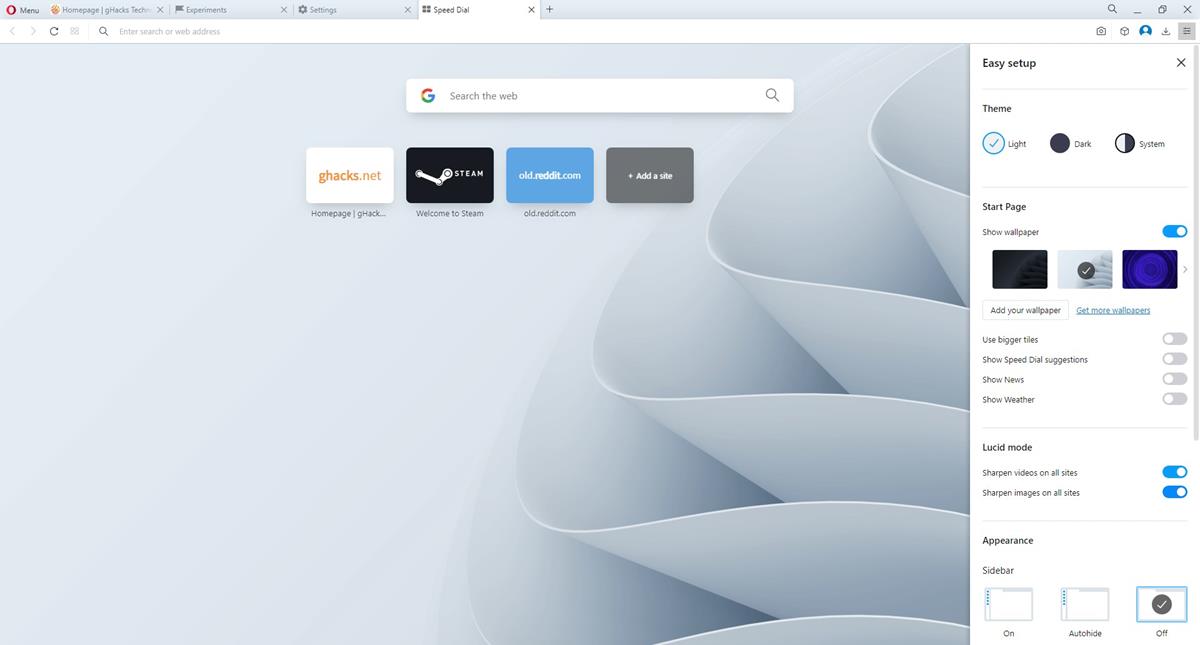
Opera browser wants to make old videos look sharper with its Lucid Mode
Opera browser has a new feature called Lucid Mode. It makes old videos look slightly better, by sharpening them. Lucid mode in Opera browser The problem with most old videos are the […]

Opera Limited buys back 20.6% of shares from 360 Security Technology Inc
Norwegian company Opera Limited announced that it intents to buy back all of its shares from Chinese company 360 Security Technology Inc. in an all cash transaction. The purchase would move 20.6% […]

Opera 92 Dev channel update introduces an option to hide the sidebar automatically
The Opera 92 update has landed for the Developer channel. The patch adds an auto-hide option for the web browser's sidebar. The setting is not enabled by default, but you can switch […]
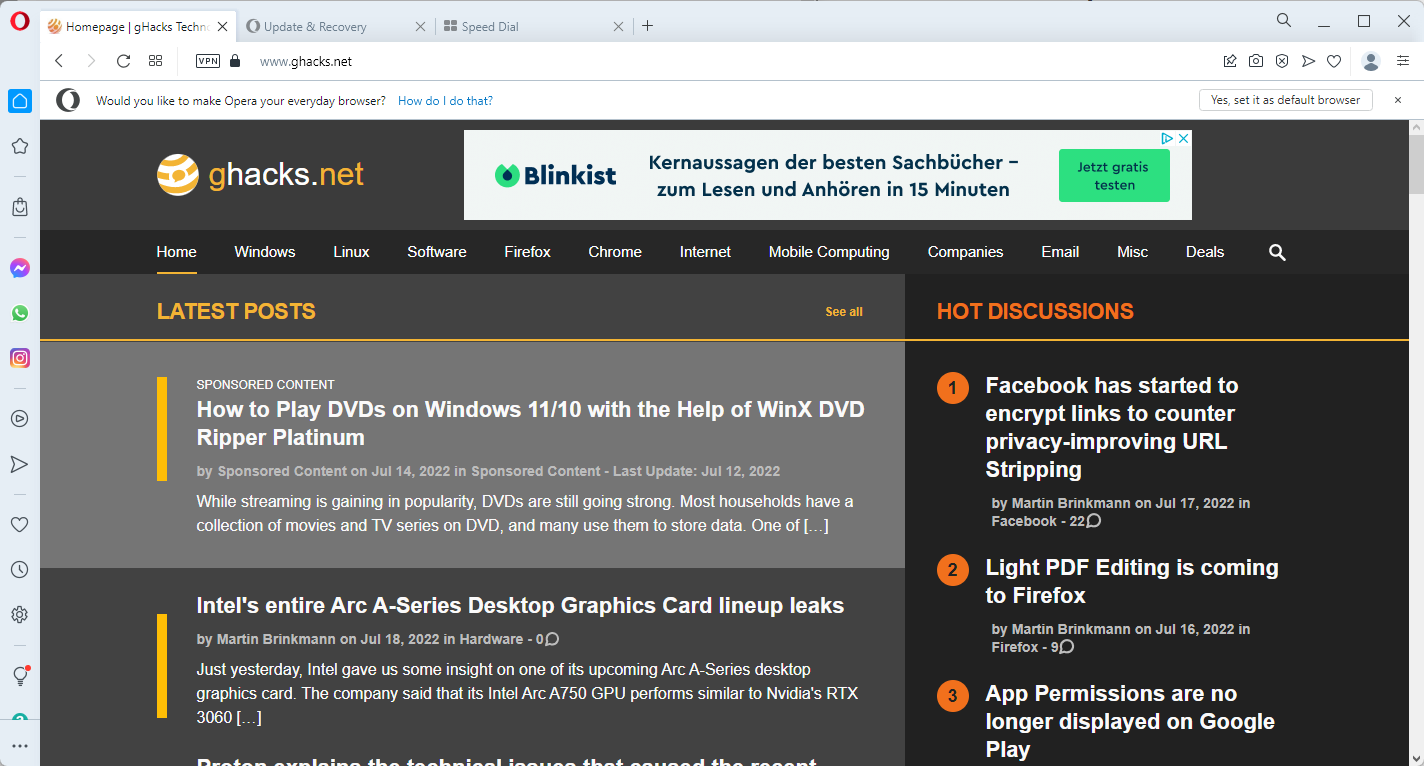
Opera Software fixes Windows Reliability Monitor in browser
Opera Software has fixed the Windows Reliability Monitor issue in the company's Opera web browser. Last week, we reported that the Opera web browser was causing seemingly unrelated entries in the Windows […]
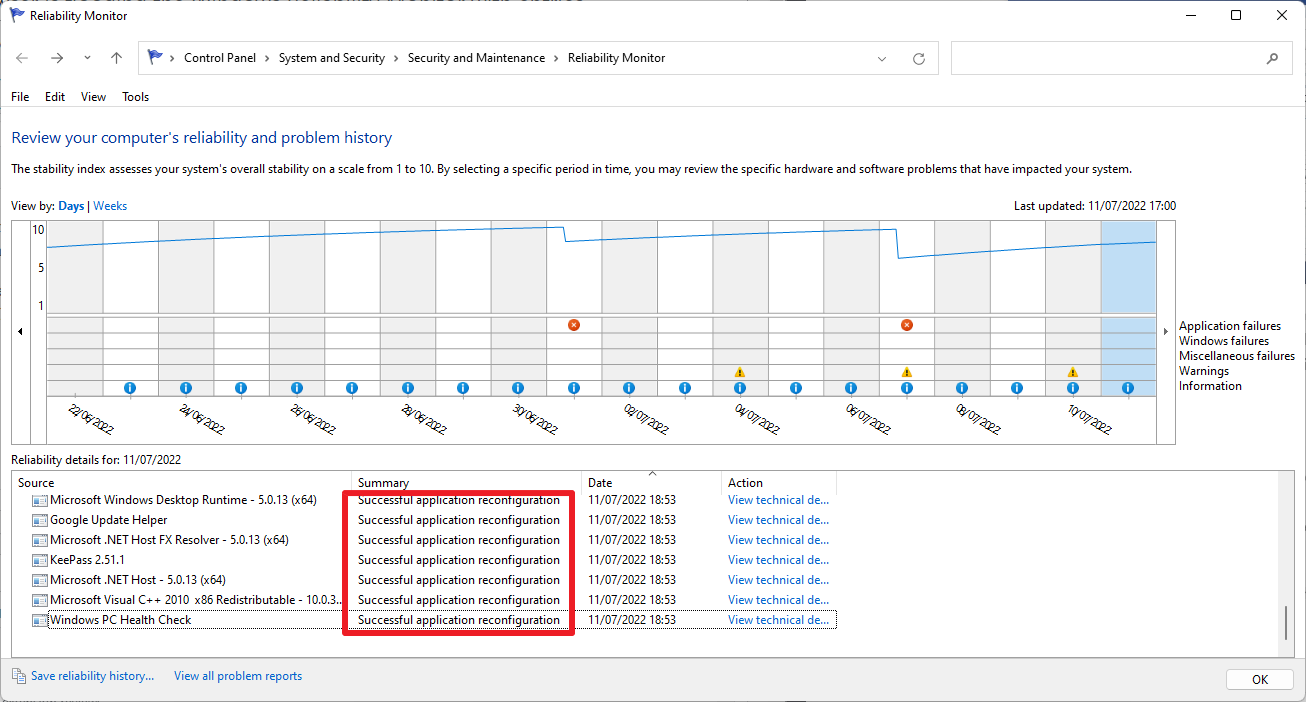
Opera Browser is flooding the Windows Reliability Monitor with entries (fixed)
Opera users who run a recent version of the web browser on Windows may notice that the browser is flooding the Windows Reliability Monitor with entries. Update: Opera Software has fixed the […]
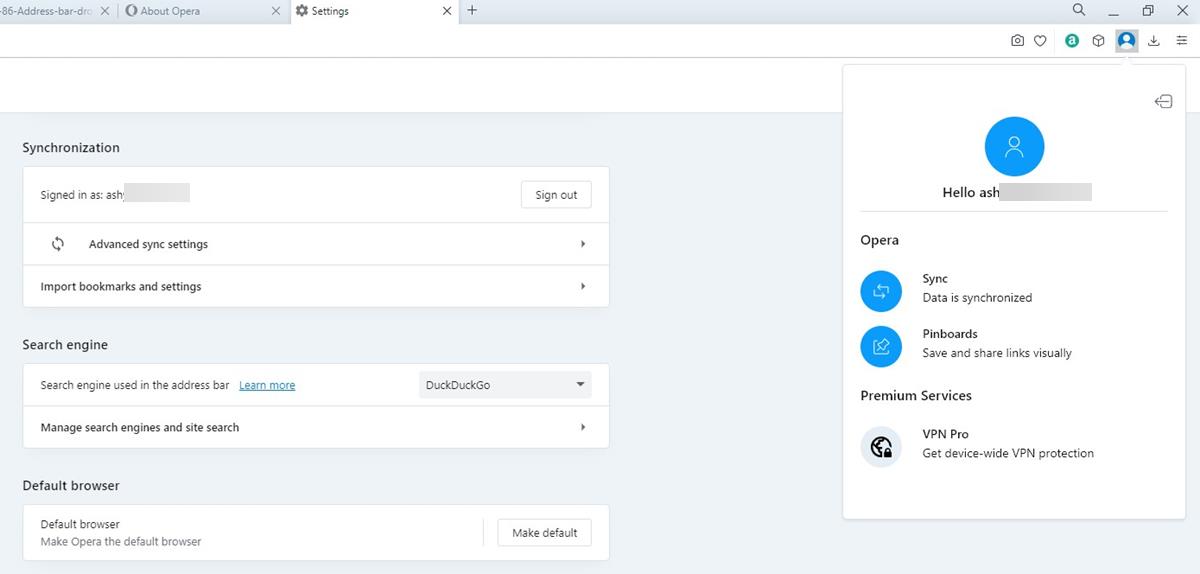
Opera 89 introduces a redesigned account pop-up panel
The Opera 89 update has been released to the stable channel. It brings a redesigned account pop-up panel. This is what the Opera sync panel looked like prior to this update. The […]
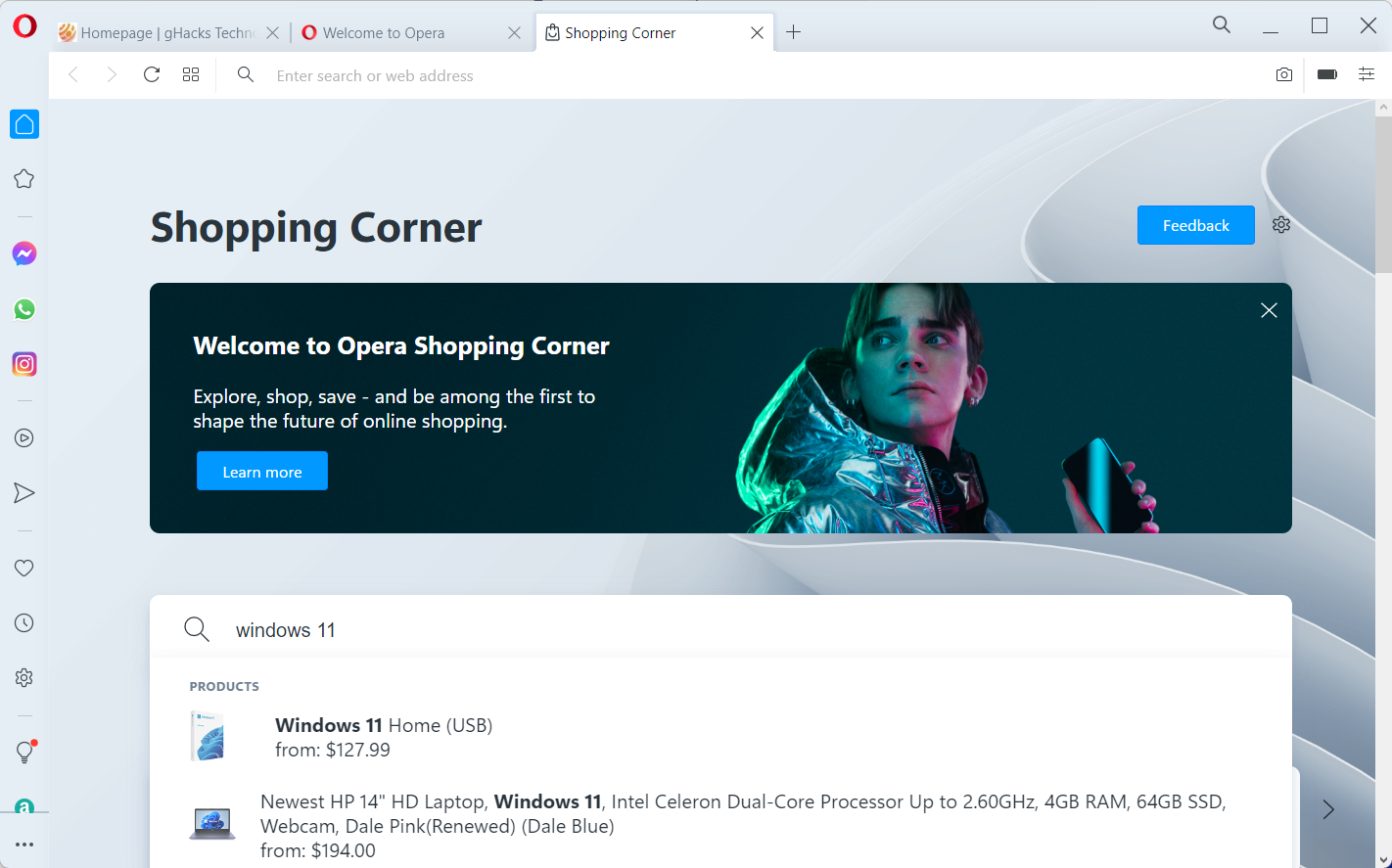
Opera 88 launches with Shopping Corner feature
Opera Software released Opera 88 Stable this week. The new version of the web browser introduces support for horizontal tab scrolling and a new feature that Opera Software calls Shopping Corner. Shopping […]

Opera Dev channel release gets an option to force dark theme on websites; here's how to enable it
Opera browser's dev channel has a new option that allows users to force dark mode on websites that you visit. Dark mode is a fan-favorite feature among various apps and operating systems, […]
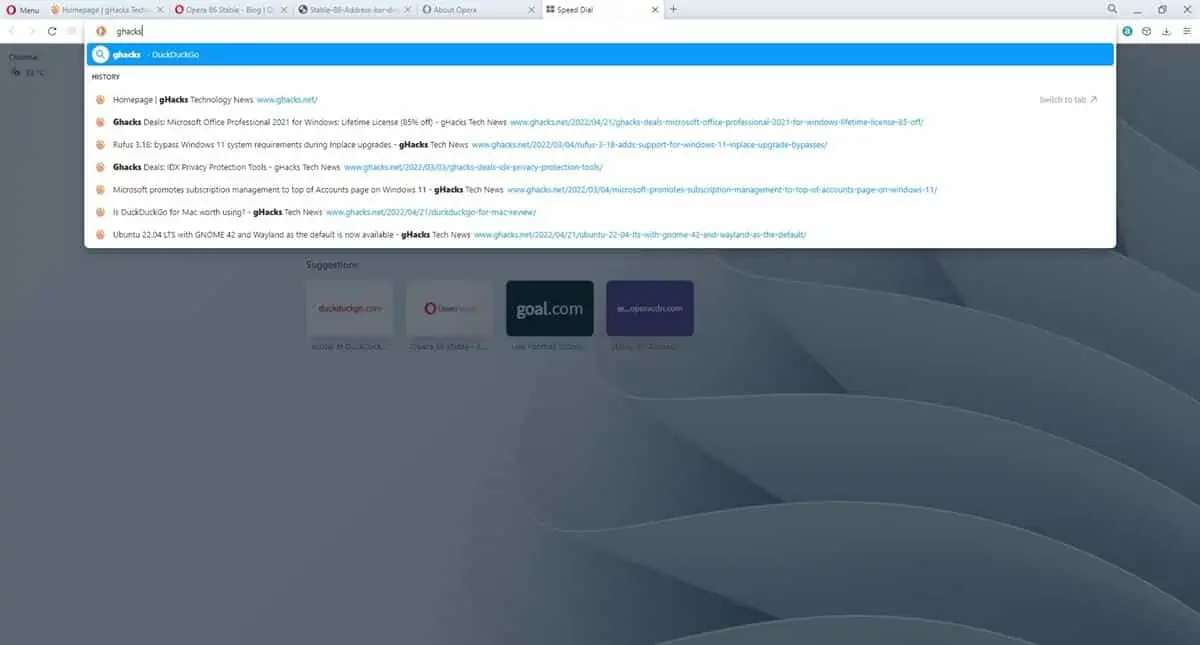
Opera 86 brings URL categories in Address Bar, Text Snapshot and Crop Tool
Opera browser has been updated to version 86 in the stable channel. The patch brings a refined address bar, and a couple of useful additions to the application's built-in screen capture utility. […]
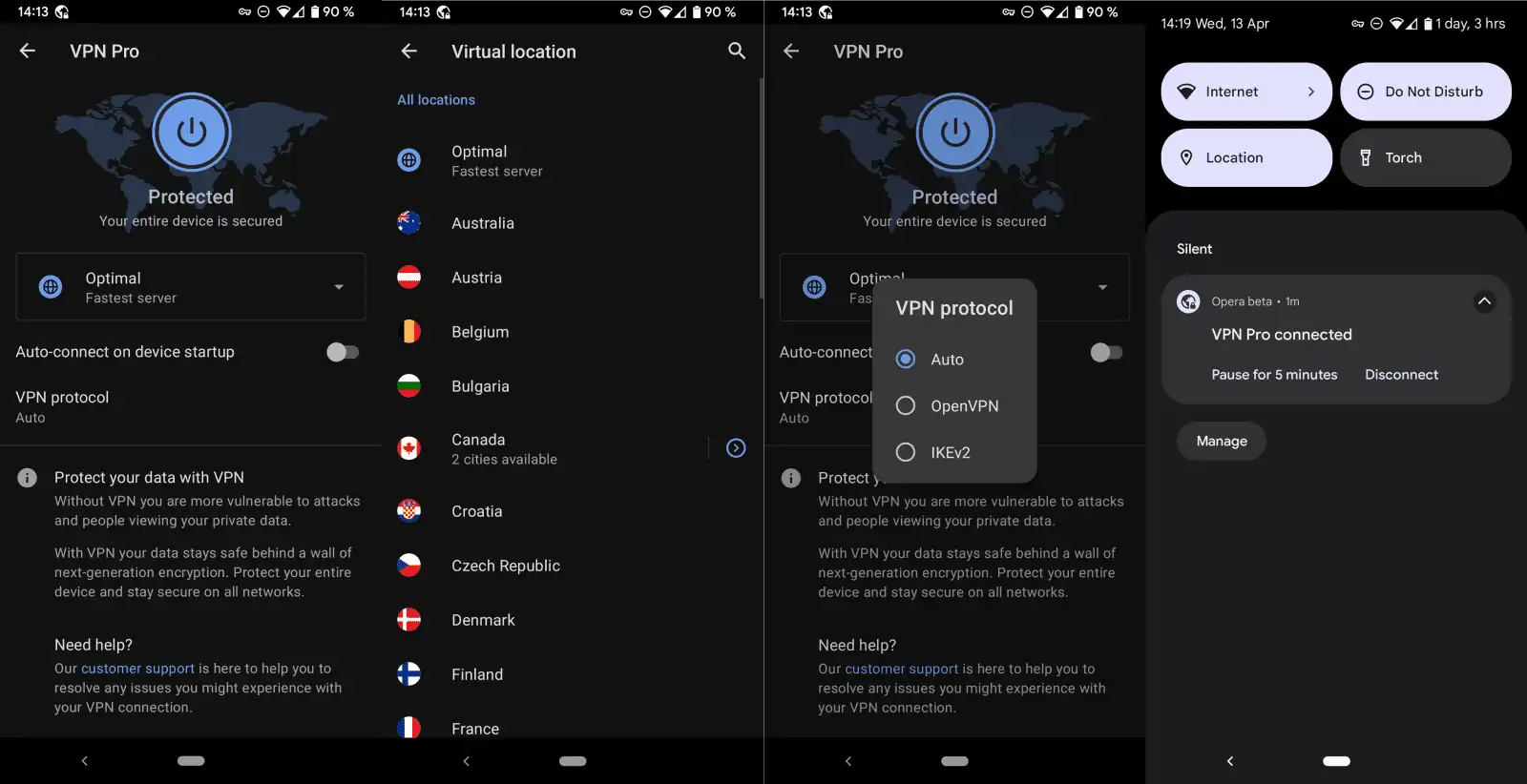
Opera Software launches Opera VPN Pro for Android
Opera Software, best known for its Opera web browser, launched the commercial VPN service Opera VPN Pro for Android this month. Opera Software's browsers include built-in VPN functionality that is free to […]

Opera GX introduces Video Pickup to sync video timestamps, and GX Profiles for muting tabs, deleting data on exit
Opera has added two features, called GX Profiles and Video Pickup, to its gaming-centric browser, Opera GX. The company has been making impressive strides to improve the video experience with Automatic Video […]
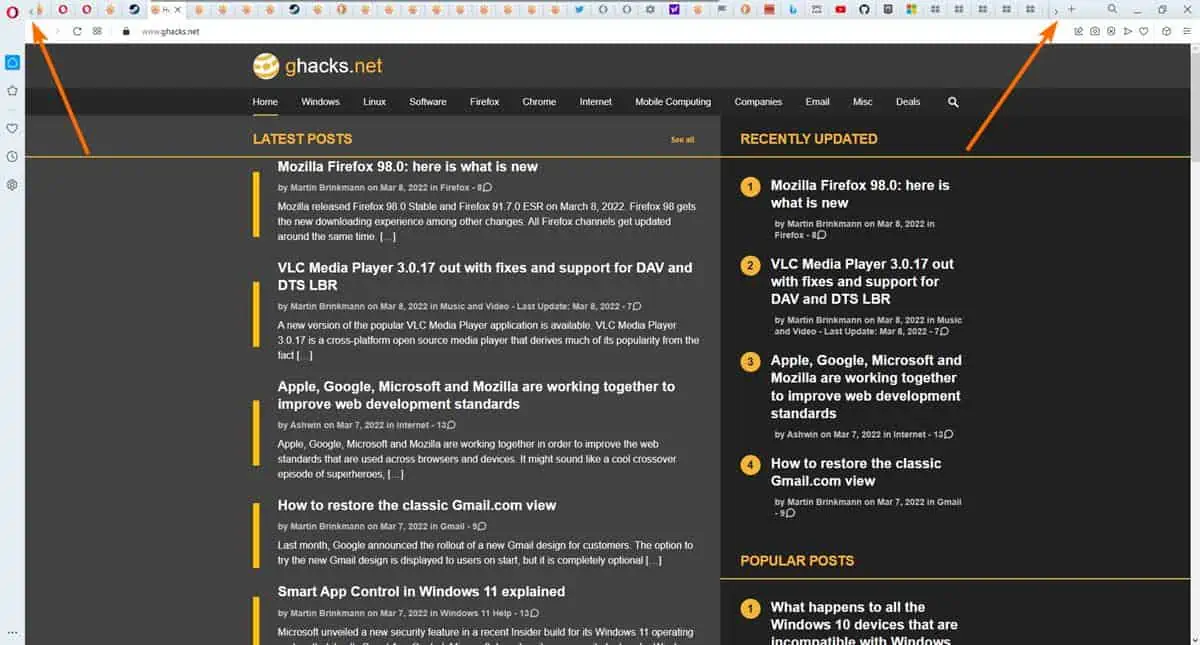
Opera 86 dev channel update adds support for horizontal tab scrolling
The latest version in the Dev channel of Opera browser, version 86, adds a new way to navigate through your tabs. This maybe useful for users who are in the habit of […]

Opera 84 final is out with Paste Protection
Opera Software released Opera 84 to the stable channel on February 16, 2022. The new version of the Chromium-based web browser introduces the new protective feature Paste Protection. Opera updates automatically by […]

Opera warns YouTubers about scammers pretending to represent the company to promote Opera GX
Opera has warned YouTube content creators that scammers are using its brand name in a phishing mail campaign. This is a pretty common trick used by attackers to fool users into believing […]

Opera browser will automatically pop-out videos when you switch to a different tab
The Opera 83 update is being rolled out to users in the stable channel. This version introduces a new feature called, automatic video pop-out, aka picture-in-picture mode. It is a useful option […]

Opera Browser gets Paste Protection feature
Opera Software introduced a new security feature called Paste Protection in the latest Opera 84 Developer update. It is designed to protect content that is in the clipboard. Clipboard content may contain […]

Opera GX is now available on the Microsoft Store
Opera browser made its Microsoft Store debut, alongside Yandex browser, when the new Store experience was announced by the Redmond Company in September. Last month, Mozilla joined the competition by releasing Firefox […]

Opera integrates its own streaming service Loomi into its browser
Opera Software released a new stable version of its web browser Opera, version 82.0.4227.33 to the stable channel, and with it comes the integration of Loomi, an online streaming service by Opera. […]

Opera Browser adds support for video call popouts and Pinboards
Opera Software released a new version of its Opera web browser for the desktop today. Opera R5, that is the codename of the browser, introduces support for video call popouts and the […]

Opera GX Mobile Beta for Android and iOS released
When Opera Software launched its new Opera GX web browser last year, it did so only for desktop operating systems and not mobile operating systems. Opera GX turned out to be quite […]

Opera browser gets Spotify, Apple Music and YouTube Music support
Opera Software released a new version of the company's Opera desktop browser to the public today. Opera 72.0 Stable is all about music, or more precisely, integrating some of the most popular […]

Latest Opera GX update introduces File Cleaner and new Color Themes
Opera Software released a new version of the company's Opera GX web browser on October 27, 2020 to the public. The new version of the browser is already available as an in-browser […]

Opera adds sidebar Music Playback to Opera Browser for Spotify, Youtube and Apple
Opera Software released a new Developer version of its Opera web browser yesterday. The new version introduces support for music playback from the browser's sidebar. Opera Developer is the cutting-edge development version […]

Opera browser gets improved sync and other new features
Opera Software released a new version of the company's mobile web browser for Google's Android operating system and a new desktop version of the web browser today. The main reason for the […]

Opera GX browser may play background music now
Opera GX is an experimental web browser by Opera Software that is described specifically as a gaming browser. The design of the browser and some of its functionality are designed for gamers […]

Opera Software publishes Opera 70 for the desktop
Opera Software released Opera 70 for all supported desktop operating systems -- Windows, Linux and Mac OS -- this week. The new version of the web browser comes with tab searching improvements, […]

Opera GX 68 brings Discord support and hot-tabs killer feature
A new version of Opera Software's experimental Opera GX web browser for gamers was released today. The new version includes Discord support and a new feature that Opera Software calls hot-tabs killer. […]
