

Linux
The Linux category features news, reviews, software, tutorials and everything else of interest to existing and future Linux users. Linux systems are called distributions of which there are plenty. A couple of popular ones are Ubuntu, which is probably the most popular system right now, Linux Mint, Debian or OpenSuse.
Latest Posts
See allCanonical: up to 12 years of support for Ubuntu 24.04 LTS
Ubuntu 24.04 LTS is expected in April 2024. The new long-term service support release of the popular Linux distribution may receive up to 12 years of support. The extended support range was […]
Linux Mint 21.3 is now available with experimental Wayland support
Linux Mint 21.3 is the third and final point update for the Linux Mint distribution. The developers of Linux Mint have released the new version of the popular Linux distribution today. Announced […]
Lan Mouse: open source cross-platform mouse and keyboard sharing software
Lan Mouse is an open source program for Windows, Linux and macOs that allows users to control multiple devices using one mouse and keyboard. Development focus is on Linux and the versions […]
Ubuntu 23.10 released with new Ubuntu App Center and security improvements
Canonical released Ubuntu 23.10, codename Mantic Minotaur, to the public. The new release of the Linux distribution introduces a large number of changes, including an upgrade to Linux kernel 6.5, a new […]
Linux Mint
See all articles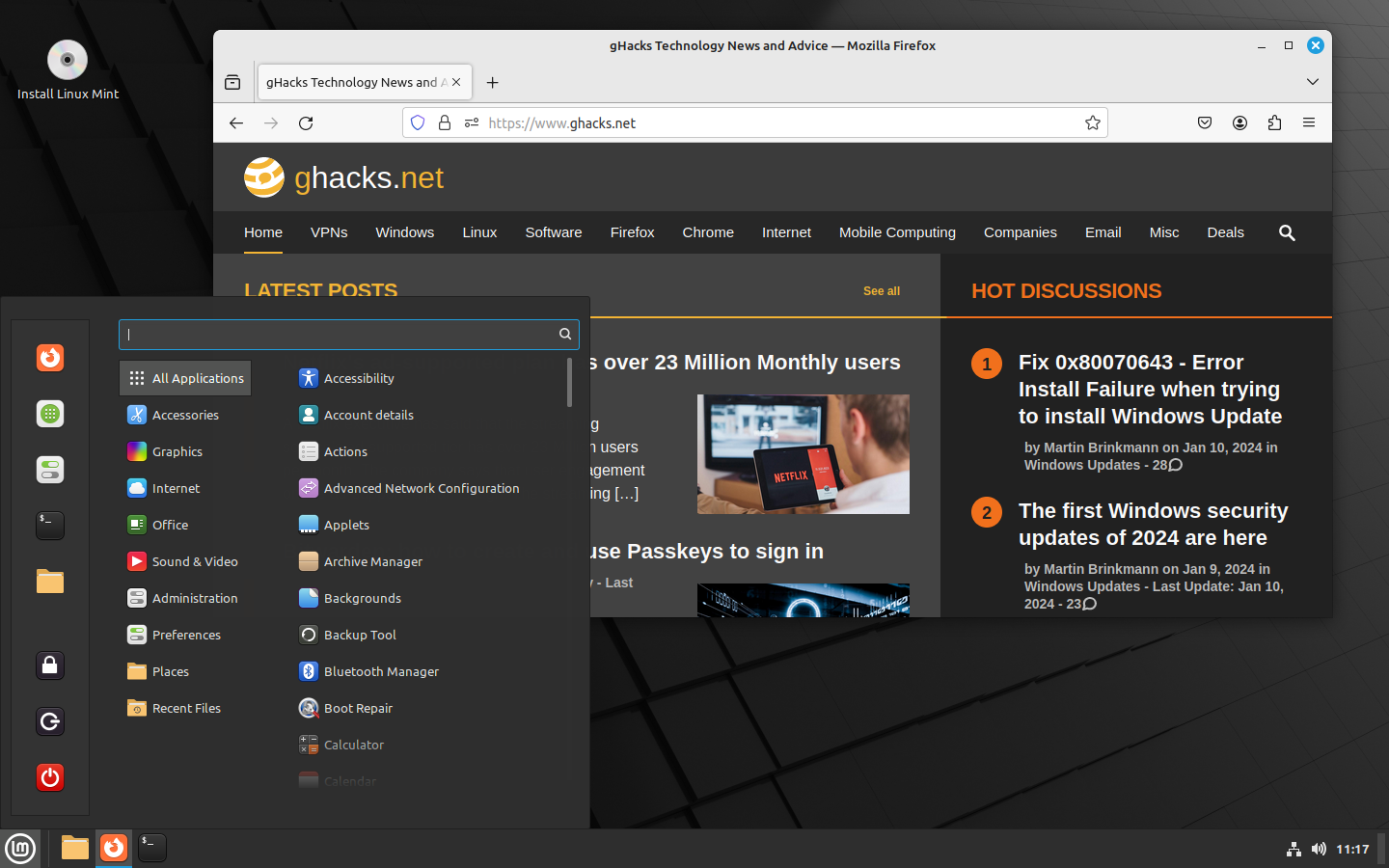
Linux Mint 21.3 is now available with experimental Wayland support
Linux Mint 21.3 is the third and final point update for the Linux Mint distribution. The developers of Linux Mint have released the new version of the popular Linux distribution today. Announced […]
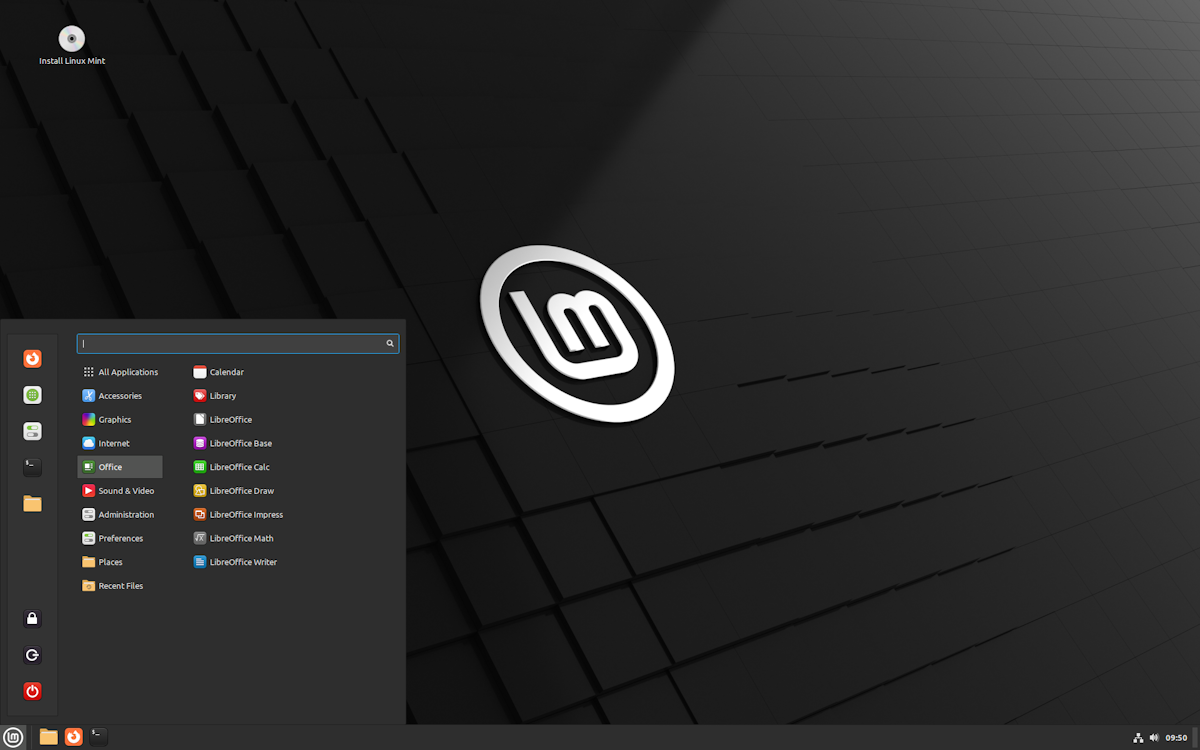
Linux Mint 21.2 has been released: here is what is new
A new version of the popular Linux distribution Linux Mint is available. Linux Mint 21.2 is available on download servers, but the official website has not been updated to announce the new […]

Tired of Windows? Here is how to try Linux Mint
Linux Mint is a well-known Linux distribution that offers users the chance to try it before they install it. In this guide, we will explain how to try Linux Mint and, if […]

Linux Mint 21 to 21.1 upgrades are now available
The Linux Mint development team released a new version of the popular Linux distribution earlier this week. Linux Mint 21.1 is a long term support release, just like Linux Mint 21. The […]




Explore More
-
 Windows 10 updates download faster now by Martin Brinkmann on 04/25/2024
in Windows 10 -
 How to turn off App Promotions in Windows 11's Start Menu by Martin Brinkmann on 04/24/2024
in Windows 11 Help -
Windows 11 24H2 won't boot if the PC does not support this CPU feature by Martin Brinkmann on 04/23/2024
in Windows 11 News
