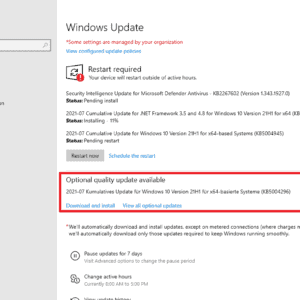
Microsoft has decreased the size of updates for Windows 10 significantly, which means that they will download faster now. Back in 2021, Microsoft announced that it has cut the size of updates […]

Microsoft has decreased the size of updates for Windows 10 significantly, which means that they will download faster now. Back in 2021, Microsoft announced that it has cut the size of updates […]

Starting next month and available as a preview right now, Windows 11's Start Menu will show promotions for certain apps. This time, advertised apps will show up in the recommended section of […]
Microsoft is changing the system requirements of the upcoming Windows 11 24H2 feature update. When Microsoft released Windows 11, it changed the minimum system requirements significantly. This locked out millions of Windows […]

Ecosia, the eco-friendly search engine, celebrated Earth Day by launching its web browser for desktop operating systems. The Ecosia browser is available on Windows and macOS. The German company says that the […]

Microsoft launched Microsoft Store installers for web over the weekend to improve Microsoft Store application installs. The feature improves the process of downloading and installing apps like Microsoft PC Manager from the […]

Windows 10 users who sign in using local accounts may see Sign in to your Microsoft account nags when they open the Settings app. The functionality is rolling out in release preview […]

Brave Search's new Answer with AI feature is now available. The feature replaces AI Summarizer, which was used on Brave Search previously to provide summaries based on user queries. In a nutshell: […]

The popular retro-Nintendo emulator, Delta, is now officially available on the App Store. In case you missed it, Apple recently announced that the App Store now allows game emulators for retro game […]

It is April 2024. The deadline for compliance with the Digital Markets Act was in March 2024. Still, even with all the latest updates installed, I cannot uninstall Microsoft Edge from any […]

Mozilla is set to release Firefox 125 to the stable channel today. The update brings a handful of improvements, including support for text highlighting in PDFs, Tab Indicators in Firefox View. Update: […]

Google just announced that it is intensifying its fight against adblockers on YouTube. The message was posted to the official YouTube support website. The writing was on the wall. Reports about changes […]

About six years ago, vulnerabilities were discovered that affected most Intel and AMD processors. The vulnerabilities, Spectre and Meltdown, can be exploited to read sensitive data from attacked computer systems. Intel released […]

Microsoft's Windows 10 operating system has about 18 months of official support left. Customers may further extend support by up to three years, but this comes at a cost. Now, Microsoft is […]

Soon, all users of the photo viewing and editing app Google Photos may use a number of AI tools to edit their photos. Google announced yesterday that the three AI tools Magic […]

Proton has announced that it has completed the acquisition of the encrypted note-taking app, Standard Notes. The company says that the privacy-focused Proton has been expanding its portfolio steadily overtime, evolving from […]
A fundamental shift happened in the development of the Windows operating system in recent years. Some say it started during the development of Windows 11, Microsoft's newest operating system. Others suggest that […]
The April 2024 security updates for Windows are now available. Microsoft released the security updates for all supported Windows versions and also other company products on today's Patch Day. Our overview helps […]

Forget grainy footage and shaky home videos, the Online world is currently craving for crisp and high-quality visuals! That's where Winxvideo AI comes in, wielding the power of artificial intelligence to transform […]

As the Internet becomes a stage for sophisticated threats and unwelcome surveillance, online privacy and security have become a priority for Internet users everywhere. With every click, search, or visited website, your […]

Google has launched its improved Find My Device network in the U.S. and Canada. The technology is quite similar to Apple's Find My service. Android's Find My Network is a crowdsourced network, […]
Microsoft has decreased the size of updates for Windows 10 significantly, which means that they will download faster now. Back in 2021, Microsoft announced that it has cut the size of updates […]
Starting next month and available as a preview right now, Windows 11's Start Menu will show promotions for certain apps. This time, advertised apps will show up in the recommended section of […]
Microsoft is changing the system requirements of the upcoming Windows 11 24H2 feature update. When Microsoft released Windows 11, it changed the minimum system requirements significantly. This locked out millions of Windows […]
Microsoft launched Microsoft Store installers for web over the weekend to improve Microsoft Store application installs. The feature improves the process of downloading and installing apps like Microsoft PC Manager from the […]

Ubuntu 24.04 LTS is expected in April 2024. The new long-term service support release of the popular Linux distribution may receive up to 12 years of support. The extended support range was […]
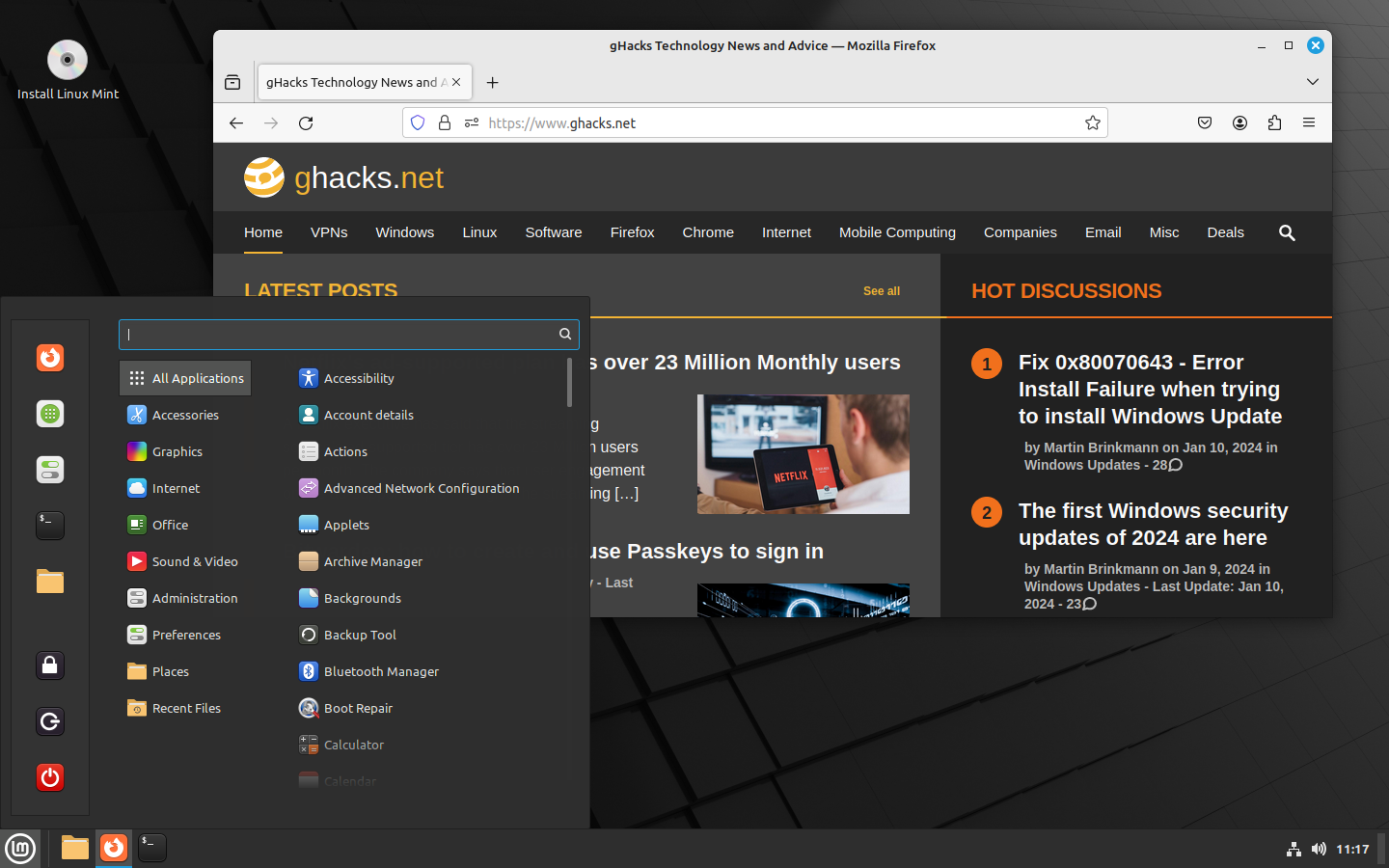
Linux Mint 21.3 is the third and final point update for the Linux Mint distribution. The developers of Linux Mint have released the new version of the popular Linux distribution today. Announced […]

Lan Mouse is an open source program for Windows, Linux and macOs that allows users to control multiple devices using one mouse and keyboard. Development focus is on Linux and the versions […]
Canonical released Ubuntu 23.10, codename Mantic Minotaur, to the public. The new release of the Linux distribution introduces a large number of changes, including an upgrade to Linux kernel 6.5, a new […]
About six years ago, vulnerabilities were discovered that affected most Intel and AMD processors. The vulnerabilities, Spectre and Meltdown, can be exploited to read sensitive data from attacked computer systems. Intel released […]

KeePassXC has been updated to 2.7.7. The latest version of the open source password manager adds support for Passkeys, and has gained the ability to import your vault data from Bitwarden. Passkeys […]

It took Malwarebytes nearly five years to release the next iteration of its Malwarebytes security program. Malwarebytes 5.0 is available now for all supported operating systems (Windows, Mac, iOS, and Android). Malwarebytes […]

A new malware called RustDoor is targeting macOS users. The malware has been undetected for 3 months, and poses as a Microsoft Visual studio Update. The malware was discovered by Bitdefender. A […]
The popular retro-Nintendo emulator, Delta, is now officially available on the App Store. In case you missed it, Apple recently announced that the App Store now allows game emulators for retro game […]
Google just announced that it is intensifying its fight against adblockers on YouTube. The message was posted to the official YouTube support website. The writing was on the wall. Reports about changes […]
Soon, all users of the photo viewing and editing app Google Photos may use a number of AI tools to edit their photos. Google announced yesterday that the three AI tools Magic […]
Google has launched its improved Find My Device network in the U.S. and Canada. The technology is quite similar to Apple's Find My service. Android's Find My Network is a crowdsourced network, […]