
TooManyTabs For Chrome Improves Tab Management

TooManyTabs is a browser extension for Google Chrome that improves tab management in the web browser by displaying all in an overlay on the screen.
If you have a lot of tabs open in the Chrome web browser, you will notice at one point that you cannot see the favicons (the website specific icons) anymore in the browser's tab bar.
That's a problem as it is no longer possible to identify the websites that are open in Google Chrome.
Take a look at the screenshot below to see what I mean. The limit varies depending on the width of the Chrome window and the resolution of the computer monitor.
If you look at the Firefox web browser, you will notice that its developers have added a minimum tab width in the browser to avoid this issue, and that scrolling is being used instead.
TooManyTabs
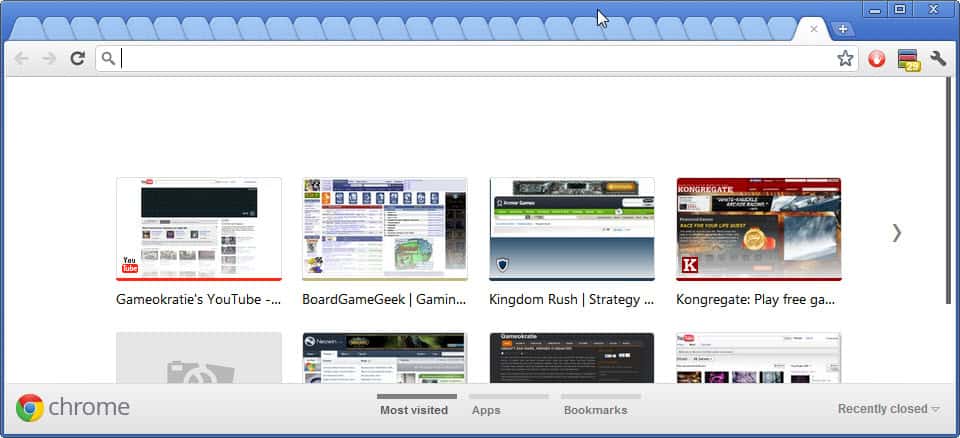
Back to the Chrome browser. The only viable options for Chrome browser users are to either limit the tabs that they open at the same time in the browser, or to install a tab management extension that provides alternate means of identifying and working with tabs in the browser.
The TooManyTabs extension for Google Chrome is one of the most popular Chrome extensions. Here is a video that showcases the tab management extension's primary features.
The extension adds a single icon to the Chrome address bar. You can click on that icon at any time to display an overlay of all open tabs in the browser.

Each tab is displayed with its page title and a thumbnail screenshot of the actual web page. Sorting options are available at the top to sort by name, web address or creation time. If you have many tabs open you may also find the search function helpful as you can use it to narrow down the tab listing if you want to find specific websites.
A left-click on a thumbnail or title switches directly to the tab so that it becomes the active tab in the browser.
The right sidebar menu displays a list of suspended and recently closed tabs which can be restored with a single click of the mouse. It is furthermore possible to suspend tabs with a click on the arrow icon in the interface. The benefit here is that suspended tabs do not use memory or cpu cycles.
TooManyTabs is a handy Google Chrome extension for power users who often have dozens if not hundreds of open tabs in the browser. The extension can be installed directly from the official Chrome web store.


















I can’t understand why the pinheads at google can’t implement a customisable tab width.
I agree the browser is over rated and still needs a lot of work.
I use auto-hide tabbar user style addition so that my tab bar (managed by Tab Mix Plus) only shows 100 pixels at the bototm, unless I mouse over it. Then it pops up and shows my 50 odd tabs.
The code looks like this:
@namespace url(http://www.mozilla.org/keymaster/gatekeeper/there.is.only.xul);
#main-window .tabbrowser-strip {
height: 10px !important;
overflow: hidden !important;
}
#main-window .tabbrowser-strip:hover {
height: 100% !important;
}
Interesting, thanks for posting. Style is always better than running add-ons for that.
Totally agree with Yoav.
To just start Chrome with 5 tabs freezes to a halt with that awful “ah snap” window that announces the browser is hanging.
I can’t understand what all the hype about Chrome is really.
I start Firefox with 30 groups and about 1000 tabs (mostly offline) (Tab Group Manager+Bartab) with no problem.
Last week I removed Chrome all together since I had it enough with that googleupdate process constantly running.
I can’t even get that far – if i have about 10 tabs open then google chome screeches to a halt. It is by far the worst browser I have used ( I also use firefox and opera).