
Chrome Plus Is A Custom Chrome Build With Extra Functionality

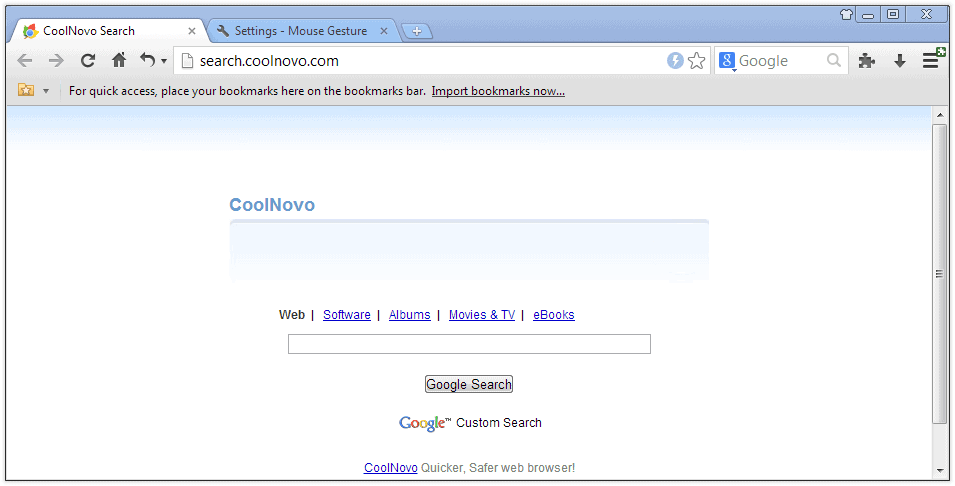
Skilled programmers can use the Chromium code to build their own version of the Chrome web browser, which is referred to as creating a fork. That's how the Chrome Plus project started.
The developer's have taken the default build of the Google Chrome web browser and have added extra functionality to it. Chromium Plus offers five additional features next to the full feature list of the Google Chrome 3 web browser.
These five features add mouse gestures, super drag, IE tabs, download tool support in context menus and double-click functionality to close pages to the web browser.
Since they have been built-in natively, you can make use of them directly without installing extensions or programs.
All options are accessible from the Chrome option's page that has been expanded and is now offering access to Chrome Plus options in an extra tab.
Super Drag is an interesting new option to open links by dragging them. These links can either be opened in the foreground or background.
Mouse gestures and double-clicking tabs to close them are pretty self-explanatory. Available mouse gestures include navigating back and forward, switching to tabs, closing tabs or launching a page up or down command. Holding the right-mouse button and dragging the mouse in available directions will trigger the commands.
Custom builds often offer improvements in performance or functionality. Their main downside on the other hand is the time it takes to "follow" the builds of the official developers. It usually takes additional time to react on the latest builds that are provided by the Chrome developers which can sometimes be problematic (e.g. when security updates are issues).
Chrome Plus can be downloaded from the developer's website.
Update: Chrome Plus has been renamed into Cool Novo.
Update 2: Cool Novo is still being updated and available for Mac, Linux and Windows operating systems. Please use the updated link and not the original link anymore. The browser receives regular updates, at least one a month.
Cool Novo has received additional features in recent time. It is for instance possible to switch the browser engine from Chrome to Internet Explorer. Other features include accelerators, keyboard shortcuts including a boss key, and a second search form in the main toolbar that you can use independently of the address bar.
What you also need to know is that it uses a custom search engine by default. You can change it however in the options to another another search provider.
Advertisement















Wow! That “IE Tabs” feature is a good one! I don’t know what version(s) of IE is supports, but if it supports IE6, companies could move to Chrome/ChromePlus & still access their legacy IE6 websites/apps.