
Wyzo an alternative to Bittorrent clients?

I think I heard about Wyzo the first time on Techcrunch and thought to myself at that time that no one would need support for downloading torrents in a browser, considering that specialized tools are available that offer much greater functionality.
But then it occurred to me that this approach would benefit many users, especially those who have never heard of torrent clients or torrents, or always thought that the configuration of these clients was too complicated.
Instead of installing and configuring a Bittorrent client, users would simply use the Wyzo browser to browse and download Bittorrent files. Wyzo is basically a fully working Firefox browser with integrated Bittorrent support.
Wyzo
Torrent downloads are handled by Wyzo internally, and are displayed in the download manager like any other download.
Advanced options are available that you can use to customize the experience further. You can set download and upload limits, proxies and change the default listening port. There are not that many options as in Bittorrent clients such as uTorrent but it should be sufficient for most users.
The biggest advantage is that it works out of the box and that there is not really the need to configure the settings unless you want to limit the upload or download speed of the client.
Firefox users may prefer to download the FireTorrent add-on for Firefox which adds the same support to Firefox without the need to download the Wyzo browser.
I personally would stick with external clients because of the advanced options that they provide but I can see the use of Wyzo. The major drawback in my opinion is that many users would not want to download yet another browser just to be able to download torrent files directly.
And there is always the alternative to use Opera instead which comes with build in Torrent support.
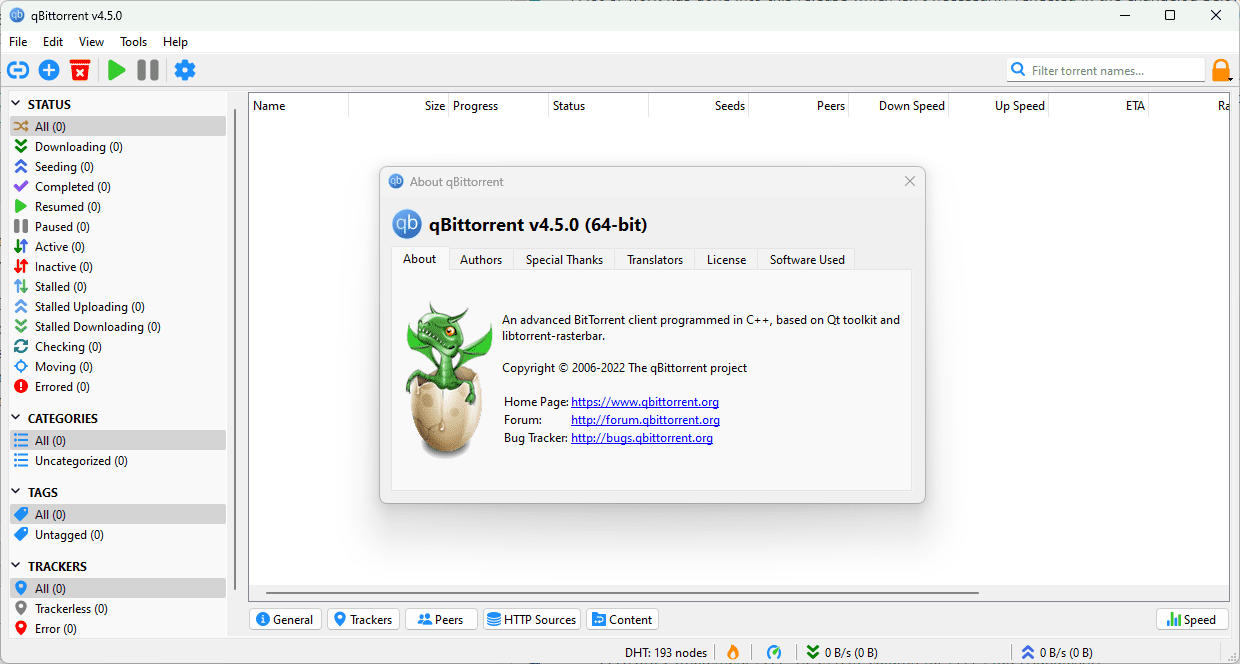
Update: Wyzo is no longer available. You can use the BitTorrent Surf extension for Firefox instead to add support for downloading torrent files or magnet links using the web browser.
It detects new torrent sites automatically when you visit them, and offers to add them as a new search provider. You can then use it to search on those sites, and download all torrent files that you find from within Firefox.
I had little luck downloading torrent files directly when I left-clicked on them though. This may be a browser configuration issue, or not possible, I do not know.

















Old, no updates and biggest issue for me is that, You can’t throttle the download speed, you can set it to 5096 Kb/s which = to 1/2 a Mega Byte, that’s about it, other wise you have to set it to unlimited which can suck to much bandwidth affecting your regular web surfing.
Unfortunately, most bittorent clients are being watched by major companies. Utorrent is definitely being scanned by Warner Brothers.
uTorrent 1.6.1 build 490 for LIFE. :D Or until every mal-informed, paranoid tracker admin finally caves to pressure from Firon to upgrade to whatever mostly broken new version.
Tee hee. :)
OT: This is good for granny to grab crap off of TPB, not much else, as stated before. Can’t see private trackers supporting such a client, ever.
Opera supports bittorrents out of the box as well…
Well for someone who knows how to use torrents properly it would be a waste of time to use this. Especially if if they frequent private trackers since most only allow azureus and utorrent.
though for those who knows nothing about torrents it would definitly help them out as long as they keep to public trackers.
Well I would not use it if you know how to handle Bittorrent clients like uTorrent. I don’t like the fact that you need another browser and have to keep it open all the time until the download finishes.
The firefox extension could work but I still prefer an external client with additional settings.
Think it’s better than μtorrent then?