
Change the Source Viewer in IE, Firefox and Opera

The default source viewer for all browsers mentioned in the title is not always the best suited application as it lacks functionality and may even cause issues sometimes.
Mozilla Firefox is displaying the source in a new stripped down Firefox window, Microsoft's Internet Explorer is using Notepad and Opera is displaying it in a new Opera tab.
All three methods of displaying the source code are not overly comfortable, even though Firefox and Opera highlight code elements for better visibility.
I prefer to use a software like Notepad++ or a real source viewer to display the sources of websites. The default source viewer can be changed in all three browsers, so here is how you would do that.
Firefox
Two changes have to be made to the Firefox configuration to add an external source viewer. Load about:config in the address bar and filter the results for view_source.
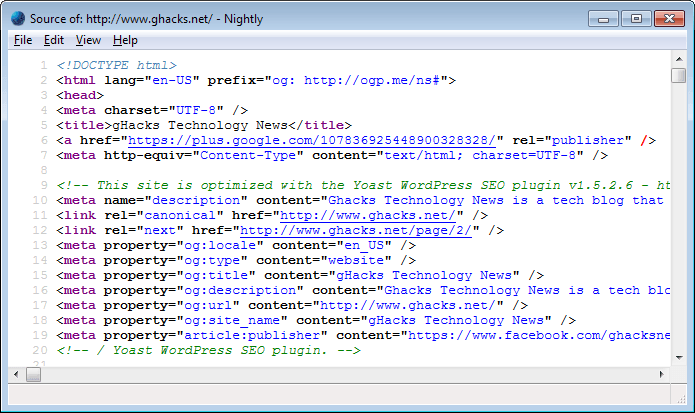
View_source.editor.path is the first setting that you need to modify. Type the full path of the source viewer that you want to use, for example "c:\apps\notepad++.exe". Double-click view_source.editor.external afterwards to set this value to true. The new source viewer will be used after the next restart of the browser.
Opera
Please note that this works only for Opera versions prior to 15. There is currently no option to change the source code viewer in Opera 15+.
Opera makes it a little bit easier. Click on Tools > Preferences. In the new menu on the Advanced tab and there on Programs in the left menu. Click on the Edit button next to "Choose Application for viewing source". Check "Open with another application" and browse to that application on your hard drive. Changes take effect immediately.
Internet Explorer
Changing the default source viewer in Internet Explorer is only possible by editing values in the Registry. Open the Registry with the shortcut Windows-R to load the run box. Type regedit in the run box and hit enter. Navigate to the key HKEY_LOCAL_MACHINE\SOFTWARE\Microsoft\Internet Explorer and create a new key called "View Source Editor".
Create another key below View Source Editor and name it "Editor Name". Now change the default value to the path to the source editor that you want to use from now on. Changes will become active after a restart of Windows.
Update: All modern web browsers ship with development tools that you can use to display a page's source as well. Here is how you open that in the most popular browsers of today:
- Firefox: Press F12
- Opera: Use Ctrl-Shift-I
- Chrome: Use Ctrl-Shift-I
- Internet Explorer: Press F12
















thanks
firefox worked like a charm!
Thanks for the hint. Do you know how to replace the partial source view window with an editor of choice?
At times I would like to edit the souce-code in captured scrapbook-files.
it was just what i was looking for right now and a very useful bit of information for me. thank you.
Thanks for that one Martin. Very handy. I too prefer the idea of using Notepad++ instead of the Firefox default